
AI features are cheap to build and expensive to run once people start using them.
MicroLLM is a service that tries to fix that. It bills itself as "Stripe for LLMs." Here's how it works and where it falls short.
Details here come from MicroLLM's own site, which describes an early alpha. Check microllm.dev for the current status.
The short version
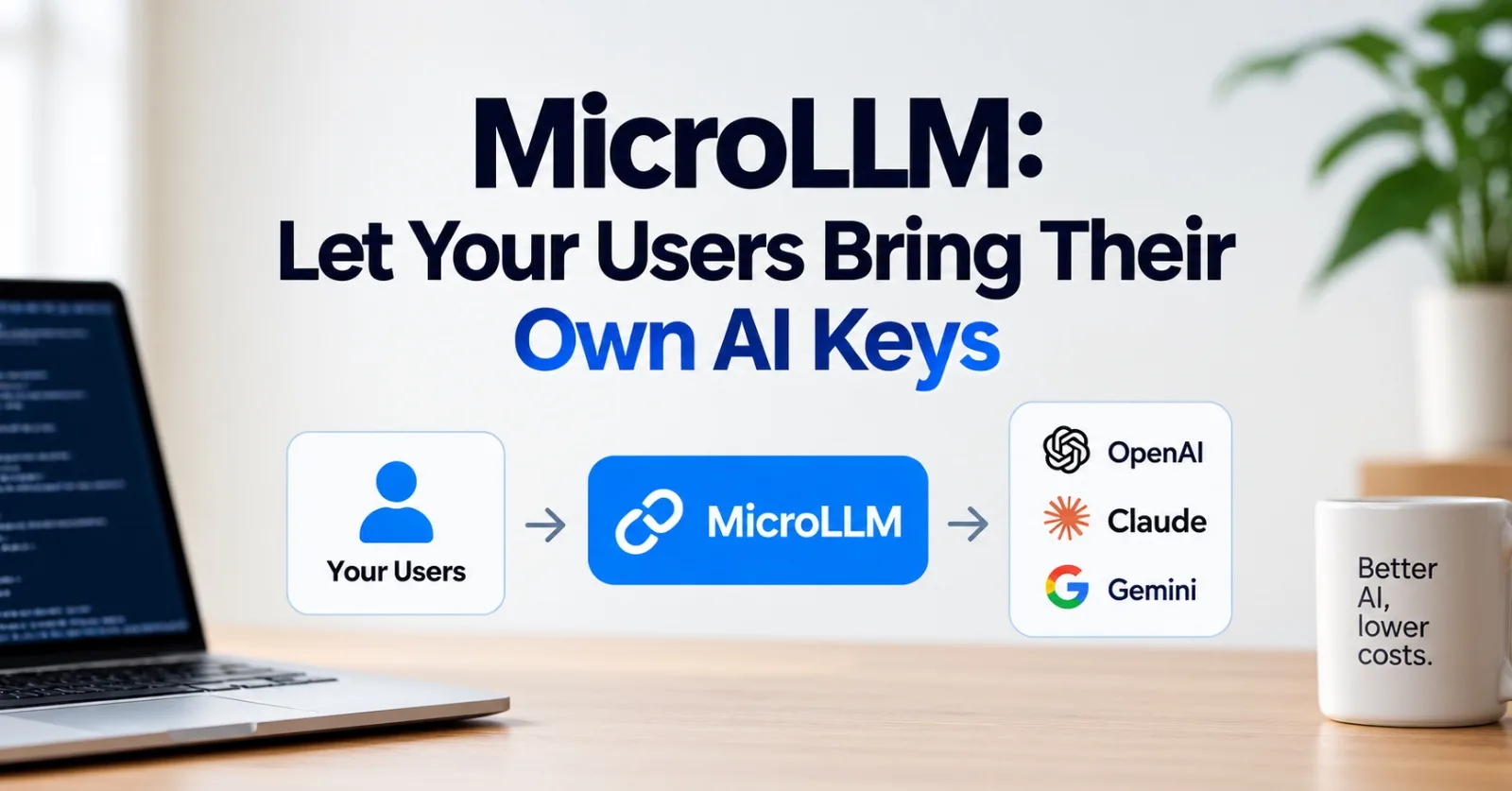
MicroLLM lets your users connect their own AI provider keys, such as OpenAI or Claude.
Their usage is billed to them, not to you.
According to MicroLLM, your app never sees or stores their keys.
You add a few lines of code and a "Connect" button.
The problem
The usual story: you launch with a free tier, people use it, and the token bill keeps growing.
Developers tend to pick one of these:
Absorb the cost and hope it stays small.
Add rate limits that make the product feel worse.
Build billing, key management, and a proxy, which is a lot of work for a side project.
Users have a problem too. Some apps ask you to paste your OpenAI key into a web page, which means trusting that page with a credential that can run up a bill on your account. And you'd do it again for every new tool.
What MicroLLM does
MicroLLM sits between your app and the user's AI provider.
A user connects their API key to MicroLLM once. MicroLLM keeps it and gives the user a token for each app. That token is not the API key. It's a stand-in.
When the user sends a prompt, your app passes it to MicroLLM along with the tokens. MicroLLM makes the request with the user's key and sends the answer back.
The comparison to Stripe is about the pattern. Stripe moves payments without your app touching card numbers. MicroLLM aims to move AI requests without your app touching API keys.
How a request flows
sequenceDiagram
    participant U as User
    participant A as Your app
    participant M as MicroLLM
    participant P as AI provider
    U->>M: Connect API key once
    M-->>U: App-specific user token
    U->>A: Add token, send prompt
    A->>M: Prompt + service token + user token
    M->>P: Request using the user's key
    P-->>M: Response
    M-->>A: Response
    A-->>U: Result
Traditional setup vs MicroLLM
flowchart LR
    subgraph Traditional
        T1[User] --> T2[Your server holds your API key]
        T2 --> T3[Provider bills you]
    end
    subgraph MicroLLM
        M1[User] --> M2[Your app]
        M2 --> M3[MicroLLM relay]
        M3 --> M4[Provider bills the user]
    end
Traditionally you hold the key and pay the bill. With MicroLLM, the user does both.
For developers
Integration has four steps:
flowchart TD
    A[Get a service token from the dashboard] --> B[Add the SDK call to your backend]
    B --> C[Add a Connect button to your app]
    C --> D[Users connect their own keys]
    D --> E[Requests run on their accounts]
The site shows a Python SDK, installed with pip install microllm. The call looks like this:
import microllm

reply = microllm.call(
    prompt="Summarize this article in two sentences",
    service_token=YOUR_SERVICE_TOKEN,
    user_token=current_user_token,
)
The service token is yours, issued from the dashboard. The user token comes from the user and links to the models they've connected.
The Connect button sends people to a MicroLLM page tied to your app, where they link their keys.
What you skip: storing keys, building billing logic, rate-limiting to protect your budget, and running a proxy.
For users
Think of it as a wallet for your AI keys. The flow has four steps:
Find a "Connect with MicroLLM" button in a supported app.
Sign in to MicroLLM and register your AI models, usually by adding your keys.
Choose the models the app can use. MicroLLM issues a token for that app.
Paste the token into the app and start using it.
The app gets a token, not your key.
The security model
MicroLLM describes its approach as zero-trust. The main claims:
Keys are encrypted and stored in Azure Key Vault.
Keys never pass through the developer's servers.
Connections are encrypted and authenticated.
Prompts and responses are not logged or stored.
These are the company's statements, not something this post has tested. One line on the site says users "connect directly" to their providers, while the rest of the copy describes a relay. Ask MicroLLM how requests are actually routed, and how the claims above are enforced and audited.
Who it's for
Indie developers and side projects. You can launch without worrying that a popular week turns into a big bill.
SaaS products. Offer full-strength AI features without rationing them to control spend.
Enterprise teams. The site lists this as a target, though the early focus is indie developers and early-stage SaaS.
Users of niche AI tools. Some apps only exist because the developer doesn't have to pay per request.
Providers
The alpha was described as supporting OpenAI and Claude keys through the Python SDK. The site's copy also mentions Gemini, and a waitlist form says Gemini is next. Check current support before you build around it.
Where it came from
MicroLLM's creator, Song, maintains Co-op Translator, an open-source Azure project. The tool used expensive AI services but had no billing system.
The first fix was asking users to paste their own keys into the browser. That worked, but it raised trust issues and got tedious. A command-line version with local environment variables was safer, but it still left users managing keys for every tool.
The question that led to MicroLLM: what if you connected a key once and used it everywhere?
Things to think about
A relay means a third party is in the path. The site says nothing is stored, but you're still trusting MicroLLM with the connection. That's the same trust question as any payments or auth provider.
Your users need API keys. That's fine for developers and power users. It's a real hurdle for a general audience.
You lose direct control over the model. Users pick their own models and pay their own bills, so quality and cost vary from person to person.
You'll need another way to make money. If token markup was your revenue, BYOK removes it. You'd charge for the app itself.
Should you use it?
flowchart TD
    A{Are token costs blocking you?} -->|No| Z[Keep paying for tokens yourself]
    A -->|Yes| B{Can your users get and manage API keys?}
    B -->|No| Y[BYOK adds friction. Consider paid plans instead]
    B -->|Yes| C{OK with a third party relaying requests?}
    C -->|No| X[Self-host a proxy, run a small model in the browser, or use direct BYOK in a CLI]
    C -->|Yes| M[MicroLLM is worth a try]
Getting started
Read the site and join the waitlist if access is still gated.
Get your service token.
Add the SDK call to a single feature first.
Add the Connect button and test the whole flow yourself.
Watch how real users handle the key step before you roll it out wider.
Bottom line
MicroLLM's pitch is simple: users hold the keys and pay for their usage, and developers build the product.
It fits best when your users are comfortable with API keys and token costs are your main problem. It's an early-stage service, so check its security and availability yourself before relying on it.
If asking users for API keys is a dealbreaker, the appendix below covers running small models in the browser instead. To follow MicroLLM itself, see microllm.dev.
Appendix: run the model in the browser instead
There's a way to skip API keys and token bills entirely: run the model inside the user's browser tab.
The model downloads once, is cached, and runs on the user's own device. Prompts stay on the device, and it keeps working offline after the first download. The catch is that these models are small, and speed depends on the user's hardware.
The figures below come from recent public write-ups and model listings from mid to late 2026. They vary by device, and this area moves fast, so check each project's current docs before you commit.
Why this works now
The key change is WebGPU. It lets a web page run compute jobs on the graphics card, which is what a language model needs.
Before it, the main GPU option was WebGL, which was built for drawing graphics rather than general compute. WebAssembly, which runs fast compiled code in the browser, only used the CPU, and running a model with billions of parameters is a GPU job.
WebGPU now ships in all the major browser engines:
Chrome and Edge 113 on Windows, macOS, and ChromeOS. Linux from Chrome 144, on newer Intel GPUs only.
Chrome on Android 121.
Safari 26 on macOS and iOS.
Firefox 141 on Windows. Apple silicon Macs got support later. Linux isn't supported.
Samsung Internet 25.
A few rules catch people out:
WebGPU only works on secure pages. That means HTTPS, or
localhost. On a plainhttp://address, it isn't there at all.Firefox doesn't expose WebGPU inside service workers.
WebNN, an API meant to use dedicated AI chips, is still behind a flag and isn't something to build on yet.
The runtimes
Runtime | How it runs | Best for |
|---|---|---|
WebLLM | WebGPU only | Chat, with an OpenAI-style API and many prebuilt models |
Transformers.js | ONNX Runtime Web. WebGPU, with WebAssembly fallback | Chat plus embeddings, speech, vision, and classification |
Chrome Prompt API | Gemini Nano, built into Chrome | Small bundle, no model to ship, Chrome desktop only |
wllama | llama.cpp in WebAssembly, CPU | GGUF models on machines with no usable GPU |
WebLLM. The most direct route to an in-browser chatbot. It exposes chat.completions.create(), so it behaves like the cloud APIs you already know. Version 0.2.85 ships 163 prebuilt model builds, from tiny SmolLM2 up to Llama 2 13B.
It doesn't need special cross-origin headers, and it caches weights in the browser. Run the engine in a web worker so generation doesn't freeze the page.
Transformers.js. Hugging Face's JavaScript library, now on version 4. Use it when chat isn't the whole job. It also handles embeddings, speech recognition, image models, and classifiers.
You choose the GPU per pipeline and pick a quantization level. It falls back to the CPU if WebGPU isn't available. It only runs models that have ONNX weights, a common portable model format.
Chrome's Prompt API. Chrome ships Gemini Nano and exposes it through a LanguageModel interface. It's been stable on the open web since Chrome 148.
Your bundle stays small and there's no big model to host. The limit is Google's hardware gate: a desktop OS, more than 4 GB of GPU memory, and about 22 GB of free disk. Chrome can remove the model if free space drops too low.
It isn't available on Android or iOS, and Firefox and Safari don't offer it. It sits alongside task-specific APIs such as Summarizer and Translator. Google asks developers to accept its prohibited uses policy before using it.
wllama. llama.cpp compiled to WebAssembly. It runs GGUF models, the file format llama.cpp uses, on the CPU, so it's the fallback when there's no GPU. Multithreading needs special cross-origin headers, and very large model files are split into chunks to get around browser limits.
A note on MediaPipe. Google's MediaPipe LLM Inference API is in maintenance mode, with the LiteRT-LM JavaScript API named as its successor. New projects should start elsewhere.
Which runtime should you pick?
flowchart TD
    A[Need a model in the browser] --> B{Chat only, or other tasks too?}
    B -->|Embeddings, speech, vision| T[Transformers.js]
    B -->|Chat| C{Chrome desktop only is fine?}
    C -->|Yes, and no model in your bundle| G[Chrome Prompt API with Gemini Nano]
    C -->|No| D{WebGPU available?}
    D -->|Yes| W[WebLLM]
    D -->|No| L[wllama on CPU, or fall back to the cloud]
Models you can run
In WebLLM (prebuilt):
Qwen: Qwen3 and the newer Qwen3.5 family (0.8B up to 9B).
Llama: Llama 3.2 (1B and 3B), Llama 3.1 8B, and older Llama 2 builds up to 13B.
Phi: Phi-4-mini.
Gemma: gemma3 1B.
Mistral family: Ministral 3B.
DeepSeek-R1 distills: small reasoning-style models.
SmolLM2: from 360M, the smallest of the set.
The project's README also lists older builds, including Mistral 7B, Phi 3, Gemma 2B, and Qwen2. Check the current model list for what's included today.
In Transformers.js (ONNX):
SmolLM2 in 135M, 360M, and 1.7B sizes.
Small Qwen models, such as Qwen2.5 0.5B Instruct.
DeepSeek-R1-Distill-Qwen at 1.5B, used in browser demos.
Newer architectures added in version 4, including GPT-OSS, LFM2-MoE, Olmo3, and FalconH1. Whether a given device can run the larger ones is a separate question.
Gemma 4 support, added in version 4.1.
In Chrome:
Gemini Nano, through the Prompt API.
At the edge of what's possible:
Bonsai 27B. A 27-billion-parameter model from PrismML, built on Qwen3.6 27B and trained natively at 1-bit precision. The 1-bit build is about 3.9 GB. A WebGPU demo on Hugging Face runs it in Chrome, Edge, or Safari, with reported speeds of roughly 8 to 30 tokens per second depending on the GPU. The compression costs the most on tool calling and vision, so it suits chat and code better than agent workflows.
How much memory does each one need?
Two numbers matter. The download is what users wait for once. The GPU memory estimate decides whether the tab runs at all.
Model (4-bit build) | Download | GPU memory estimate |
|---|---|---|
SmolLM2 360M Instruct | 204 MB | 376 MB |
gemma3 1B Instruct | 563 MB | 711 MB |
Llama 3.2 1B Instruct | 695 MB | 879 MB |
Qwen3.5 2B | 1,059 MB | 2,245 MB |
Qwen3 4B | 2,263 MB | 3,432 MB |
Llama 3.1 8B Instruct | 4,517 MB | 5,001 MB |
Qwen3.5 9B | 5,038 MB | 6,433 MB |
In these builds, 4-bit means each weight is stored in four bits. That shrinks the download at a small cost in quality. Estimates assume a 4,096-token context. A few things to know about the builds:
q4f16_1means 4-bit weights with 16-bit activations. It needs a WebGPU feature calledshader-f16.q4f32_1is the fallback for GPUs without that feature.Builds with a
-1ksuffix cut the context window to 1,024 tokens, which saves several hundred megabytes.
A practical rule: about 1B to 3B parameters is the sweet spot, and roughly 8B to 9B is the ceiling. Size the model for the weakest GPU you plan to support, because that machine decides whether the feature works.
How fast is it?
On a MacBook Pro M3 Max, the WebLLM research paper measured 41.1 tokens per second on Llama 3.1 8B. That's about 71% of native speed on the same machine.
In one hands-on test, Llama 3.2 1B in Chrome on an M3 Pro hit about 67 tokens per second at best. Repeat runs ranged from 27 to 67, depending on GPU load.
The first visit is slow. Downloading a 695 MB model took three to five minutes in that test. After the weights were cached, the same page reloaded in about 1.4 seconds.
Code examples
WebLLM:
import { CreateMLCEngine } from "@mlc-ai/web-llm";

const engine = await CreateMLCEngine("Llama-3.2-1B-Instruct-q4f32_1-MLC", {
  initProgressCallback: (p) => console.log(p.text),
});

const reply = await engine.chat.completions.create({
  messages: [{ role: "user", content: "Explain WebGPU in one sentence." }],
});
console.log(reply.choices[0].message.content);
Transformers.js:
import { pipeline } from "@huggingface/transformers";

const generate = await pipeline(
  "text-generation",
  "onnx-community/Qwen2.5-0.5B-Instruct",
  { device: "webgpu", dtype: "q4f16" }
);
Chrome Prompt API:
if ("LanguageModel" in self) {
  const status = await LanguageModel.availability();
  if (status !== "unavailable") {
    const session = await LanguageModel.create();
    const reply = await session.prompt("Summarize this in one sentence: ...");
    console.log(reply);
  }
}
Where it breaks
Memory limits. WebGPU's default limits are small: 256 MB for the largest buffer and 128 MB for storage bindings. Bigger limits have to be requested, and the GPU has to grant them. WebLLM asks for 1 GB and retries lower if refused.
Adapters vary widely. A recent Mac may allow around 4 GB, while a low-end integrated GPU may stay near the minimum.
Silent failures. When a model doesn't fit, you often see a lost device instead of a clear error. That usually means the GPU ran out of memory.
CPU limits. WebAssembly is still effectively capped at 4 GB of memory. Memory64, which lifts that cap, has been on by default in Chrome since version 133, but you can't rely on it in other browsers.
The first download. Hundreds of megabytes, or several gigabytes, is a real cost for a new user, so show progress and ask before starting it.
Phones. They throttle under sustained load. Chrome on Android and Safari on iOS support WebGPU, so small models can run, but Chrome's Gemini Nano API doesn't support mobile.
Model quality. Small models handle classification, extraction, rewriting, and offline drafting well. Long, multi-step reasoning is where they struggle.
Testing on a phone. Your laptop treats localhost as secure, but a phone opening http://192.168.x.x doesn't get WebGPU. Use an HTTPS tunnel or a deployed test page.
When it's the right call
In-browser models make sense when privacy or offline use is the point, or when per-token cost matters more than top quality. They're the wrong tool when you need frontier-level quality, long context, or predictable performance on unknown hardware.
How this fits with MicroLLM
The two approaches solve different problems. A browser model has no per-token cost, but it's small. MicroLLM gives users access to powerful models they already pay for, but needs a key and a relay.
Some apps could use both: a small local model for simple tasks, and the user's own key for harder ones.
flowchart TD
    A[User sends a prompt] --> B{Is the task simple?}
    B -->|Yes| C{WebGPU and a cached model?}
    C -->|Yes| D[Run a small model in the browser]
    C -->|No| E[Send through MicroLLM with the user's key]
    B -->|No| E
Comments (0)
Join the discussion by logging into your account.
No comments yet. Be the first to comment!