Every AI agent demo looks impressive until the bill arrives.
A cloud-routed AI agent doing real work can cost $10 to $20 a day in API credits. That's not a one-time fee. It's a meter that runs every day the agent stays useful.
The alternative gaining traction in 2026: stop renting the model. Own the box it runs on instead. A mini PC, on 24/7, hosting both the language model and the agent layer that drives it.
AMD's "Strix Halo" platform makes this practical. These chips pair a strong CPU with the largest integrated GPU AMD has shipped for a small form factor, fed by enough unified memory to hold genuinely large models.
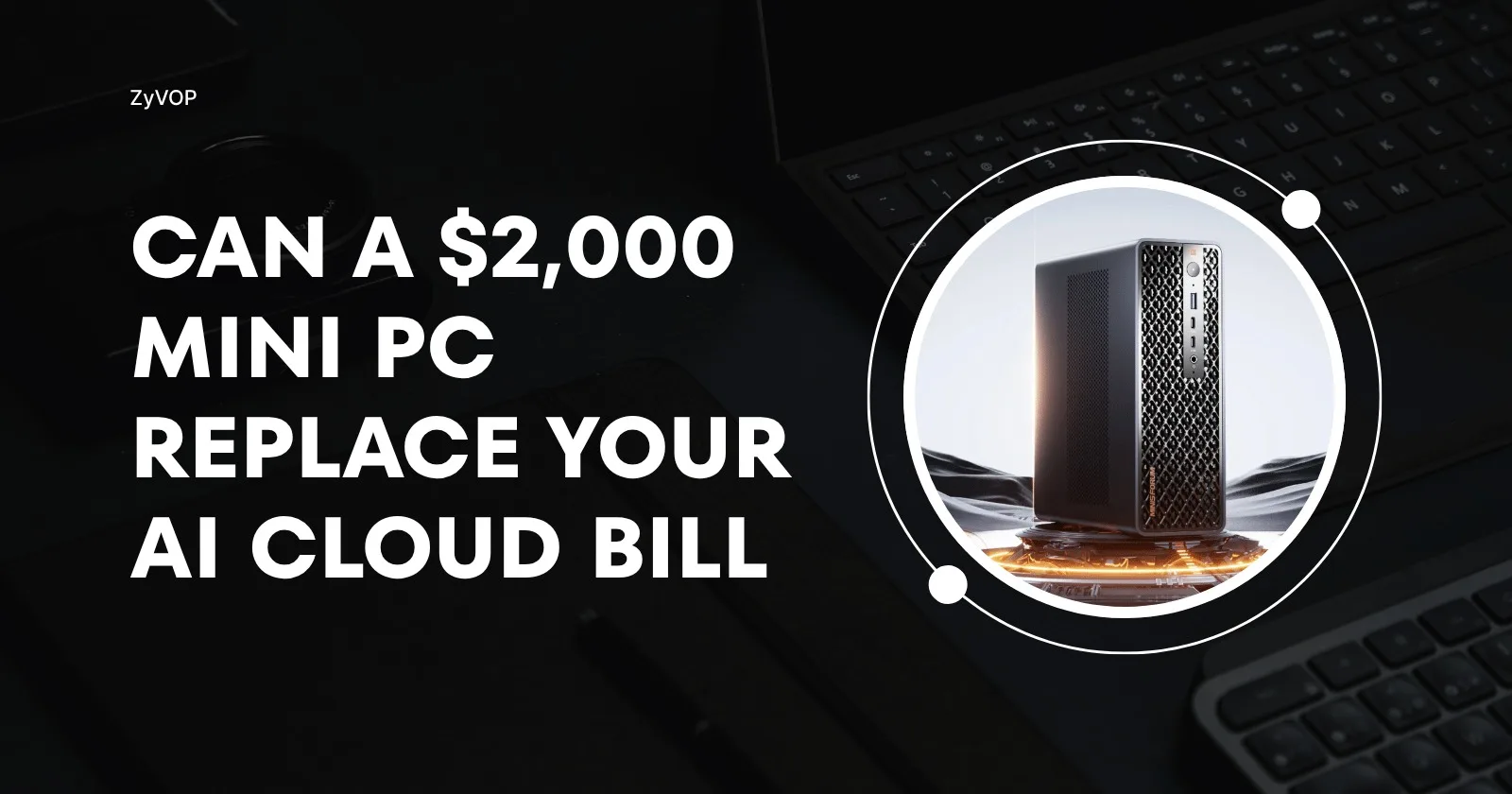
Minisforum's MS-S1 MAX is one of several systems built on Strix Halo, alongside the Framework Desktop and boxes from Beelink and HP. Paired with Hermes Agent — an open-source autonomous agent maintained by Nous Research, now backed by NVIDIA's own DGX Spark integration — the combination answers a real question: can a business run its AI workflows without a recurring cloud bill?
Based on independent benchmarks and reviews of this hardware, the answer is mostly yes. There are real caveats worth knowing before you buy.
The hardware: what Strix Halo actually offers
The MS-S1 MAX runs on AMD's Ryzen AI Max+ 395: a 16-core/32-thread Zen 5 chip with a Radeon 8060S integrated GPU. That GPU has 40 RDNA 3.5 compute units — roughly the performance class of a discrete RX 7600 XT, built into the SoC instead of sitting on its own card.
Minisforum pairs it with a six-heatpipe, dual-fan cooler and a built-in 320W power supply. Continuous output sits around 110–130W, with peaks up to 160W depending on performance mode.
Component | Spec |
|---|---|
CPU | 16-core/32-thread Zen 5, up to 5.1 GHz boost |
GPU | Radeon 8060S, 40 CU RDNA 3.5 |
NPU | XDNA2, 50 TOPS |
Memory | LPDDR5X-8000, up to 128GB, quad-channel, ~256GB/s |
I/O | Dual USB4 v2 (80Gbps), dual 10GbE, PCIe x16 for expansion |
The detail that matters most for LLMs isn't GPU speed. It's memory architecture.
Strix Halo's GPU shares the system's unified LPDDR5X pool instead of using dedicated VRAM. AMD's driver can allocate a large chunk of that pool as GPU-addressable memory via GTT (Graphics Translation Table). On a 128GB unit, that typically means up to 96GB usable by the GPU.
A reviewer at AkitaOnRails bought the Minisforum specifically to run models too big for any consumer GPU. Their framing: an RTX 5090 is several times faster per token, but it caps out at 32GB. Models that don't fit simply don't run there. Strix Halo's pitch is capacity, not speed, at a fraction of the cost and power draw of a professional GPU.
It's worth knowing the field. The same chip ships in Framework's Desktop (modular, repairable) and Strix Halo boxes from Beelink and HP — all in a similar performance bracket. One step up, the realistic alternative is Apple's Mac Studio with M3 Ultra: up to 512GB of unified memory at roughly 3x the bandwidth. That's for models too large for any Strix Halo box, at a correspondingly higher price.
AMD itself joined that lineup directly this month, launching its own first-party Ryzen AI Halo developer box — same Ryzen AI Max+ 395 chip, same 128GB ceiling, but built and sold by AMD as an explicit answer to NVIDIA's DGX Spark, in Windows 11 Pro or Linux SKUs. At $3,999 it's a real premium over the Minisforum/Framework/Beelink crowd, and the premium buys AMD's own validated software stack rather than any hardware advantage — it's the same silicon discussed throughout this piece. On the NVIDIA side, the headline Computex 2026 announcement, RTX Spark, isn't a DGX Spark successor — it's a Windows-on-ARM platform aimed at laptops and creator desktops, shipping this fall. For the specific always-on, headless-Linux use case here, DGX Spark remains NVIDIA's current answer, and nothing has displaced Strix Halo as AMD's.
Setting up the model layer
The software runs on llama.cpp. The GPU is driven through one of two backend paths: Vulkan (Mesa RADV or AMD's AMDVLK) or ROCm/HIP.
Independent 2026 testing across Strix Halo builds generally finds Vulkan/RADV the most stable path. ROCm sometimes wins on prompt processing for long contexts, but it takes more tuning to get there — driver pinning, environment overrides — and it's less reliable out of the box.
Getting the GPU to claim its full memory allocation takes one BIOS change: set minimum dedicated VRAM as low as the board allows. Then add a few AMDGPU kernel parameters so the driver doesn't cap the GTT allocation.
Running models full-GPU (-ngl 999) keeps the CPU free for everything else sharing the box — the agent process, the VPN daemon, a dashboard.
For anyone running more than one model size, llama-swap helps. It's a small Go binary, maintained by mostlygeek, that sits in front of llama-server and hot-swaps the loaded model based on the incoming request. A lighter model can serve quick replies while a larger one loads on demand for harder tasks, all behind one stable API endpoint.
The performance reality check
Worth triangulating across sources here, not just trusting one build log — the numbers below are pulled from several independently-run Strix Halo benchmark logs (linked below), not just the two reviews cited elsewhere in this piece.
Multiple independent 2026 benchmark logs converge on GPT-OSS-120B (~59GB at Q4) generating at 53–56 tokens/second over Vulkan/RADV. That's consistent enough across reviewers to plan around, and close to what NVIDIA's own DGX Spark posts on comparable models.
Model | Approx. size | Generation speed (Vulkan/RADV) |
|---|---|---|
GPT-OSS-120B (Q4) | ~59GB | ~53–56 t/s |
GPT-OSS-20B (F16) | ~13GB | ~45–50 t/s |
Qwen3-30B-A3B (MoE) | ~57GB | ~96–100 t/s |
Dense 70B models (Llama 3.3, DeepSeek-R1-distill) | ~40GB+ | ~5–6 t/s |
That last row matters more than the headline number. Dense (non-MoE) 70B-class models run dramatically slower than MoE models of similar size on this hardware. Token generation here is bandwidth-bound, and dense models activate far more parameters per token.
The AkitaOnRails review, on the same chip, reported high single-digit speeds for a 70B dense model. It also flagged ROCm bugs that, at the time, blocked some dense 70B+ models from running at all on that backend. Usable for batch jobs. Not for live chat.
Use MoE models — GPT-OSS-120B, Qwen 3.6's 35B-A3B — as the local default. Treat large dense models as a slower, occasional-use tool, not the daily driver.
One model family conspicuously missing from that table: Qwen 3.6. Alibaba released it in April 2026 — a 27B dense model and a 35B-A3B MoE variant — and it's specifically what NVIDIA's own Hermes/DGX Spark writeup recommends pairing with this class of hardware, not GPT-OSS. Early Strix Halo numbers back that recommendation: the dense Qwen3.6-27B at Q4 runs around 12 tokens/second on its own, but llama.cpp's new multi-token-prediction (MTP) support — merged in May 2026 — nearly doubles that to roughly 21 t/s on the same hardware. The 35B-A3B MoE variant lands in GPT-OSS-120B's speed class while using a fraction of the memory. If you're setting this up today, start with Qwen 3.6 as the default and treat GPT-OSS as the fallback, not the other way around.
Thermally, the platform handles 24/7 use well. Sustained loads around 110W with edge temperatures in the high 60s°C are typical on better-cooled Strix Halo boxes. That's the actual precondition for "leave it running in a closet" being safe rather than a fire risk.
The workflow layer: Hermes Agent
A fast local model isn't enough on its own. Something still needs to turn tokens into actions.
Hermes Agent is an open-source autonomous agent maintained by Nous Research. It connects to any OpenAI-compatible model endpoint and handles what a raw model can't: persistent memory, scheduled jobs, tool calls, sub-agents, browser automation, and messaging integrations.
A request moving through the stack looks like this:
User
  ↓
Hermes Agent  (memory, tool calls, scheduling)
  ↓
OpenAI-compatible API  (llama-server / llama-swap)
  ↓
llama.cpp
  ↓
Local model
NVIDIA's RTX AI Garage team has since written about pairing Hermes with local hardware directly. That's a reasonable signal: "agent client talking to a local OpenAI-compatible server" is becoming a standard pattern, not a one-off hack — though notably, NVIDIA's own writeup pairs Hermes with Qwen 3.6, not GPT-OSS (see above).
Setup follows a consistent shape across documented builds:
Point Hermes at the local server. Choose a self-hosted/OpenAI-compatible provider during setup. Give it
localhost:<port>wherellama-server(or llama-swap) is listening. No API key needed.Make local the default, not the only option. Pair it with a fallback to a hosted provider — OpenRouter or a frontier-model API — for tasks needing more reasoning, speed, or context. Quick lookups don't need a 120B model. Heavy tool chains sometimes do benefit from a hosted model's larger context window.
Run it as a service. Enable Hermes (and any VPN daemon) as a systemd service. It survives reboots without anyone babysitting a terminal.
Reach it remotely. Tailscale's free Personal plan now supports up to six users with unlimited devices per tailnet. It's the common choice for reaching a closet PC from a laptop or phone without exposing the dashboard to the open internet.
What about the NPU?
Strix Halo's 50-TOPS XDNA2 NPU mostly sits unused in these setups. That's still accurate as of mid-2026.
FastFlowLM, the project building NPU-native inference for Ryzen AI chips, reports around 19 tokens/second running GPT-OSS-20B entirely on the NPU, at roughly 10x better power efficiency than GPU inference. Genuinely useful on a battery-constrained laptop. Less compelling on a plugged-in desktop, where the iGPU is already faster and power isn't the constraint.
FastFlowLM shipped Windows-first, but added official Linux support in March 2026 via Debian packages and AMD's Lemonade SDK — it's a supported apt install on Ubuntu now, not a community workaround. Pairing the NPU as a fast draft model alongside a larger GPU-served model is still mostly a DIY exercise, though. For a 24/7 desktop agent box, the NPU is currently a "nice to have," not a missing piece holding the setup back.
The actual cost math
This isn't free. Power, hardware amortization, and time spent maintaining drivers all cost something.
What changes is the shape of the cost. A fixed, predictable infrastructure cost replaces a variable per-token bill, one that scales with exactly the workloads you're trying to encourage the agent to take on.
At roughly 110W sustained, running a Strix Halo box continuously costs a few dollars a month in power at typical residential rates. That's a rounding error next to even modest cloud-agent credit spend. The bigger variable is upfront hardware cost. Pricing across the Strix Halo lineup is genuinely volatile — smaller-memory boxes start around $1,500, while a fully loaded 128GB unit like the MS-S1 Max has listed anywhere from roughly $2,300 to $3,000+ depending on retailer and promo timing (it ships in a single 128GB configuration, not a range of RAM tiers) — weighed against how much cloud spend it actually displaces.
Privacy doesn't depend on which box or model size you pick. Whatever model is loaded, API keys, customer data, and business workflows never leave the local network. That's true on a cheap machine running a tiny model, and true on a fully loaded MS-S1 MAX running a 120B one. The hardware just decides how much work stays local before something has to go to the cloud anyway.
The verdict
Good fit: steady, repeatable automation where privacy or cost predictability matters more than raw speed. Research summaries, content drafts, routine tool-calling chains — anything that can tolerate the agent thinking for tens of seconds instead of two.
Weaker fit: anything customer-facing and latency-sensitive, or workloads leaning on dense 70B+ models where driver maturity still has rough edges.
Treat the local model as the default path, and a hosted fallback as the exception-handling lane, not the other way around. The economics, and the realistic performance, both work out in the local box's favor.
The bill, this time, doesn't arrive.
Comments (0)
Join the discussion by logging into your account.