
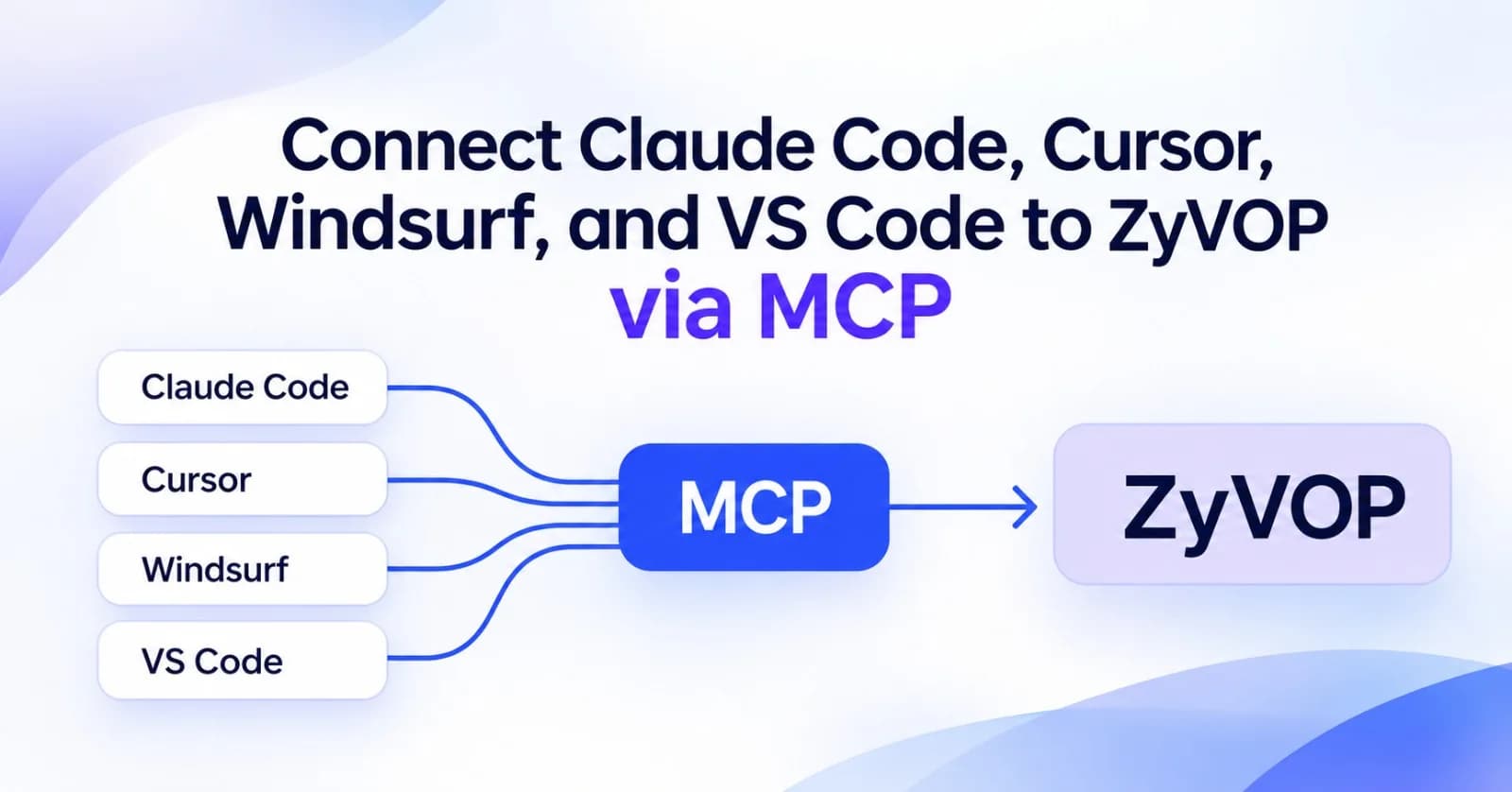
Most technical articles start inside a repository: a migration note, a benchmark script, or a README update. Moving that work into a blog usually means copying snippets into a browser, checking which syndication accounts are active, and rewriting social captions by hand.
ZyVOP hosts a stateless Model Context Protocol (MCP) server at https://zyvop.com/mcp. Your coding assistant connects over HTTPS using a personal developer token, with no local Node.js server to install or maintain.
[!NOTE] New posts created through MCP default to
draft. Your assistant can also schedule or publish posts, so ask for a draft whenever you want to review the article first.
1. Generate a developer token
Sign in to ZyVOP and open Settings → Integrations.
Find the ZyVOP API, CLI & MCP section and click Generate Token.
Copy the token (
zv_followed by 48 hex characters).
The same token authenticates requests to the REST API, CLI, and MCP server. Tokens are hashed at rest and can be rotated or revoked from the same settings panel at any time.
[!WARNING] Keep populated MCP config files out of Git. If you configure
.vscode/mcp.jsoninside a repository, add it to.gitignoreor use a personal config file outside the repo.
2. Connect your client
ZyVOP accepts JSON-RPC 2.0 requests over HTTP POST and negotiates MCP protocol versions 2025-11-25, 2025-06-18, and 2025-03-26.
Claude Code
Run the CLI command to add ZyVOP to your personal configuration (~/.claude.json):
claude mcp add --transport http --scope user zyvop https://zyvop.com/mcp \
  --header "Authorization: Bearer zv_your_token_here"
Cursor (~/.cursor/mcp.json)
{
  "mcpServers": {
    "zyvop": {
      "url": "https://zyvop.com/mcp",
      "headers": {
        "Authorization": "Bearer zv_your_token_here"
      }
    }
  }
}
Windsurf (~/.codeium/windsurf/mcp_config.json)
{
  "mcpServers": {
    "zyvop": {
      "serverUrl": "https://zyvop.com/mcp",
      "headers": {
        "Authorization": "Bearer zv_your_token_here"
      }
    }
  }
}
VS Code (.vscode/mcp.json)
VS Code uses a top-level servers key. Cline and Roo Code use their own MCP setup screens and config formats.
{
  "servers": {
    "zyvop": {
      "type": "http",
      "url": "https://zyvop.com/mcp",
      "headers": {
        "Authorization": "Bearer zv_your_token_here"
      }
    }
  }
}
Verify the connection directly with curl
curl -X POST https://zyvop.com/mcp \
  -H "Content-Type: application/json" \
  -H "Authorization: Bearer zv_your_token_here" \
  -d '{
    "jsonrpc": "2.0",
    "id": 1,
    "method": "tools/call",
    "params": {
      "name": "zyvop_get_connected_platforms",
      "arguments": {}
    }
  }'
3. Available MCP tools
Tool | Access | What it does |
|---|---|---|
| Read-only | Lists connected channels and auto cross-post settings before you publish. |
| Read-only | Lists your |
| Write | Creates a Markdown post (1–250,000 chars) as a draft, scheduled post, or published article. |
| Read-only | Returns lifetime account totals and an omnichannel view timeline ( |
| Read-only | Returns available views, reactions, comments, and time-series data for one post UUID you own. |
zyvop_create_post parameters and guardrails
Required:
title(3–200 chars) andmarkdown(1–250,000 chars, including code blocks, callouts, Mermaid diagrams, KaTeX math, and data charts).Lifecycle:
publish_modeacceptsdraft(default),schedule, orpublish. Usingschedulerequires a future ISO 8601scheduled_attimestamp.AI disclosure: Scheduling or publishing requires
ai_disclosure(human_written,ai_assisted, orai_generated). Forai_assistedorai_generatedposts,ai_review_confirmedmust also betrueafter human review. Optionalai_disclosure_noteadds up to 500 characters of reader-facing context.Metadata: Optional
excerpt(max 500 chars),cover_image(URI), andtags(up to 10 unique tags).Cross-posting: Pass connected destinations in
cross_post_to:devto,hashnode,medium,wordpress,bluesky,mastodon,linkedin-profile(Free),linkedin-page(Pro), or legacylinkedin. You can include bothlinkedin-profileandlinkedin-pagewith separatelinkedin_profile_captionandlinkedin_page_captionstrings (up to 2,500 chars each; ZyVOP appends the article link). External copies run asynchronously after publication.
4. Recommended workflow
flowchart LR
  A[Local code or notes] --> B[zyvop_get_connected_platforms]
  B --> C[zyvop_create_post as draft]
  C --> D[Author reviews in ZyVOP]
  D --> E[Publish or schedule]
  E --> F[Async cross-post delivery]
A practical prompt pattern keeps the agent useful without letting it publish unreviewed text:
Ask the agent to check connected channels (
zyvop_get_connected_platforms).Have it save a draft (
publish_mode: "draft") with separate LinkedIn captions if needed.Open the draft in ZyVOP, verify code, claims, and disclosure, then publish or schedule.
5. Security, rate limits, and retries
Transport & headers: Only
POSTis accepted (GETandDELETEreturn405 Method Not Allowed). Responses includeCache-Control: no-store, and browser-originated requests are checked against allowed origins.Rate limits: Requests are capped at 10 requests per 60 seconds per developer token, with
X-RateLimit-Limit,X-RateLimit-Remaining,X-RateLimit-Reset, andRetry-Afterheaders.No blind retries on create:
zyvop_create_postcreates a new post on every call. If a network timeout drops a response, callzyvop_list_postsfirst to check whether the draft already exists before retrying.
Pre-publish checklist
Generate a
zv_developer token in Settings → IntegrationsConnect Claude Code, Cursor, Windsurf, or VS Code to
https://zyvop.com/mcpConfirm
zyvop_get_connected_platformsreturns your active channelsSave your first post as a
draft, review it in ZyVOP, and setai_disclosurebefore publishing
Comments0
Join the discussion by logging into your account.
No comments yet. Start the conversation.