
Search for a DevOps roadmap and you get a wall of logos: Linux, Docker, Kubernetes, Terraform, Ansible, Jenkins, Prometheus, Argo CD, Istio, Backstage and a dozen more. Nobody learns all of that at once, and you don't need to.
This roadmap does two things most lists don't. It puts the tools in an order where each step builds on the one before, and it tells you what to leave out. The priorities are checked against what employers are asking for right now: a snapshot of the 2,000 newest DevOps Engineer job postings as of November 17, 2026.
You'll also build one project that grows through every phase: a small app that you containerize, ship through a pipeline, provision with code, run on Kubernetes, monitor and secure. By the end it doubles as your portfolio.
TL;DR
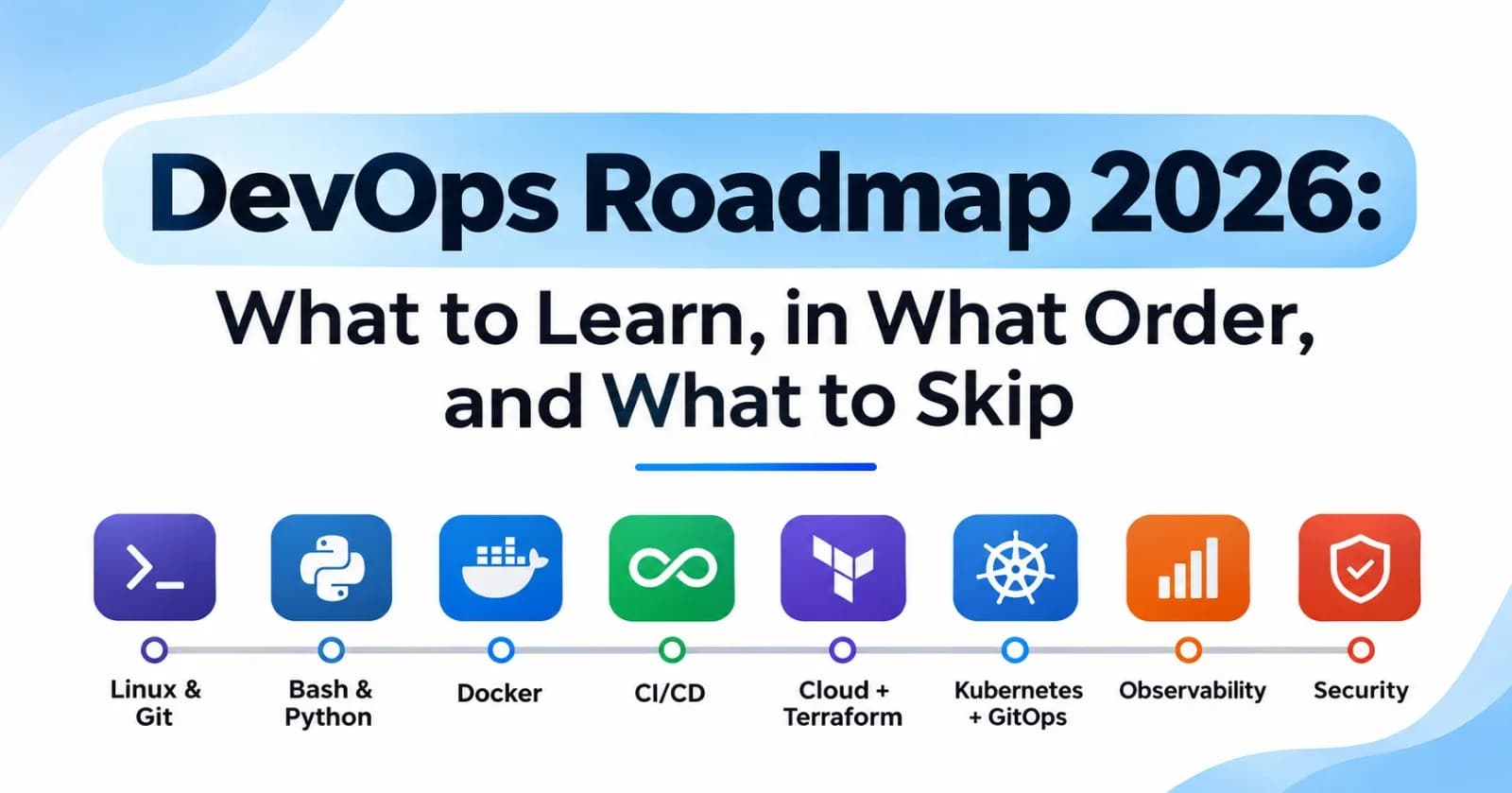
The order: Linux, networking and Git → Bash and Python → Docker → CI/CD → one cloud with Terraform → Kubernetes → observability → security.
The time: about 7 to 10 months at 8 to 10 hours a week, as a rough estimate.
The rule: pick one cloud and one CI tool, and go deep before you go wide.
The skip list: three clouds at once, Chef and Puppet, Docker Swarm, ingress-nginx and advanced platform tooling before you have the basics. The reasons are in the skip section below.
Certifications are optional. A working project beats a badge, and having both is best.
What employers are asking for right now
Here is how often each skill appears in the 2,000 newest of 18,230 open DevOps Engineer postings on Scoutify, which analyzes live job postings (data from November 17, 2026):
Skill | Share of postings | What it means for your plan |
|---|---|---|
CI/CD | 63% | Learn it early and build a real pipeline |
Python | 55% | Your main automation language |
Kubernetes | 54% | Worth the time, but it comes after containers and cloud basics |
Terraform | 51% | The default infrastructure-as-code tool to learn |
AWS | 50% | The safest single-cloud pick |
Observability | 43% | Not optional: learn metrics, logs and traces |
AI | 38% | Learn to work with AI tools (see "Where AI fits") |
Azure | 35% | The second choice, for Microsoft-heavy employers |
Linux | 30% | Listed less often than you'd expect, probably because it's assumed |
Docker | 28% | Same: probably assumed, rarely the headline skill |
Ansible | 28% | Useful later, not first |
Jenkins | 20% | Still around; learn it when a job needs it |
Google Cloud | 18% | Learn it only if your target employers use it |
A few ways to read this:
The middle of the stack is in demand. Pipelines, Terraform, Kubernetes and a major cloud each show up in about half of the postings or more. A recruitment firm makes the same point in qualitative terms, describing cloud, containers and Kubernetes, infrastructure as code and security as baseline expectations.
Linux, Docker and Git look low, but they aren't optional. They appear in 18% to 30% of postings, which probably means employers take them for granted rather than that they matter less. Everything else sits on top of them, which is why the roadmap starts there.
AI is now a mainstream line item. It's named more often than Azure, so it deserves deliberate practice, not a detour.
A caution about the data: This is one site's snapshot. Skills were matched against a standard skills list. Generic terms such as "automation" and "DevOps" say little by themselves, and the shares shift as postings open and close. Use the table to rank priorities, not as a precise measurement.
The roadmap at a glance
flowchart TD
    A["1. Linux, networking, Git"] --> B["2. Bash and Python"]
    B --> C["3. Docker"]
    C --> D["4. CI/CD"]
    D --> E["5. One cloud + Terraform"]
    E --> F["6. Kubernetes + GitOps"]
    F --> G["7. Observability"]
    G --> H["8. Security"]
Phase | Topic | Rough time | What you build |
|---|---|---|---|
1 | Linux, networking and Git | 4 to 6 weeks | The app on a VM behind Nginx |
2 | Bash and Python | 3 to 4 weeks | A health-check script that runs on a schedule |
3 | Docker | 3 to 4 weeks | App and database started with one |
4 | CI/CD | 3 to 4 weeks | A pipeline that tests, builds and deploys |
5 | One cloud and Terraform | 6 to 8 weeks | The environment defined as code |
6 | Kubernetes and GitOps | 6 to 8 weeks | The app running on Kubernetes, synced from Git |
7 | Observability | 4 to 6 weeks | Dashboards, an alert and a postmortem |
8 | Security and supply chain | 2 to 3 weeks | Scanning, an SBOM and signing in CI |
Total | 31 to 43 weeks |
Why this order:
Each phase produces something the next one uses. Docker images feed the pipeline, the pipeline deploys infrastructure you defined as code, and Kubernetes runs on that infrastructure.
Cheap mistakes come first. A broken script costs nothing. A misconfigured cloud account can cost real money, so you reach it only after the basics are solid.
How to use it:
Run one app through every phase. Any small API with a database will do. Python is a good fit because you'll use it in Phase 2. Keep the app boring, because the infrastructure around it is the point.
Study little and often. Short, regular sessions beat an occasional marathon, and an hour or two most days adds up to 8 to 10 hours a week.
Finish each phase with its project, then move on. Pass the "done when" test and go. Perfection can wait.
Phase 1: Linux, networking and Git (4 to 6 weeks)
Why first: Every later tool runs on Linux and fails in ways you can only diagnose if you understand processes, files, permissions and networks.
Learn:
The shell: navigating,
grep, pipes, file permissions (chmod,chown), users andsudoProcesses and services:
ps,top,systemd,journalctlSSH with keys instead of passwords
Networking: IP addresses, subnets (CIDR), ports, DNS, HTTP and TLS, and what firewalls and load balancers do
Git: clone, commit, branch, merge, pull requests and resolving a conflict
Project: Create a small Linux VM and deploy the app behind Nginx. A cheap rented VM is easiest, because your pipeline will deploy to it in Phase 4 (a local VM works for this phase alone). Use SSH key login, a firewall that allows only SSH, HTTP and HTTPS, and a hostname pointing at it (a cheap domain, or a hosts-file entry if you want to stay free).
Done when: Given "the site is down", you can narrow the cause to DNS, network, process or configuration within minutes, using curl, dig, ss and journalctl.
Phase 2: Bash and Python (3 to 4 weeks)
Why now: "Automation" is the most-named skill in the postings, Python is third, and scripting and Bash also make the list. A lot of DevOps work is glue code.
Learn:
Bash for glue: variables, loops, exit codes, quoting and strict mode (
set -euo pipefail)Python for anything with logic: files, JSON and YAML, HTTP requests,
subprocess, error handling, virtual environments and a few tests
Project: Write a health-check script. It calls the app's endpoint, checks disk space and certificate expiry, writes a summary and exits non-zero on failure. Run it from cron or a systemd timer.
Done when: You can automate a task you've been doing by hand, and the script fails loudly and sensibly instead of silently.
Phase 3: Containers with Docker (3 to 4 weeks)
Why now: Containers are how nearly everything you build from here on gets packaged, tested and deployed.
Learn:
Images vs containers, the Dockerfile, layers and build caching
Multi-stage builds,
.dockerignoreand running as a non-root userVolumes, networks and environment variables
Docker Compose for multi-container setups
Pushing and pulling images from a registry
Project: Containerize the app and its database, and wire them together with Compose so that docker compose up brings up the whole thing.
Done when: A stranger can run your project with one command, and you can explain why a container exits when it does.
Phase 4: CI/CD with GitHub Actions (3 to 4 weeks)
Pick one CI tool. GitHub Actions is the easiest place to start because it lives next to your code, and the ideas (pipelines, runners, secrets, artifacts) carry over to GitLab CI and Jenkins.
Learn:
Workflow syntax, triggers, jobs and steps, and secrets
Build caching and artifacts
The standard flow: lint and test, build an image, push it, deploy
Environments, approvals and branch protection
Tagging releases and rolling back
Project: On every push, run tests and linting. On merge to main, build and push the image and deploy it to the VM from Phase 1.
Done when: A failing test blocks a merge, and a merge reaches the server without you touching it.
Phase 5: One cloud and infrastructure as code (6 to 8 weeks)
Pick one cloud. AWS is the default: it appears in about 50% of the postings, against 35% for Azure and 18% for Google Cloud. Choose Azure if you're aiming at Microsoft-heavy employers, and Google Cloud only if you know your target companies use it. The concepts map across providers, so the second cloud is much quicker than the first.
Learn the core services:
Identity and access: roles, least privilege and MFA
Networking: VPCs, subnets, security groups and NAT
Compute, object storage, a managed database, a load balancer and DNS
Billing alerts and cost basics
Then learn infrastructure as code with Terraform:
Providers, resources, variables and outputs
State, remote state and locking
Modules, and reading a
planbefore you apply itDestroying what you create
Start with Terraform, the tool the postings name. OpenTofu uses the same language and workflow, so the skills transfer if you prefer it.
Project: Define your environment as code: network, VM, database, load balancer and DNS. Keep it all in Git, run plan on pull requests and apply on merge.
Protect your wallet: Set a budget alert before you create anything. Tag your resources, run
destroywhen you finish a session, and never commit credentials or state files, because state can contain secrets.
Done when: You can destroy and recreate the whole environment from scratch, and you can explain every line of the plan.
Phase 6: Kubernetes and GitOps (6 to 8 weeks)
Why after the cloud: Kubernetes often runs on managed cloud services, and it assumes you're comfortable with containers.
Learn:
Pods, Deployments, Services, ConfigMaps, Secrets and namespaces
Probes, resource requests and limits, rolling updates and rollbacks
Debugging with
kubectl describe,logsandeventsPersistent storage, at the concept level
Helm: use existing charts first, then write a simple one
Gateway API for routing traffic into the cluster
GitOps with Argo CD or Flux
Practice on a local cluster first (kind, minikube or k3s). Move to a managed cluster only briefly, because it can cost real money if you leave it running.
Project: Deploy the app to a local cluster with plain manifests, then with Helm, then let Argo CD sync it from Git. Break it on purpose, then fix it: a bad image tag, a failing probe, an out-of-memory kill and a Service that selects nothing.
Done when: A Pod in CrashLoopBackOff doesn't scare you, because you know the first three commands you'd run.
Phase 7: Observability and reliability (4 to 6 weeks)
Why now: Once something is running, the question changes from "does it work?" to "how will I know when it stops working?"
Learn:
The three signals: metrics, logs and traces
Prometheus and Grafana basics, including simple PromQL
Structured logging
Instrumenting an app with OpenTelemetry
Alerting on symptoms (errors and latency) rather than causes
SLIs, SLOs and error budgets
Incident response and blameless postmortems
Project: Instrument the app, using the OpenTelemetry for beginners walkthrough as a guide (it covers logs, metrics and traces in one setup). Build a dashboard for traffic, errors and latency, and alert on the error rate. Then cause an outage on purpose and write a one-page postmortem.
Done when: You can answer "what broke, when and why" from dashboards and logs, not from guesses.
Phase 8: Security and supply chain (2 to 3 weeks)
Treat security as a thread that runs through every phase (no secrets in Git, least-privilege access, patched base images), then consolidate it here.
Learn:
Secrets management: a secrets manager instead of environment files in the repo
Image and dependency scanning with a tool such as Trivy
Generating a software bill of materials (SBOM)
Signing images with Cosign
Automated dependency updates and branch protection
Project: Add scanning, SBOM generation and image signing to your pipeline, and fail the build on critical findings.
Done when: You can say what's inside your image, who built it, and that it hasn't been tampered with.
Where AI fits
AI assistants are part of the job now. They help most when you already understand what they produce, so treat one like a junior colleague whose work you review.
Good uses: explaining an unfamiliar error, reviewing a Dockerfile or workflow, summarizing long logs and drafting documentation.
Rules that keep you learning:
Try first, then ask. In Phases 1 to 3 especially, wrestling with a problem is how the skill forms.
Never run what you can't explain. This matters most for
terraform destroy,kubectl deleteand IAM policies.Never paste secrets, keys or private company data into a chatbot.
Remember that AI amplifies your foundation. With strong basics you move faster, and with weak ones it multiplies your mistakes.
Do you need certifications?
They're optional. They help most when your CV has little experience to point to, and a hands-on exam says more than a multiple-choice one. Details below are as of November 2026, so check the vendor pages before you book.
Certification | Format | Take it after | Notes |
|---|---|---|---|
Cloud associate for your chosen cloud | Varies by provider | Phase 5 | Pick the one that matches the cloud you learned |
HashiCorp Terraform Associate (004) | Multiple choice, 1 hour, online proctored | Phase 5 | Tests Terraform 1.12, valid for 2 years, doesn't cover OpenTofu, $70.50 |
Certified Kubernetes Administrator (CKA) | Performance-based, command line, 2 hours | Phase 6 | Troubleshooting is 30% of the exam, $445 including one free retake, no prerequisites |
Getting hired
Be realistic about the market. According to SignalFire data cited by IEEE Spectrum, entry-level hiring at the 15 biggest tech firms fell 25% from 2023 to 2024, although it's unclear how much of that is down to AI. The practical effect is that new hires are expected to contribute sooner.
That makes proof of skill worth more, so:
Keep everything in one repository: the app, the Dockerfile, the pipeline, the Terraform, the Kubernetes manifests and the dashboards.
Write a README that does the selling: an architecture diagram, how to run it, and a "what broke and what I learned" section.
Write up each phase as a short post. Teaching it back is a quick way to find the gaps.
Consider adjacent roles as a way in, such as support, sysadmin, QA automation or junior backend. They let you practice these skills on the job.
Start applying around Phase 5 or 6. You don't need to finish the roadmap first.
What to skip
Tools and topics
Skip | Why | Do this instead |
|---|---|---|
Learning AWS, Azure and Google Cloud at once | Each has its own names and quirks, so splitting your time leaves you shallow in all three | Learn one well (see Phase 5), then add another if a job needs it |
Chef and Puppet | Neither made the top 30 skills in the November 2026 sample | Terraform for provisioning, and Ansible later if a job asks for it |
Docker Swarm | Also missing from the top 30, while Kubernetes is the orchestrator the postings name | Docker Compose locally, then Kubernetes |
ingress-nginx | The community-maintained controller was retired in March 2026: no more releases, bug fixes or security patches. The Ingress API itself is still supported | Learn Gateway API, and recognize Ingress resources because you'll meet them in older clusters |
Jenkins as your first CI tool | It's still widely used, but you have to host and maintain it yourself | Start with GitHub Actions, and learn Jenkins when a target employer uses it |
Building a cluster from scratch before you've used one | It teaches the internals of something you haven't operated yet | Use kind, k3s or a managed cluster, and come back to the internals for the CKA |
Service meshes, Backstage, Crossplane and eBPF | These solve problems that platform teams have, and none of them made the top 30 | Revisit them once you have real problems that need them |
Becoming an AI researcher | DevOps work calls for using AI tools well, not for training models | Learn to use assistants safely, as described above |
Habits
Memorizing flags, console clicks and YAML syntax. Tools change. Learn how systems behave, and how to read the docs and
--help.Collecting certificates before building anything. One project that works is worth more than a pile of badges.
Switching roadmaps every month. Pick this one, or any sensible one, and finish it.
Recap
Learn in this order: Linux, networking and Git, then Bash and Python, Docker, CI/CD, one cloud with Terraform, Kubernetes, observability and security.
Build one app and carry it through every phase, so you end up with a portfolio instead of a folder of tutorials.
Go deep on one cloud and one CI tool before you look at the others.
Use AI to speed up learning, not to replace it.
Skip what the market isn't asking for and what's being retired, and revisit advanced platform tooling once you have real problems.
Build one thing, end to end, and then make it better.
Sources
Scoutify: DevOps Engineer skills from live postings (November 17, 2026)
Harvey Nash: The DevOps skills employers are looking for in 2026
DEV Community: The 2026 DevOps roadmap, what to learn and what to skip
IEEE Spectrum: How to stay ahead of AI as an early-career engineer
Job-market figures come from one site's snapshot of live postings on November 17, 2026 and change daily. Certification details were checked against the vendor pages on November 24, 2026. The time estimates are rough guidance, not measured data, so adjust them to your own pace.
Comments(0)
Join the discussion by logging into your account.
No comments yet. Be the first to comment!