
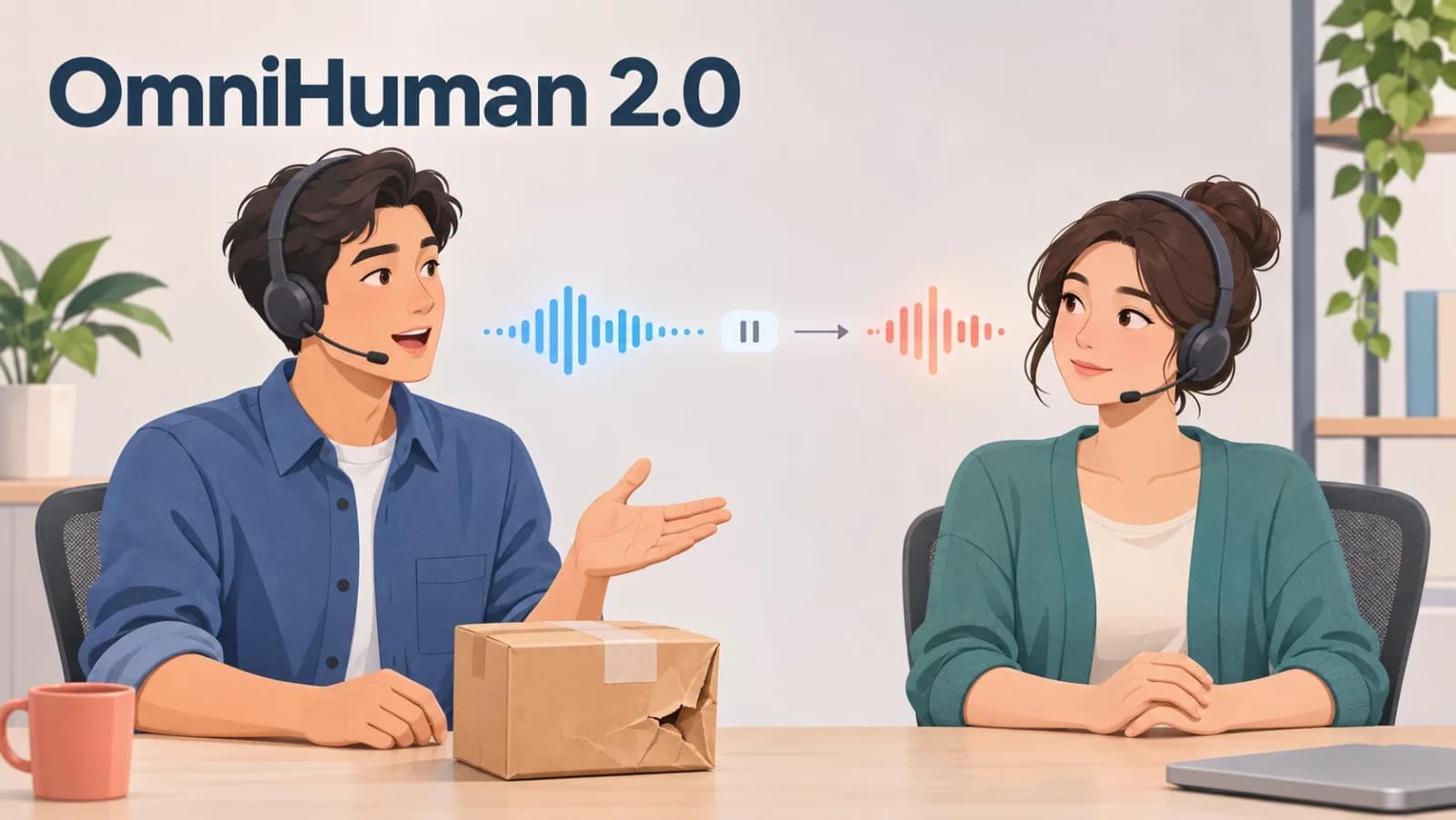
A two-person support video sounds simple: one presenter explains how to return a damaged parcel, and the other answers a question. Yet the scene can feel wrong before the reply even begins. The listener nods at every sentence, smiles during the complaint, or turns toward the camera too early.
The words are clear. The quiet person has not been directed.
When creating this kind of scene with OmniHuman 2.0, use the motion prompt to assign roles. The reference image establishes the two characters, the audio carries the dialogue, and the prompt explains who speaks, who waits, and when the viewer’s attention should move.
Plan the Handoff, Not More Motion
Listen to the audio and find the speaker change. A short role note is enough:
Presenter A explains the return step.
Presenter B looks toward Presenter A and listens.
A brief pause separates the voices.
Presenter B turns slightly toward the camera and replies.
That pause is part of the performance. If Presenter B turns before the first voice finishes, the answer feels rushed. If both people gesture together, the viewer may not know where to look.
The listener needs only one quiet action at a time. Looking toward the speaker, holding a relaxed posture, or giving one small nod after the main point is usually enough. Constant reactions make the listener compete with the dialogue.
Put the Roles Into the Prompt
Start with an authorized reference image where both characters are visible and a short audio section with one clear handoff. Then describe the roles in plain language:
The person on the left speaks first. The person on the right looks toward the speaker and listens calmly. After the pause, the person on the right turns slightly toward the camera and begins speaking. The first person gives one small reaction. Keep the camera steady.
The prompt does not need to describe every object in the room. The audio already provides the words and timing. Use the prompt for what cannot be heard: eye direction, restrained reactions, and camera behavior.
This keeps the task focused on the part that matters—the transfer of attention from one character to the other. It also makes a weak result easier to correct. Instead of rewriting everything, reduce the listener’s movement, adjust the pause, or simplify the handoff.
Check the Turn Between Voices
Watch three moments: the first speaker’s last word, the pause, and the second speaker’s first word. Look for an early head turn, two mouths moving together, or a gesture that pulls attention away from the reply.
If the exchange is unclear, change one element and compare the same moment again. A shorter pause, one smaller reaction, or a steadier camera may be enough. There is no need to rebuild the whole scene at once.
Keep Consent Clear
Use only images and recordings you have permission to use. Obtain clear consent before using an identifiable person’s likeness or voice. Do not make someone appear to endorse a product, express an opinion, or join a conversation they did not approve.
If viewers could mistake the result for a real recording, label it as generated or synthetic.
For a first attempt, use authorized presenters or clearly fictional characters and create one short speaker handoff. If the listener waits, reacts once, and enters at the right moment, the conversation already has a believable rhythm.
Comments(0)
Join the discussion by logging into your account.
No comments yet. Be the first to comment!