
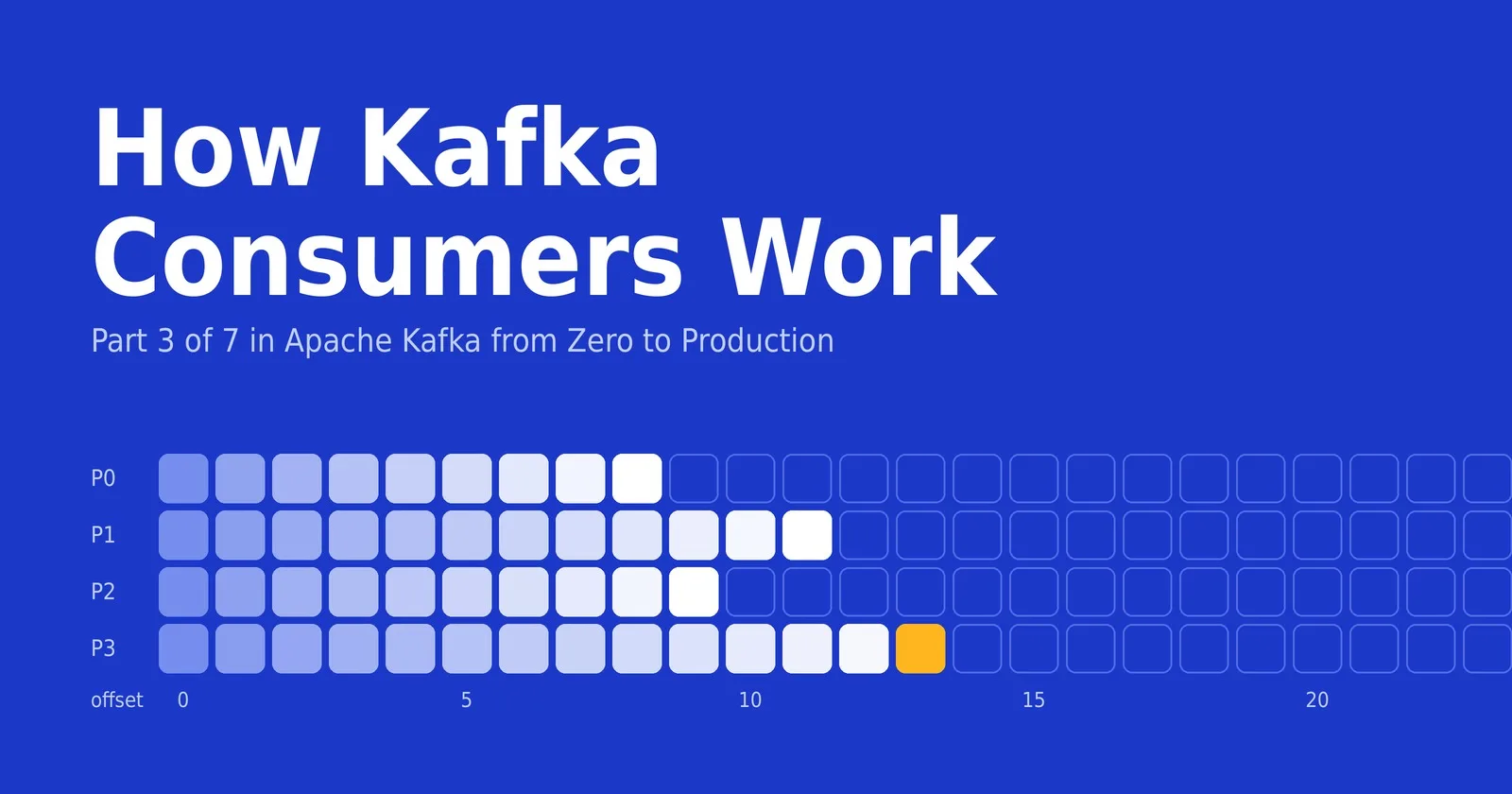
Part 3 of Apache Kafka from Zero to Production.
Reading from Kafka is more than a poll loop. A consumer has to remember where it stopped, share the work with its peers, and survive restarts without losing or repeating records. Part 2 covered writing events, and this post covers the other side of the log.
Consumers pull
Kafka consumers pull data: they ask a broker for the next batch of records by calling poll(), rather than having records pushed at them. That puts the consumer in control of its own pace. It can fall behind during a spike and catch up later, or move its position back to replay old events.
Within a single partition, records always arrive in the order they were written. Across partitions there is no global order, which is why choosing the right key on the producer side (Part 2) matters.
Offsets: remembering where you are
Every record in a partition has an offset, and a consumer tracks the next offset it wants to read in each partition it owns. To survive restarts, it saves that position by committing the offset. Kafka stores committed offsets in an internal topic called __consumer_offsets, one entry per group and partition. When a consumer restarts, it resumes from the last committed offset.
A brand-new group has no committed offsets, and an old one may point to data that retention has already deleted. In both cases auto.offset.reset decides what happens:
latest (the default): start at the end and see only new records.
earliest: start at the oldest record still retained.
none: throw an error and let the application decide.
Kafka 4.0 also added an option to start from a fixed duration back, such as the last day of data.
Consumer groups: sharing the work
Consumers that share the same group.id form a consumer group. Kafka assigns each partition to exactly one consumer in the group at a time, so the group splits the topic between its members without any record being processed twice by the group. Order within each partition is preserved.
Here is how a topic with 6 partitions is divided as a group grows:
Consumers in the group | Partitions per consumer | Result |
|---|---|---|
1 | 6 | One consumer reads everything |
3 | 2 | Work is split evenly |
6 | 1 | Maximum parallelism |
8 | 1 (for 6 of them) | Two consumers sit idle |
The partition count is therefore the ceiling on how far a single group can scale out. Separate groups are completely independent: a billing service and an analytics service, each with its own group.id, both receive every record and keep their own offsets.
Committing offsets
There are two ways to commit, and the choice decides what happens when a consumer crashes.
Auto-commit is on by default (
enable.auto.commit=true). The consumer commits the offsets returned by earlier polls on a timer, every five seconds by default. It is convenient, but commits happen on a schedule rather than when your processing finishes. If you hand records to other threads, a crash can mean records that were committed but never processed.Manual commit means you turn auto-commit off and call
commitSync()orcommitAsync()yourself, after processing. If the consumer crashes mid-batch, it restarts from the last commit and processes some records again. That is at-least-once delivery, so processing should be safe to repeat.
Committing before processing flips the trade-off: you can lose records on a crash but never repeat them. Part 5 looks at these guarantees in depth.
Rebalancing
When group membership changes, Kafka redistributes partitions among the remaining consumers. This is called a rebalance. It happens when a consumer joins, leaves, or crashes, when subscriptions change, or when a topic gains partitions. A consumer that stops sending heartbeats, or that does not call poll() again within max.poll.interval.ms (five minutes by default), is treated as failed and removed from the group.
With the classic protocol, a rebalance can briefly pause consumption across the whole group, because members give up their partitions before new assignments are handed out. Kafka 4.0 made a new protocol, KIP-848, generally available. The broker now calculates assignments and applies them incrementally, so consumers keep the partitions that do not need to move. You opt in with group.protocol=consumer. The classic protocol is still the default throughout Kafka 4.x, and the project plans to change that in 5.0.
A few habits keep rebalances rare and short:
Finish processing each batch well within
max.poll.interval.ms, or lowermax.poll.recordsif processing is slow.Use static membership (
group.instance.id) so that a consumer that restarts quickly gets its partitions back without triggering a rebalance.Roll out deployments one instance at a time instead of restarting everything together.
Monitoring lag
Consumer lag is the gap between the newest offset in a partition and the group's committed offset. It tells you how far behind the group is, and it is the most useful consumer health metric. You can inspect it from the command line:
bin/kafka-consumer-groups.sh --bootstrap-server localhost:9092 \
  --describe --group order-processors
The output lists each partition with its current offset, log end offset, and lag. A lag that spikes and recovers is normal. A lag that climbs steadily means consumers cannot keep up. Your options are to add consumers (up to the partition count), speed up processing, or check whether frequent rebalances are stalling the group.
A minimal consumer
Here is a Java consumer that reads the orders topic as part of a group and commits only after processing:
Properties props = new Properties();
props.put("bootstrap.servers", "localhost:9092");
props.put("group.id", "order-processors");
props.put("key.deserializer", "org.apache.kafka.common.serialization.StringDeserializer");
props.put("value.deserializer", "org.apache.kafka.common.serialization.StringDeserializer");
props.put("enable.auto.commit", "false");
props.put("auto.offset.reset", "earliest");

try (KafkaConsumer<String, String> consumer = new KafkaConsumer<>(props)) {
    consumer.subscribe(List.of("orders"));

    while (true) {
        ConsumerRecords<String, String> records = consumer.poll(Duration.ofMillis(500));
        for (ConsumerRecord<String, String> record : records) {
            process(record);
        }
        consumer.commitSync();  // commit only after the whole batch is processed
    }
}
The KafkaConsumer is not thread-safe. If you want parallelism, run one consumer per thread, each in the same group.
Try it: split a topic across a group
With the broker and the three-partition orders topic from Part 1, you can watch a group divide the work. Open two terminals and run the same command in both:
bin/kafka-console-consumer.sh --topic orders --group order-processors \
  --bootstrap-server localhost:9092
In a third terminal, send keyed messages (the key and value are separated by a colon):
bin/kafka-console-producer.sh --topic orders \
  --property parse.key=true --property key.separator=: \
  --bootstrap-server localhost:9092
Type a few lines such as customer-1:order-a and customer-2:order-b. Each key always appears in the same consumer terminal, because it always maps to the same partition. Then run the --describe command from the lag section to see which consumer owns which partition.
Settings at a glance
Setting | What it controls | Default |
|---|---|---|
| Which consumer group this consumer belongs to | None (required for group consumption) |
| Where to start when there is no committed offset | latest |
| Whether offsets are committed automatically on a timer | true |
| How often auto-commit runs | 5 seconds |
| Maximum records returned by one | 500 |
| Longest allowed gap between polls before the consumer is considered failed | 5 minutes |
| Rebalance protocol: classic or consumer | classic |
Mistakes to avoid
Slow work inside the poll loop. If processing takes longer than
max.poll.interval.ms, the consumer is kicked out of the group and triggers a rebalance, which can repeat in a loop.Sharing one consumer across threads.
KafkaConsumeris not thread-safe, so use one instance per thread.Auto-committing while processing elsewhere. If records are handed to a thread pool, offsets can be committed before the work is done.
Expecting more consumers than partitions to help. Extra consumers in a group sit idle.
Assuming records are never repeated. After a crash or rebalance, some records can be delivered again, so make processing idempotent.
Next in the series
This is Part 3 of Apache Kafka from Zero to Production. In Part 4, we go inside the cluster: brokers, replication, in-sync replicas, leader election, and how KRaft replaced ZooKeeper.
Comments(0)
Join the discussion by logging into your account.
No comments yet. Be the first to comment!