
As software engineers, we rely on Git for virtually everything: version control, code review, collaborative branches, and CI/CD pipelines. Our favorite environments are Neovim, VS Code, and Obsidian—distraction-free tools where we think and write in clean, plain-text Markdown.
Yet, when it comes to publishing technical articles, we are often forced into one of two extremes:
The Isolated Static Blog: You set up an Astro, Hugo, or Next.js blog. You get 100% control and Git versioning, but you face the harsh "cold-start" reality: zero organic traffic. Without an existing audience, your articles sit on an empty digital island.
The Walled-Garden Grind: You publish directly on platforms like Dev.to, Hashnode, or Medium to tap into their built-in reader networks. But now you're stuck writing inside web dashboards, wrestling with proprietary WYSIWYG editors, manually copy-pasting across tabs, and risking platform lock-in.
The solution is not to choose between ownership and distribution. The solution is GitOps for publishing: treat your Git repository as the authoritative single source of truth, and let automated pipelines handle distribution.
In this guide, you’ll learn how to transform any Git repository into an automated, multi-platform publishing engine using ZyVOP and GitHub Actions.
The GitOps Publishing Workflow
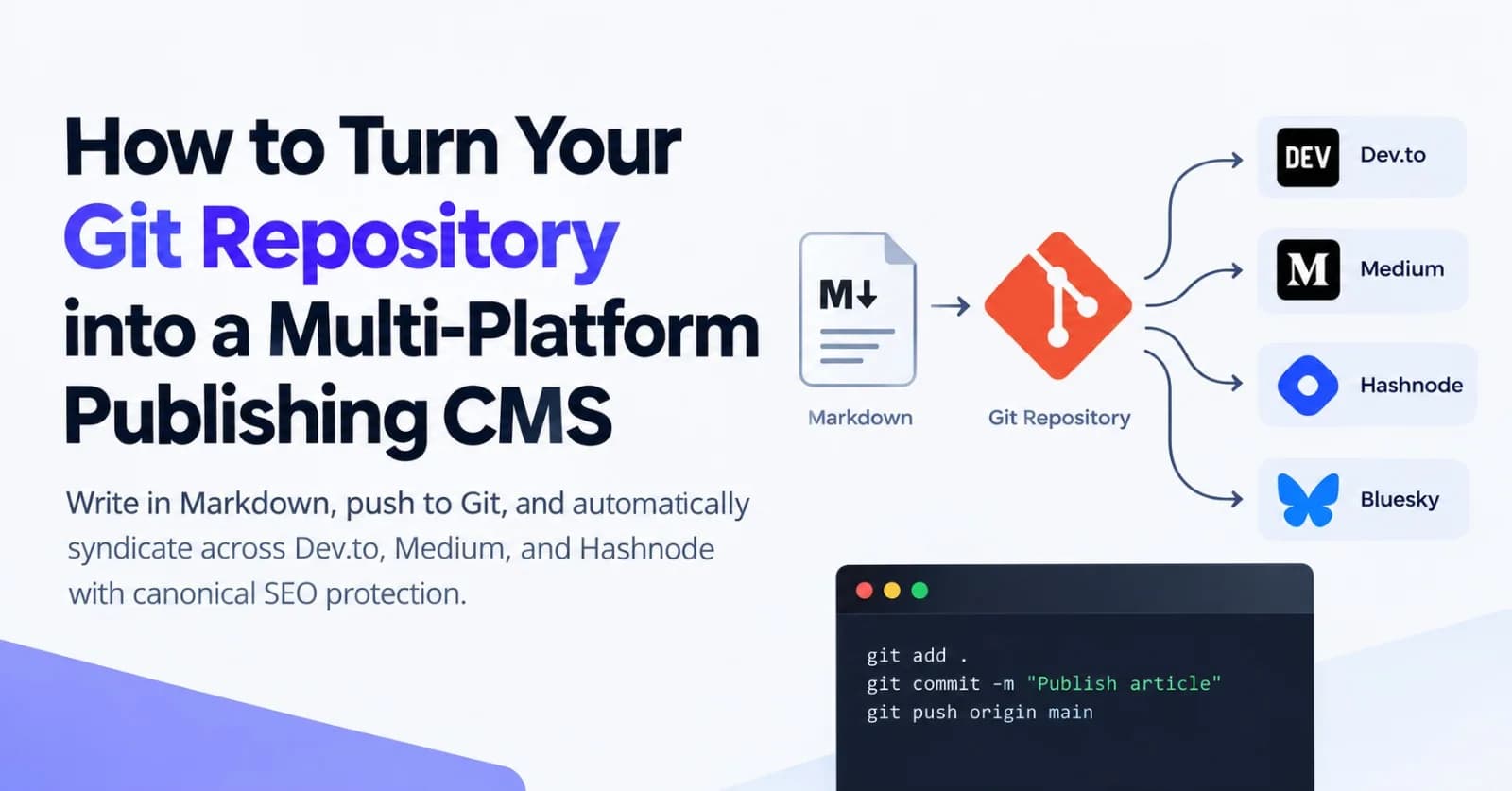
Instead of logging into multiple web CMS dashboards, your entire publishing workflow lives right in your terminal and repository:
flowchart LR
    A["Write Markdown\n(VS Code / Obsidian)"] --> B["git push origin main"]
    B --> C["GitHub Actions\n(zyvop-publish-action)"]
    C --> D["ZyVOP Engine\n(Authoritative Canonical Source)"]
    D --> E["DEV.to (rel=canonical)"]
    D --> F["Hashnode (rel=canonical)"]
    D --> G["Medium (rel=canonical)"]
    D --> H["Bluesky / Social"]
Author: Write your post in local Markdown with standard YAML frontmatter.
Commit & Push: Commit your draft and push to your
mainbranch.Automate: GitHub Actions triggers the
zyvopCLI to parse and validate your article.Distribute: ZyVOP publishes the post to your canonical publication domain and syndicates copies across Dev.to, Medium, Hashnode, and WordPress—injecting
rel="canonical"tags everywhere to safeguard your SEO.
Step 1: Structure Your Writing Repository
Create a clean repository (or a dedicated content/ folder in your existing monorepo):
my-tech-blog/
├── .github/
│   └── workflows/
│       └── publish.yml
├── posts/
│   ├── 2026-10-distributed-locks-redis.md
│   └── 2026-10-postgres-full-text-search.md
├── assets/
│   └── redis-architecture.png
├── .gitignore
└── README.md
Writing Your Post with YAML Frontmatter
ZyVOP parses standard YAML frontmatter to configure tags, publication details, and cross-posting targets.
Create posts/2026-10-distributed-locks-redis.md:
---
title: "Understanding Distributed Locks with Redis and BullMQ"
subtitle: "A deep dive into avoiding race conditions in background job workers."
slug: "distributed-locks-redis-bullmq"
date: "2026-10-27"
tags:
  - redis
  - backend
  - nodejs
  - system-design
canonical_url: "https://blog.yourdomain.com/posts/distributed-locks-redis-bullmq"
cross_post:
  devto: true
  hashnode: true
  medium: false
ai_disclosure: "none"
---

# Understanding Distributed Locks with Redis and BullMQ

When scaling background queue workers across multiple container instances, race conditions are inevitable...
Step 2: Validate Locally with npx zyvop
You don’t need to install heavy CLI dependencies globally. ZyVOP provides a zero-install CLI via npx:
# Authenticate your terminal
npx zyvop login
Run a Local Dry Run
Before pushing anything live, run a dry run to inspect the payload, ensure relative image links resolve properly, and verify cross-posting flags:
npx zyvop publish ./posts/2026-10-distributed-locks-redis.md --dry-runThe CLI inspects your frontmatter, renders Markdown AST nodes, validates media references, and prints the exact destination plan without contacting external publishing APIs.
Step 3: Automate Publishing with GitHub Actions
Now connect your repository to CI/CD so that every merged commit to main publishes your content automatically.
1. Generate a ZyVOP Developer Token
Go to your ZyVOP Dashboard → Settings → Developer API.
Generate a new Developer Token (
zyvop_live_...).In your GitHub repository, navigate to Settings → Secrets and variables → Actions.
Add a repository secret named
ZYVOP_TOKENwith your token value.
2. Create the GitHub Actions Workflow
Create .github/workflows/publish.yml:
name: Publish Content via ZyVOP

on:
  push:
    branches:
      - main
    paths:
      - 'posts/**.md'

jobs:
  publish:
    runs-on: ubuntu-latest
    permissions:
      contents: read

    steps:
      - name: Check out repository
        uses: actions/checkout@v4
        with:
          fetch-depth: 2 # Fetch previous commit to detect file diffs

      - name: Setup Node.js
        uses: actions/setup-node@v4
        with:
          node-version: 22

      - name: Publish changed articles
        env:
          ZYVOP_TOKEN: ${{ secrets.ZYVOP_TOKEN }}
        run: |
          # Identify added or modified Markdown files
          CHANGED_FILES=$(git diff --name-only --diff-filter=AM HEAD~1 HEAD | grep '^posts/.*\.md$' || true)

          if [ -z "$CHANGED_FILES" ]; then
            echo "No Markdown files changed. Skipping publish."
            exit 0
          fi

          for FILE in $CHANGED_FILES; do
            echo "Publishing $FILE..."
            npx zyvop publish "$FILE"
          done
Step 4: The Crucial Difference — Automated Canonical SEO Protection
If you cross-post articles manually by copying text into Dev.to or Medium, Google can penalize your blog for duplicate content or rank the aggregator's domain above your own.
To prevent this, every syndication target must explicitly define a rel="canonical" link pointing back to your home publication.
When ZyVOP processes your article:
It sets your custom domain (
https://blog.yourdomain.com/...) as the canonical root.It communicates with the Dev.to REST API and sets
canonical_url.It connects to Hashnode GraphQL and attaches
canonicalArticleURL.It posts to Medium via its API and sets
canonicalUrl.
Search engines recognize that your domain is the original intellectual author. Aggregator views generate top-of-funnel discovery, while all search authority flows directly back to your brand.
Step 5: Full Two-Way Peace of Mind (Automated Git Backup)
What happens if you make a quick typo fix or update tags directly in ZyVOP's web editor while away from your laptop?
ZyVOP includes Automated GitHub Backups. When enabled in your settings:
Every post created or updated on the web automatically commits a versioned Markdown file back to your designated GitHub repository.
Your Git repo never falls out of sync with your live publication.
You maintain 100% data sovereignty without manual export routines.
Summary: A Workflow Built for Developers
Publishing consistently as an engineer shouldn't mean spending your weekend fighting clunky CMS dashboards.
With a GitOps publishing stack:
Your editor remains your sanctuary: Write in Neovim, VS Code, or Obsidian.
Git handles your history: Diff changes, collaborate via pull requests, and keep backups.
ZyVOP handles the distribution: 1-click multi-platform syndication, automated
rel="canonical"injection, and zero SEO headaches.
To start, run:
npx zyvop login
npx zyvop publish ./your-post.md --dry-run
Keep your thoughts in Git, and let automation do the publishing heavy lifting.
Comments(0)
Join the discussion by logging into your account.
No comments yet. Be the first to comment!