
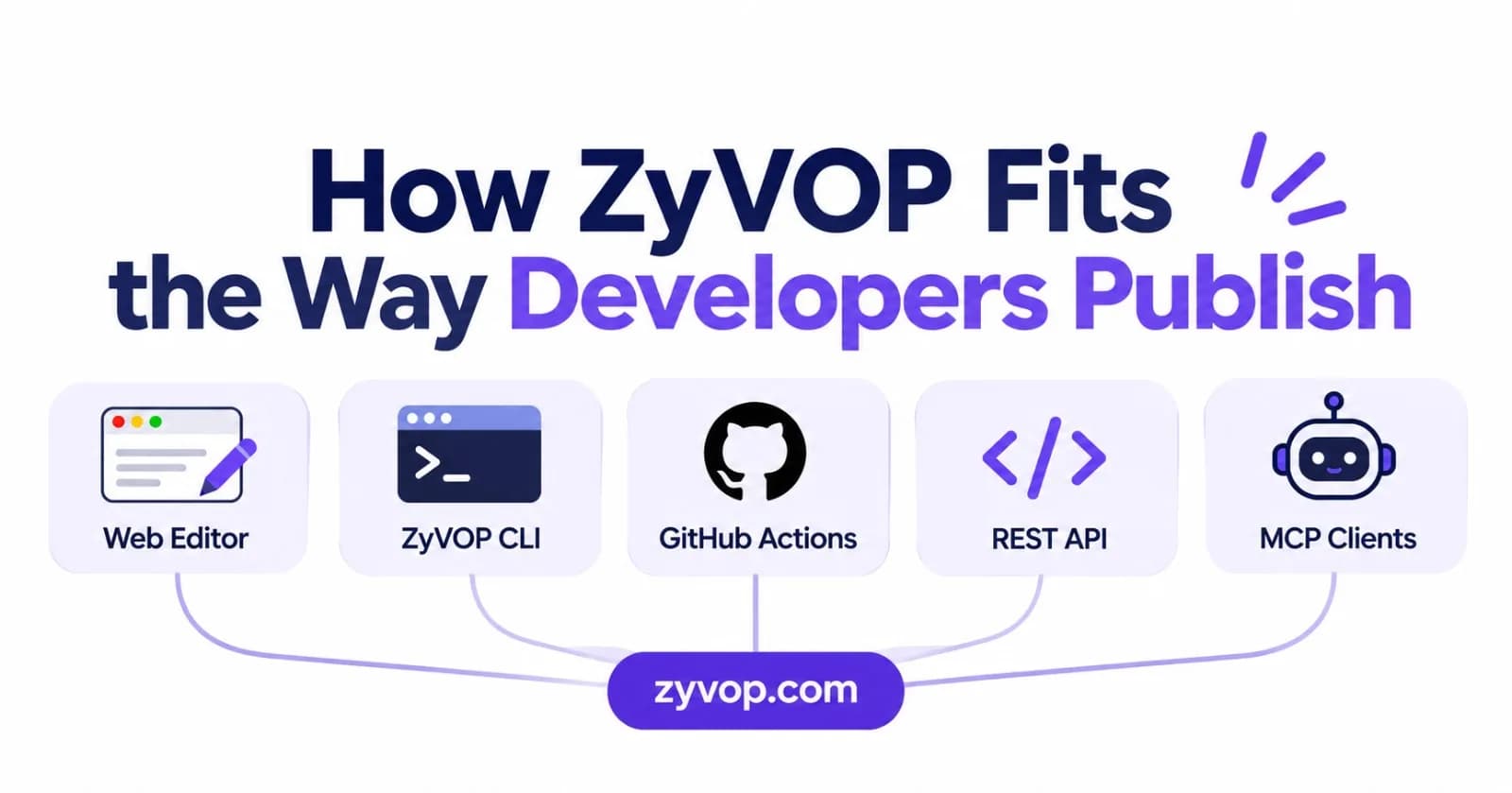
Developers do not all write in the same place. Some prefer a focused web editor. Others keep articles beside their code in Git, draft in a text editor, or automate publishing from a build pipeline.
ZyVOP is a publishing home for technical work with several ways to create and manage articles. You can begin in the web editor, send Markdown from a terminal or API, or connect an automated workflow. Once an article is ready, you can publish it on ZyVOP and optionally distribute it to connected platforms.
Start with the workflow you already use
If you prefer… | Start with… | Useful when… |
|---|---|---|
Writing in a browser | ZyVOP’s editor | You want to draft, format, schedule, or review a post in one place |
Plain Markdown | The ZyVOP CLI | You want to keep articles in files and publish from your terminal |
Publishing on changes to a repository | GitHub Actions | You want CI to publish selected Markdown files after a commit |
Connecting your own tools | The REST API | You want a script or service to create and update articles |
Working through a supported AI client | ZyVOP’s MCP server | You want an assistant to create, schedule, publish, or inspect posts through your connected account |
These are different entry points into a publishing workflow. You can start with one and add automation later; there is no need to move your entire writing process on day one.
A browser workflow for drafting and review
The web editor is a direct way to create an article, work with technical formatting, and manage its publication. ZyVOP supports code highlighting, Mermaid diagrams, KaTeX, and supported embeds. You can keep a post as a draft, schedule it, or create a private preview link for review before publishing.
This route suits authors who want to edit and publish without configuring a repository or command-line credentials. It is also useful for an occasional article even if most of your writing lives in Markdown files.
A Markdown workflow for the terminal
If your article is already in a repository, the CLI can publish a Markdown file with YAML front matter. The front matter can hold details such as tags, a canonical URL, and the destinations you want to use.
For example, a local dry run can check how the CLI parses the file and resolves relative images before publishing:
npx zyvop publish ./posts/distributed-tracing.md --dry-runWhen the article is ready, run the publish command without --dry-run. A stable identifier such as a ZyVOP post ID, slug, or canonical URL can help a repeat run update an existing article instead of creating a second one. Check the CLI documentation for current authentication and command details.
Automation when publishing becomes routine
Once you have a repeatable Markdown workflow, GitHub Actions can publish selected files from a repository. Store the ZyVOP developer token as a repository secret, choose which paths should trigger publishing, and keep credentials out of source files.
If you are integrating from another tool, the REST API provides an authenticated way to create or update an article. These options are useful when publishing is part of a larger documentation or content pipeline. They also mean that a commit can have a public effect, so make the workflow explicit about which files and branches are allowed to publish.
MCP for supported AI clients
ZyVOP’s hosted MCP server lets supported clients work with posts through a connected account. Depending on the tool and permissions, you can create drafts, schedule or publish articles, select destinations, and review analytics.
An AI client can help with repetitive operations, but the author still owns the editorial decisions: what to say, which claims are supported, whether the article is ready, and where it should appear. Review the draft and publishing settings before allowing a workflow to make a post public.
Publication and distribution are separate choices
ZyVOP can host your publication and send copies to connected destinations such as DEV, Hashnode, Medium, and WordPress. You choose whether to use those destinations; they require their own connected accounts and may support different fields or formatting.
You can set a preferred canonical URL for an article. ZyVOP passes configured canonical information to destinations that support it, but search engines decide which URL they index. If you use a custom domain or want more publication controls, review the current Founding Pro details.
Bring existing work along
You do not have to start with a blank archive. ZyVOP can preview or import supported public articles and feeds, and it can accept Markdown ZIP archives. Imported articles are placed in drafts so you can review them before publishing. The migration page lists the current sources and import options.
For portability after publishing, you can connect GitHub Markdown backup. The saved Markdown gives you a repository copy of your published work and later edits. Keep your own credentials secure and periodically inspect a backup so you know it contains the content you expect.
A simple way to begin
Choose one article you are ready to publish.
Decide whether you want to use the editor or keep the source in Markdown.
Set the article’s title, tags, canonical URL if needed, and intended destinations.
Preview the result and check code, images, and links.
Publish it, then review how it appears on ZyVOP and each connected destination.
Add CLI, GitHub Actions, API, or MCP automation only after the manual path is clear.
ZyVOP is most useful when you want your technical writing to fit the way you already work, while giving you options for publication, distribution, and portability. Start with the smallest workflow that helps you publish reliably, then add the pieces you will actually use.
Explore: ZyVOP publishing hub · CLI and API docs · MCP server
Comments(0)
Join the discussion by logging into your account.
No comments yet. Be the first to comment!