
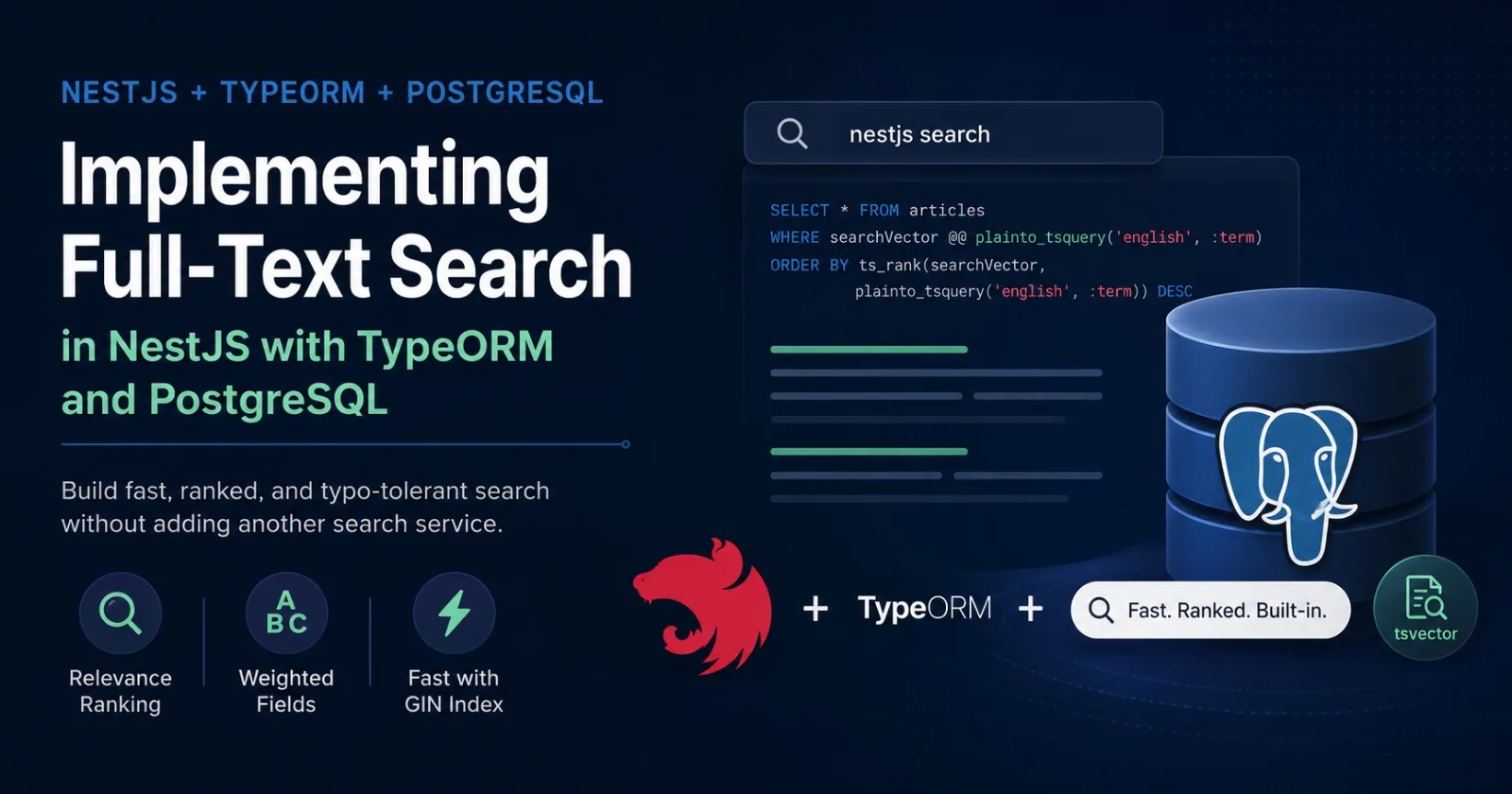
Search is one of those features that looks simple until you actually have to build it. A naive LIKE '%term%' query works for a demo, but it ignores word forms, ranking, and typos, and it gets slow fast as your table grows. The good news: if you're already running PostgreSQL, you don't need Elasticsearch or Algolia to get real search. Postgres has a mature full-text search engine built in, and pairing it with TypeORM in a NestJS app is far more straightforward than most tutorials make it look.
This post walks through building a production-ready search feature — from schema design to a ranked, paginated API endpoint — using NestJS, TypeORM, and PostgreSQL's native full-text search.
Why Reach for PostgreSQL Instead of a Dedicated Search Engine
Elasticsearch and similar tools are excellent, but they come with real costs: another service to deploy, monitor, and keep in sync with your primary database. For most applications — blogs, admin panels, marketplaces, internal tools — that overhead isn't justified.
PostgreSQL's full-text search gives you:
Stemming and language awareness — matching "running" to "run"
Relevance ranking out of the box
Typo tolerance when combined with the
pg_trgmextensionZero replication lag — search results are always as fresh as your data, because they live in the same transaction
You lose some of the advanced faceting and horizontal scalability of a dedicated search cluster, but for the majority of apps, Postgres FTS comfortably handles millions of rows.
A Quick Primer on Postgres Full-Text Search
Two types anchor everything: tsvector and tsquery.
tsvectoris a preprocessed, normalized representation of your text — lowercased, stemmed, and stripped of stop words like "the" and "and".tsqueryis a parsed search query in the same normalized form.
You match them with the @@ operator:
SELECT * FROM articles
WHERE to_tsvector('english', content) @@ to_tsquery('english', 'nestjs & search');
Computing to_tsvector() on every row for every query is expensive at scale, so the standard pattern is to store a precomputed tsvector column and index it with a GIN index, which is what makes searches over large tables fast.
Setting Up the Entity
Assume you already have a NestJS project with @nestjs/typeorm and pg configured. Here's an Article entity we'll add search to:
// article.entity.ts
import { Entity, PrimaryGeneratedColumn, Column, CreateDateColumn } from 'typeorm';

@Entity('articles')
export class Article {
  @PrimaryGeneratedColumn('uuid')
  id: string;

  @Column()
  title: string;

  @Column('text')
  content: string;

  @Column({ nullable: true })
  author: string;

  @CreateDateColumn()
  createdAt: Date;

  @Column({
    type: 'tsvector',
    select: false,
    insert: false,
    update: false,
  })
  searchVector: string;
}
select: false keeps the raw vector out of normal queries, and insert: false, update: false tell TypeORM never to try writing to it — Postgres will generate that value itself.
Generating the Search Vector
The cleanest approach, available since Postgres 12, is a generated column — Postgres recomputes it automatically whenever the source columns change, no application code or triggers required:
// migrations/1700000000000-AddSearchVectorToArticles.ts
import { MigrationInterface, QueryRunner } from 'typeorm';

export class AddSearchVectorToArticles1700000000000 implements MigrationInterface {
  public async up(queryRunner: QueryRunner): Promise<void> {
    await queryRunner.query(`
      ALTER TABLE "articles"
      ADD COLUMN "searchVector" tsvector
      GENERATED ALWAYS AS (
        setweight(to_tsvector('english', coalesce("title", '')), 'A') ||
        setweight(to_tsvector('english', coalesce("content", '')), 'B') ||
        setweight(to_tsvector('english', coalesce("author", '')), 'C')
      ) STORED;
    `);

    await queryRunner.query(`
      CREATE INDEX "IDX_articles_search_vector"
      ON "articles" USING GIN ("searchVector");
    `);
  }

  public async down(queryRunner: QueryRunner): Promise<void> {
    await queryRunner.query(`DROP INDEX IF EXISTS "IDX_articles_search_vector";`);
    await queryRunner.query(`ALTER TABLE "articles" DROP COLUMN "searchVector";`);
  }
}
Production note: If
articlesis already populated and serving real traffic, consider creating the GIN index withCREATE INDEX CONCURRENTLYso the index build does not block writes. PostgreSQL does not allowCREATE INDEX CONCURRENTLYinside a transaction, so the TypeORM migration must opt out of the default transaction withtransaction = false. For example:
export class AddSearchVectorToArticles1700000000000 implements MigrationInterface {
  transaction = false;

  // ...
}This matters primarily for production migrations on existing, actively used tables; a new or empty table does not have the same locking concern.
setweight() assigns each field a priority — A (highest) through D (lowest) — so title matches will outrank body-text matches later when we rank results.
If you're on Postgres < 12, or the vector needs to pull in data from a related table, use a trigger function that recalculates searchVector BEFORE INSERT OR UPDATE instead — same end result, just maintained procedurally rather than declaratively.
Run the migration with npm run typeorm migration:run, and every existing and future row gets an indexed search vector automatically.
Building the Search Service
TypeORM's query builder doesn't have first-class full-text search helpers, but it happily accepts raw SQL fragments, which is all we need:
// articles.service.ts
import { Injectable } from '@nestjs/common';
import { InjectRepository } from '@nestjs/typeorm';
import { Repository } from 'typeorm';
import { Article } from './article.entity';

@Injectable()
export class ArticlesService {
  constructor(
    @InjectRepository(Article)
    private readonly articlesRepository: Repository<Article>,
  ) {}

  async search(term: string, page = 1, limit = 10) {
    const skip = (page - 1) * limit;

    const [items, total] = await this.articlesRepository
      .createQueryBuilder('article')
      .where(`article."searchVector" @@ websearch_to_tsquery('english', :term)`, { term })
      .orderBy(
        `ts_rank(article."searchVector", websearch_to_tsquery('english', :term))`,
        'DESC',
      )
      .skip(skip)
      .take(limit)
      .getManyAndCount();

    return { items, total, page, limit };
  }
}
Note websearch_to_tsquery rather than to_tsquery. It's the function built for user-facing search boxes: it accepts plain phrases, "quoted phrases", -exclusions, and OR, without throwing a syntax error on unbalanced input the way to_tsquery does. Use to_tsquery only when you're constructing the query programmatically and can guarantee valid syntax; use plainto_tsquery for the simplest case of AND-ing all terms together with no operators.
Exposing the Endpoint
// articles.controller.ts
import { Controller, Get, Query } from '@nestjs/common';
import { ArticlesService } from './articles.service';

@Controller('articles')
export class ArticlesController {
  constructor(private readonly articlesService: ArticlesService) {}

  @Get('search')
  search(@Query('q') q: string, @Query('page') page = 1, @Query('limit') limit = 10) {
    return this.articlesService.search(q, Number(page), Number(limit));
  }
}
A request like GET /articles/search?q=nestjs+migrations now returns matching articles ranked by relevance, with title matches surfacing above body-only matches thanks to the weighting from the migration.
Ranking and Highlighting
ts_rank scores by how often terms appear; ts_rank_cd (cover density) also factors in how close together the matching terms are — often a better signal for longer documents. Swap it in the same way.
To show users why a result matched, use ts_headline to generate a snippet with matches wrapped in a marker:
async searchWithSnippets(term: string) {
  return this.articlesRepository
    .createQueryBuilder('article')
    .select(['article.id', 'article.title'])
    .addSelect(
      `ts_headline('english', article.content, websearch_to_tsquery('english', :term),
        'StartSel=<mark>, StopSel=</mark>, MaxWords=30, MinWords=15')`,
      'snippet',
    )
    .where(`article."searchVector" @@ websearch_to_tsquery('english', :term)`, { term })
    .getRawMany();
}
getRawMany() is important here — ts_headline output isn't a real entity column, so getMany() would silently drop it.
Performance note:
ts_headlinedoes not use the GIN index to generate the snippet; it re-processes the source text for each returned row. Always pair it with the same pagination you use for the main search query (take/skip, or SQLLIMIT/OFFSET) rather than running an unbounded snippet query against a large result set.
Tolerating Typos with pg_trgm
Full-text search matches word stems, not misspellings — "search" won't match "serach". For that, pair it with the pg_trgm extension, which measures string similarity by shared three-character sequences:
CREATE EXTENSION IF NOT EXISTS pg_trgm;
CREATE INDEX "IDX_articles_title_trgm" ON "articles" USING GIN ("title" gin_trgm_ops);
async fuzzySearch(term: string) {
return this.articlesRepository
.createQueryBuilder('article')
.where('similarity(article.title, :term) > 0.2', { term })
.orderBy('similarity(article.title, :term)', 'DESC')
.getMany();
}A common pattern: run the full-text query first, and only fall back to trigram similarity if it returns zero results. That way well-formed queries get accurate, ranked results, and typos get a forgiving fallback, without paying the cost of a trigram scan on every request.
Performance Notes
A few things matter more than anything else once you're past prototype scale:
Always query through the GIN index. Make sure your
WHEREclause matches@@against the indexedtsvectorcolumn, notto_tsvector(content) @@ ...computed inline, which can't use the index.Run
EXPLAIN ANALYZEon your search queries early. A missing index shows up immediately as a sequential scan.Cache popular queries at the application layer (Redis works well) if your search endpoint gets heavy repeated traffic — Postgres FTS is fast, but no database beats not querying at all.
Paginate with
LIMIT/OFFSET, as shown above, or switch to keyset pagination if you're dealing with very deep result sets.
Wrapping Up
PostgreSQL's full-text search, generated columns, and a GIN index get you relevance-ranked, typo-tolerant search without introducing a new piece of infrastructure. Combined with NestJS's dependency injection and TypeORM's query builder, the whole feature — schema, service, and endpoint — fits comfortably in a single module. Reach for Elasticsearch when you genuinely need distributed scale or advanced faceted search; for everything else, the database you're already running is usually enough.
Comments(0)
Join the discussion by logging into your account.
No comments yet. Be the first to comment!