
Most developers know what an IP address is. It's the address a device uses to send and receive data over a network.
But once you start building applications, deploying servers, or debugging connection errors, you discover that an IP address can mean several different things. There are different formats, different levels of network visibility, and different ways addresses are assigned. Mixing them up can cause real problems.
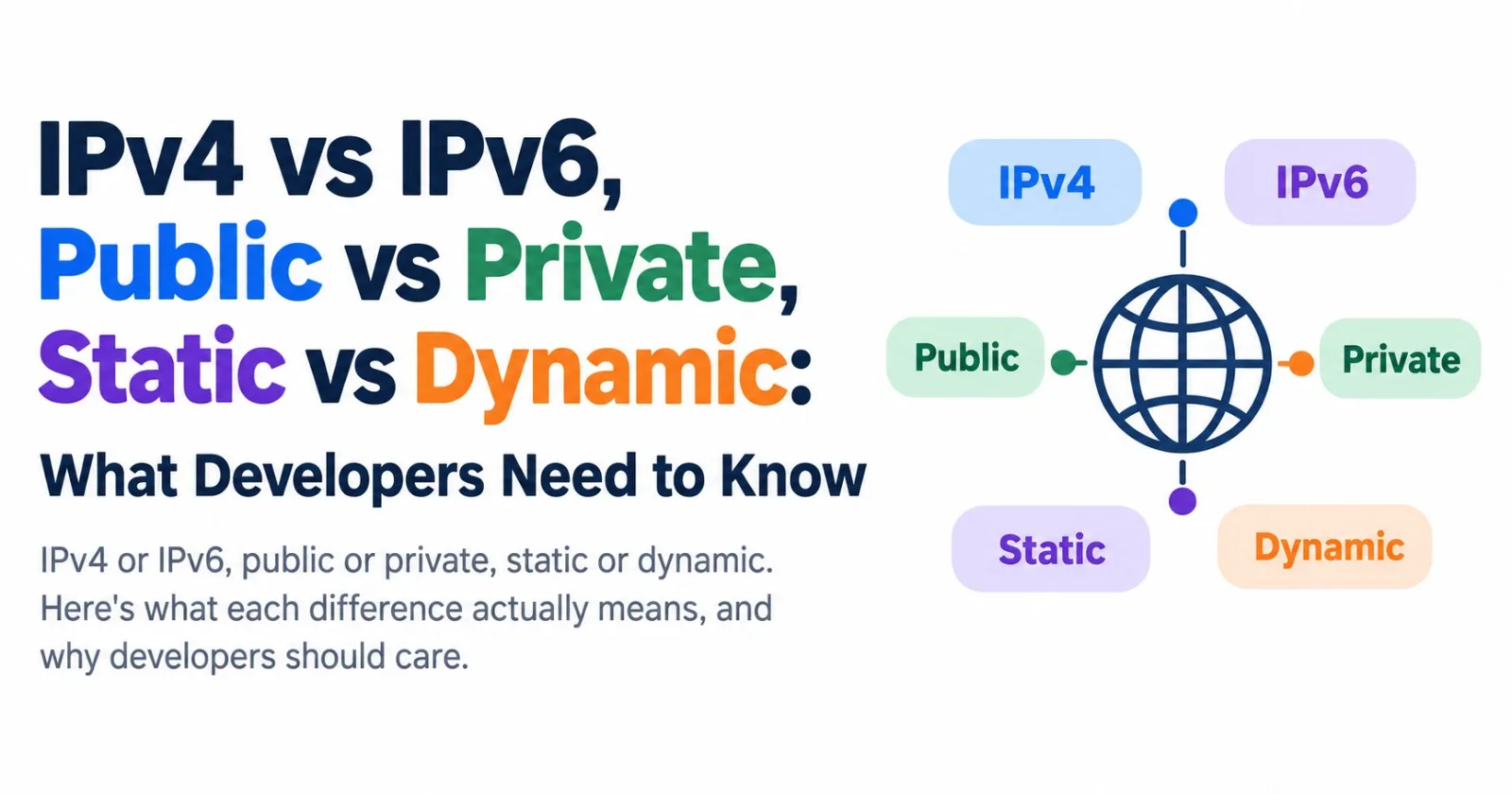
I'll keep this practical. There are three big differences worth understanding, plus a few special addresses you'll encounter regularly.
First, a 20-second refresher
An IP address identifies a network interface and helps networks route data to the right destination. It isn't necessarily a permanent identifier for a physical device.
Think of it like a postal address. The letter, which represents your data, needs somewhere to go, and the address helps it get there.
One important detail before we start: the IP addresses in this article are illustrative. Addresses such as 203.0.113.42 and 2001:db8::1 are reserved for documentation and are not real public internet endpoints.
Now, here's where the differences come in.
1. IPv4 vs IPv6: the format
This is the difference most people have heard of.
IPv4 is the older format. It uses 32 bits, written as four numbers from 0 to 255 separated by dots:
192.168.1.10Thirty-two bits gives you (2^{32}), or about 4.3 billion possible addresses. That sounded like plenty when the internet was much smaller. It isn't enough to give every internet-connected device its own unique public IPv4 address.
IPv6 is the newer format. It uses 128 bits, written as eight groups of hexadecimal digits separated by colons:
2001:0db8:0000:0000:0000:0000:0000:0001That's painful to read, so IPv6 allows two shortening rules. You can drop leading zeros from each group, and you can replace one consecutive run of all-zero groups with ::. That address becomes:
2001:db8::1The IPv6 address space contains approximately (3.4 \times 10^{38}) possible addresses. That's an enormous increase over IPv4.
IPv4 | IPv6 | |
|---|---|---|
Size | 32 bits | 128 bits |
Written as | Dotted decimal | Hexadecimal groups separated by colons |
Example |
|
|
Total addresses | About 4.3 billion | About (3.4 \times 10^{38}) |
Status | Widely used, with limited public address availability | Increasingly deployed |
Good to know: IPv4 and IPv6 are separate protocols. An IPv4-only host cannot communicate directly with an IPv6-only host without a gateway or translation mechanism. That's why many networks use both protocols at the same time, a setup called dual-stack.
If you build a service that only supports IPv4, IPv6-only users may need a translation layer to reach it. Support both where practical, and test how your application behaves across the network environments your users actually use.
2. Public vs private: the visibility
This difference explains many of those "why can't I reach my own server?" problems.
A public IP address is intended to be routed across the public internet. It is generally globally unique within public routing. Your internet provider or hosting provider may allocate one to your connection or server, and external services commonly see it as the source address when you connect to them.
However, a public IP address does not automatically make a server reachable. Routing, firewall rules, network configuration, and the service listening on the relevant port all matter.
A private IP address is used inside a local network, such as your home Wi-Fi, an office LAN, or a cloud virtual network. Private IPv4 addresses are not routed across the public internet, and many separate networks can reuse the same private addresses without conflict.
IPv4 has three private address ranges:
Range | Typical use |
|---|---|
| Corporate networks and cloud environments |
| Internal networks, including some Docker configurations |
| Home and small office networks |
So how can ten devices in your home browse the internet at the same time when they all have private addresses?
Your router commonly uses NAT, or Network Address Translation. It translates each device's private source address, often along with its source port, into an address and port used on the outside connection. The router tracks the connections so that reply traffic can be sent back to the right device.
flowchart LR
    A["Laptop<br/>192.168.1.10"] --> R["Router with NAT<br/>Private: 192.168.1.1<br/>Public: 203.0.113.42"]
    B["Phone<br/>192.168.1.11"] --> R
    C["Smart TV<br/>192.168.1.12"] --> R
    R --> I(("Internet"))
From the outside, the three devices may appear to share one public IP address: 203.0.113.42. In this example, the public address is reserved for documentation.
Developer gotcha: If you rate-limit or block requests by IP address, remember that an entire office, school, household, or mobile carrier can share one public IP. Block one abusive user and you might block hundreds of innocent users too. Some providers use carrier-grade NAT, which allows many customers to share a public IPv4 address. That makes IP-based identification even less reliable.
IPv6 changes the picture. Its much larger address space means that devices can generally receive globally routable addresses without needing NAT just to share a scarce public address.
That doesn't mean every IPv6 device is exposed to incoming connections. Firewalls and other network controls still determine what traffic is allowed.
IPv6 also has a private-style range called Unique Local Addresses (ULA). These addresses come from fc00::/7, commonly using prefixes beginning with fd. They are intended for internal networks and are not globally reachable through normal public internet routing.
3. Static vs dynamic: the permanence
This difference is about whether an IP address is intended to stay the same or may change over time.
A dynamic IP address is assigned automatically, commonly through DHCP for IPv4 networks. Your router often acts as the DHCP server on a home network. Addresses are leased and may change when a lease expires, a device reconnects, or network settings change. In practice, a dynamic address may remain the same for a long time, too.
A static IP address is configured or reserved to remain the same until someone changes the configuration or allocation.
You might want a stable address for:
A server that other systems connect to directly.
A database that accepts connections only from allow-listed IP addresses.
A printer or camera on your local network.
A service referenced by firewall rules, monitoring systems, or external partners.
There are two common flavors, and people often mix them up:
Static private IP: A fixed address within your own network. One common approach is a DHCP reservation, where the router consistently assigns the same address to a particular device.
Static public IP: A stable address on the public internet. Home internet providers may charge extra for one. Cloud providers use terms such as reserved IP, static external IP, or Elastic IP, depending on the platform.
Don't want to pay for a static public IP? Dynamic DNS may help. A small tool on your network updates a hostname when your public IP changes, so you can connect using a domain name instead of tracking the number manually.
There is one catch: dynamic DNS updates the name-to-address mapping, but it doesn't open firewall ports or bypass carrier-grade NAT. Incoming connections still require a working network path to your service.
A few special addresses you'll keep running into
These aren't another category in the three comparisons, but they show up constantly in troubleshooting and configuration.
127.0.0.1and::1: These are IPv4 and IPv6 loopback addresses. They refer to the local machine itself and are commonly associated withlocalhost.0.0.0.0: In an IPv4 server configuration, this usually means "listen on all available IPv4 interfaces." It is not a normal destination address for connecting to a server. The IPv6 equivalent used for listening on all IPv6 interfaces is::, although dual-stack behavior depends on the operating system and socket configuration.169.254.x.x: An IPv4 link-local address that a device may assign itself when it cannot obtain an address through DHCP. If you see one on a network where DHCP is expected, check the router, DHCP server, and connection. Link-local addressing can also be intentional.100.64.0.0to100.127.255.255: The shared address range100.64.0.0/10, reserved for carrier-grade NAT. It is distinct from the three private IPv4 ranges above.
The difference between loopback and 0.0.0.0 catches developers all the time.
Suppose your app inside a Docker container listens only on 127.0.0.1. It generally won't accept connections through the container's other network interfaces. Binding the app to 0.0.0.0 allows it to listen on all IPv4 interfaces inside the container.
But that alone doesn't publish the container's port. You may also need Docker port publishing, such as -p 8080:8080, and suitable host firewall rules. Be careful when publishing ports because they can make a service accessible beyond the host.
Three things worth doing in your code
A few habits can save you considerable debugging time.
Don't assume IPv4. Avoid parsing IP addresses by splitting on dots. Use your language's IP address library, which can handle both IPv4 and IPv6 correctly.
Leave enough room when storing IP addresses. The longest conventional textual representation of an IPv6 address is 39 characters without a prefix length, or up to 45 characters when including a four-digit prefix length such as
/128. PostgreSQL'sinettype is often better than a plain string because it understands IPv4 and IPv6 addresses and network masks.Be careful behind proxies. Behind a load balancer or CDN, your application may see the proxy's address rather than the original client's address. The original address may be provided in a header such as
X-Forwarded-For. Only trust that header when the request comes through a proxy you control and your application is configured with the correct trusted-proxy rules. A client can otherwise supply a misleading header.
Which one do you actually need?
Use this as a starting point when choosing an addressing setup. Whether a service needs a direct public IP depends on your architecture. A public-facing load balancer, reverse proxy, or VPN gateway may handle connectivity without exposing every server directly.
flowchart TD
    A{"Must this host accept inbound connections directly from the public internet?"}
    A -->|No| B["A private IP may be enough"]
    A -->|Yes| C["Use a public IP or public-facing gateway"]
    C --> D{"Must the endpoint IP stay fixed?"}
    D -->|Yes| E["Static or reserved public IP"]
    D -->|No| F["Dynamic IP plus dynamic DNS, if inbound access is supported"]
    B --> G{"Do internal clients need a stable address?"}
    G -->|Yes| H["Use a DHCP reservation or static private IP"]
    G -->|No| I["Use normal automatic address assignment"]
The short version
Pair | The difference in one line |
|---|---|
IPv4 vs IPv6 | The address format and the size of the available address space |
Public vs private | Whether the address is intended for public internet routing or internal use |
Static vs dynamic | Whether the address is configured or reserved to stay stable, or may change over time |
These are three independent distinctions. An address can be IPv4, private, and dynamic, as with a phone on home Wi-Fi. Another can be IPv6, publicly routable, and stable, as with a production server.
Once you think of them as three separate properties instead of one fuzzy idea, networking gets a lot less mysterious.
If you've got a networking question that's been bugging you, drop it in the comments and I'll try to cover it in a future post.
Comments(0)
Join the discussion by logging into your account.
No comments yet. Be the first to comment!