

In the last article we setup the basis for our site. It's bare bones, but it is a valid site. We are now going to add more to it to make it a bit nicer
Partials
Partials are those files that contain information/data repeated across the site that doesn't change a lot - navigation, footer.
It's now time to structure our site a bit better. Let's make our navigation first
In our
srcfolder makeabout.mdfile and place this in it
---
layout: base
title: About
---

# About Page
Now in the
_includesfolder make a partials folder and then a_navigation.njkfile in it
<!-- _includes/partials/_navigation.njk-->
<nav>
  <a href="/">Home</a>
  <a href="/about">About</a>
</nav>
Later on we will improve this navigation, but for now it's fine
Next, we'll include this navigation file in our
base.njk
<body>
  {% include "partials/_navigation.njk" %}
  <main>{{content | safe}}</main>
</body>
We can repeat the same steps for the
_footer.njkfile
Let's run our server and see what we have so far
pnpm dev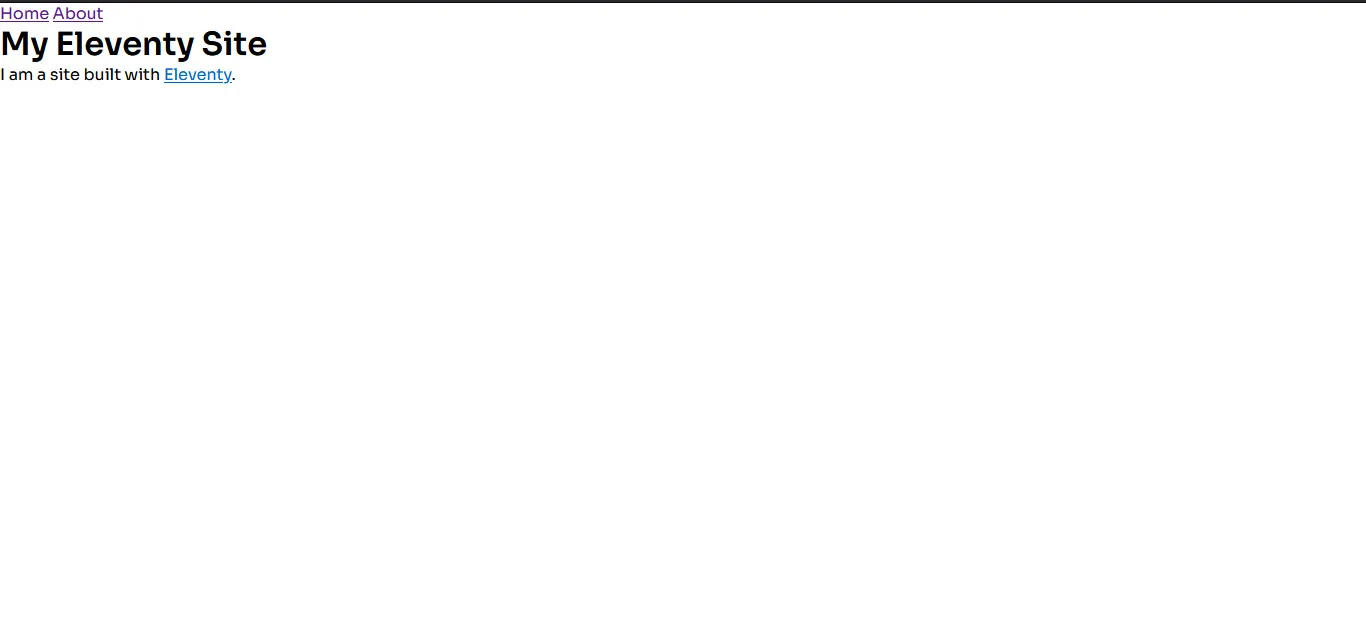
Styling
Let's now make our site look a bit nicer. Starting with a font. We'll add a google font in our head:
<head>
  <meta charset="UTF-8" />
  <meta http-equiv="X-UA-Compatible" content="IE=edge" />
  <meta name="viewport" content="width=device-width, initial-scale=1.0" />
  <link rel="preconnect" href="https://fonts.googleapis.com" />
  <link rel="preconnect" href="https://fonts.gstatic.com" crossorigin />
  <link
    href="https://fonts.googleapis.com/css2?
     family=Sora:wght@300;400;500;600&display=swap"
    rel="stylesheet"
  />
  <title>My Eleventy Site - {{title}}</title>
</head>
The CSS File
We also need to add a CSS file to apply style changes. Let's make an assets folder, in it a css and then in it a style.css file
/* src/assets/css/style.css*/
*,
*::before,
*::after {
  box-sizing: border-box;
  margin: 0;
  padding: 0;
}

html {
  scroll-behavior: smooth;
}

body {
  font-family: "Sora", sans-serif;
}
Above is a general reset that I use for my CSS.
We then have to add it to our head tag as well
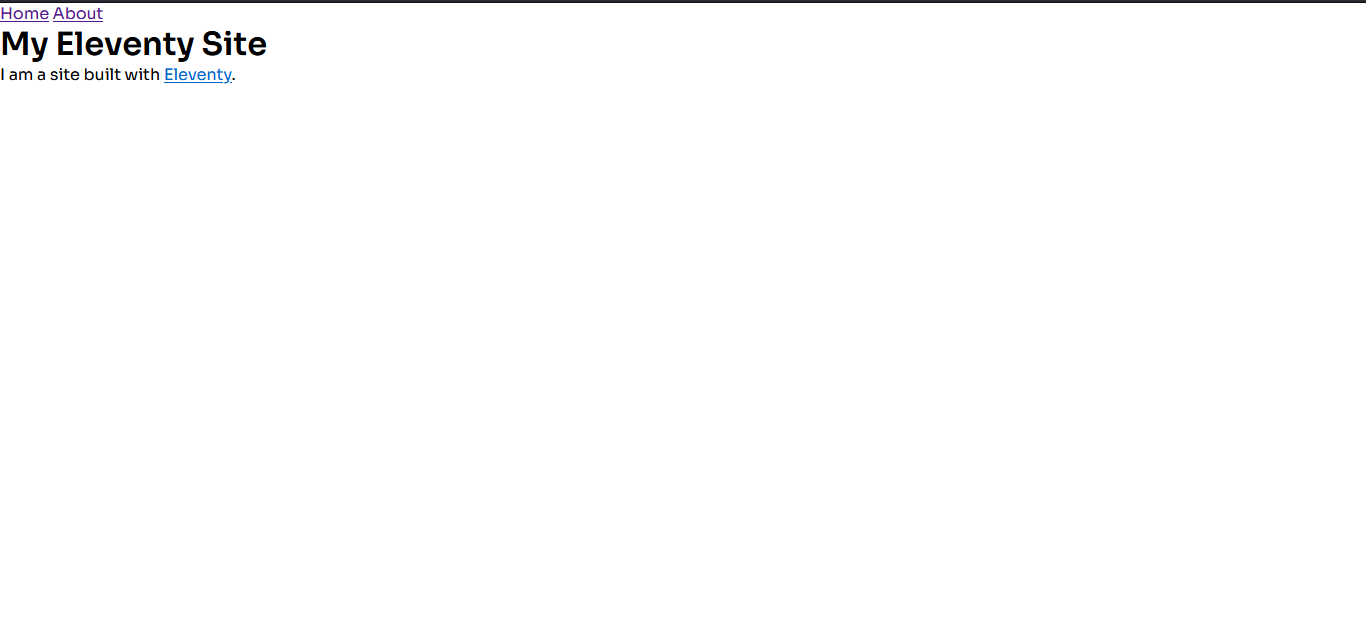
<link rel="stylesheet" href="{{ '/assets/css/style.css' | url }}" />After doing all that, and checking our site, you are going to notice something peculiar - our styles are not being applied.
If we checked our _site folder, where our site files are generated to, there is no CSS file in there
But why is that?
Pass Through Copy
If you recall when we started, I mentioned that Eleventy supports several templating languages - ways to author your site. With those file types, Eleventy automatically converts them to html.
CSS and JavaScript are not part of these languages. With them we actually have to tell Eleventy to copy those files to our output directory through a process called Pass Through Copy
Open the eleventy.config.js file and modify it to look like this:
export default function (eleventyConfig) {
  eleventyConfig.addPassthroughCopy("src/assets/css/style.css");

  return {
    dir: {
      input: "src",
      data: "_data",
      includes: "_includes",
      layouts: "_layouts",
    },
  };
}NOTE: Any files that are not part of the template languages that you want to be present on the site will need to have a Pass Through Copy - that goes for images, local fonts, icons etc
Now, if we check our site, our styles are being applied.
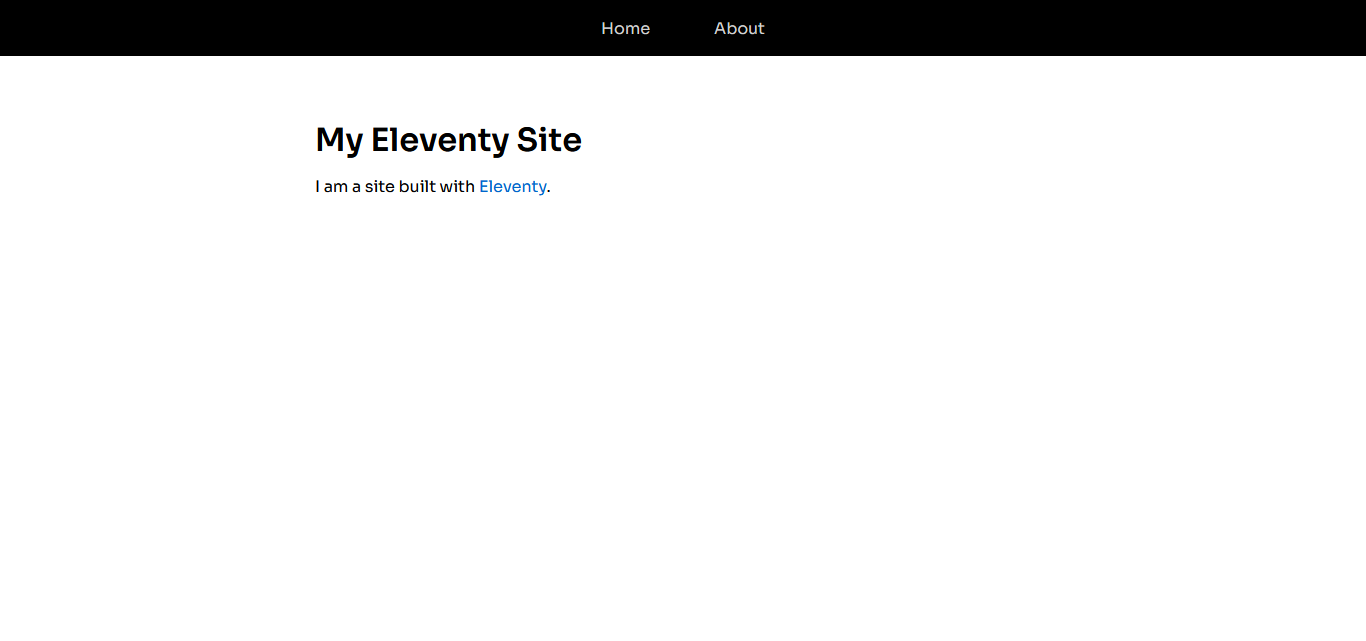
We can now add more styles to our style sheet
*,
*::before,
*::after {
  box-sizing: border-box;
  margin: 0;
  padding: 0;
}

html {
  scroll-behavior: smooth;
}

body {
  font-family: "Sora", sans-serif;
  line-height: 1.5;
}

a {
  text-decoration: none;
}

img {
  max-width: 100%;
  display: block;
}

nav {
  display: flex;
  justify-content: center;
  align-items: center;

  height: 3.5rem;
  width: 100%;
  background-color: black;
  color: lightgray;
}

nav > a {
  display: block;
  padding: 1rem 2rem;
  color: lightgray;
}
nav > a:hover {
  color: aqua;
}

main {
  max-width: 50rem;
  margin: 0 auto;
  padding: 3rem 2rem;
  min-height: 100vh;
}

main > h1 {
  margin: 2rem 0 0.5rem;
}

main > img {
  border-radius: 5px;
}

footer {
  background-color: black;
  color: lightgray;
  padding: 2rem;
}
Images
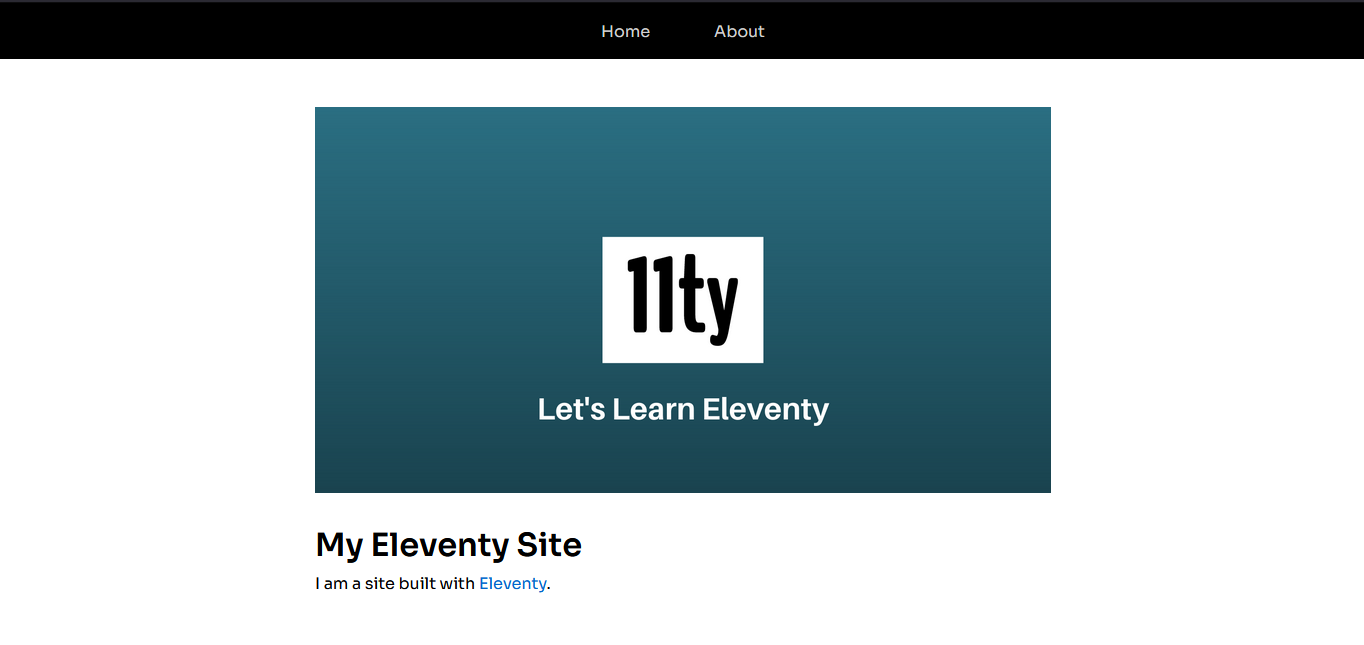
Lets add an image to our site to it doesn't look so plain
Create an images folder in assets and add an image of your choice in there
Add a Pass through copy for our images folder in
eleventy.config.js
eleventyConfig.addPassthroughCopy("src/assets/images");Add the image to our
index.md
---
layout: base
title: Home
---

# My Eleventy Site
I am a site built with [Eleventy](https://www.11ty.io/).And here we go:
More Info
The pipe | that we used in
{{content | safe }}and{{ '/assets/css/style.css' | url }}is called a filter, and we use them to decide how we want certain information to render.Like with anything in Eleventy, how you decide to style your site is completely up to you. If you choose to write them manually like I did, I recommend you use SASS. whitep4nth3r's site is styled this way
We have done a good deal this time:
Added navigation and footer
Added styling to our site and made sure they work
Added an image to our site and made sure that works also
For now:
Here is our working repo: Part 2: Partials
Check out the docs: https://www.11ty.dev/docs/
Join the discord: https://www.11ty.dev/blog/discord/
Thank you for reading, let's connect!
Thank you for visiting this little corner of mine. My email and DMs are always open; if you want to chat or collaborate on something, shoot me a email
Where you can get hold of me:
Comments (0)
Join the discussion by logging into your account.