
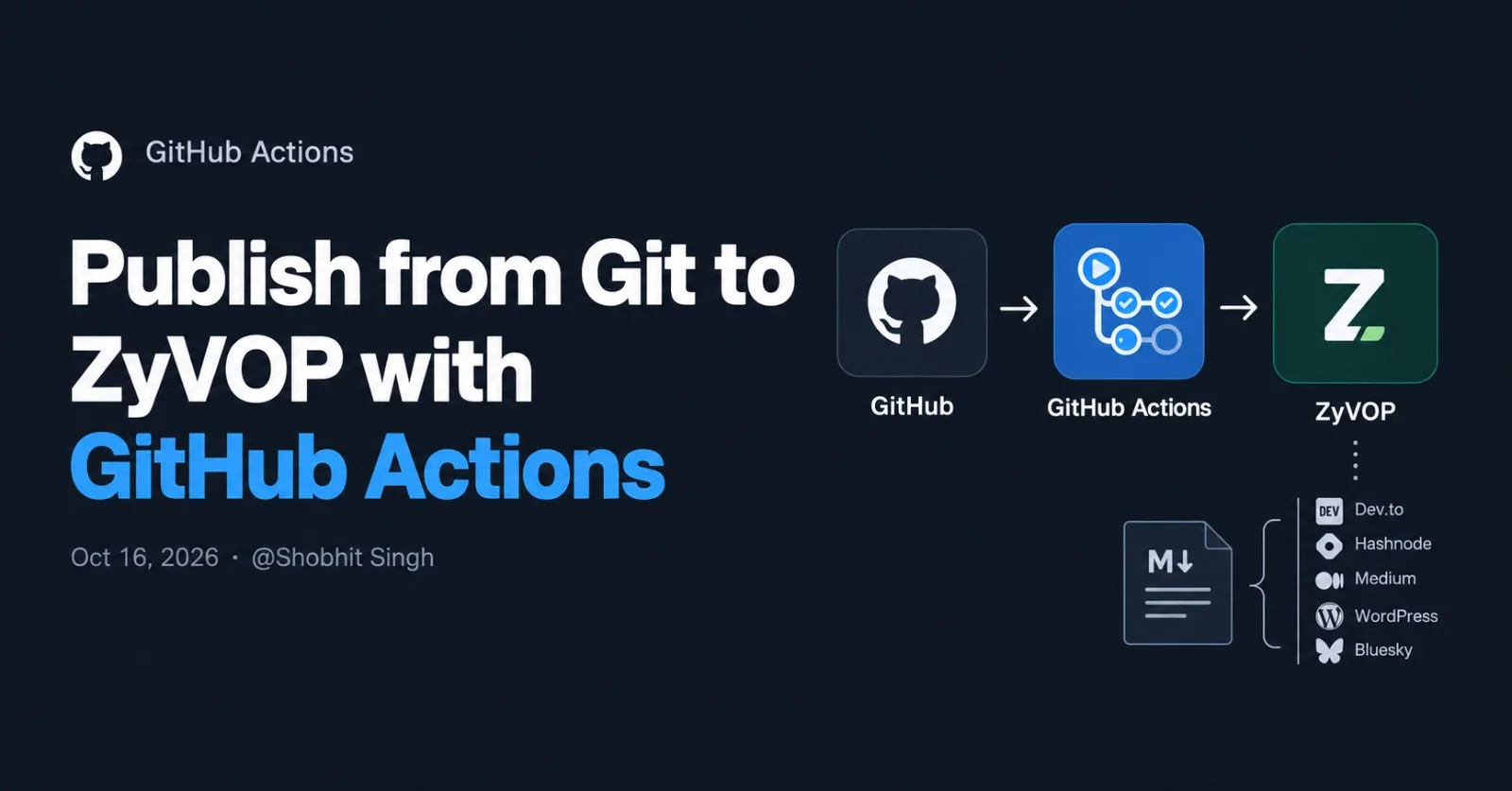
You can keep every ZyVOP article as a Markdown file in Git and let GitHub Actions publish it when you merge to main. No copy-pasting, and every change goes through a pull request.
Why publish from Git
Treating posts like code gives you things a web editor can't:
Review and history. Edits go through pull requests, and
git logbecomes your editorial history.One source of truth. The Markdown file is the article. ZyVOP can cross-post it to Dev.to, Hashnode, Medium, WordPress and Bluesky, with canonical URLs handled for you.
Safe re-runs. Give each post a stable
slug,zyvop_idorcanonical_url, and later pushes update the existing article instead of creating another one.
What you need
A ZyVOP account, with any destinations you want (Dev.to, Hashnode and so on) connected in your settings.
A developer token. Generate one in ZyVOP under Settings → Integrations; tokens start with
zv_.A GitHub repository with a
posts/folder.
Step 1: Add a post with frontmatter
Each post is a Markdown file with YAML frontmatter at the top. A simple repository layout looks like this:
my-blog/
├── .github/
│   └── workflows/
│       └── publish.yml
└── posts/
    └── nodejs-logging-pino-vs-winston.md
And the post itself:
---
title: The Best Logging Library for Node.js in 2026
slug: nodejs-logging-pino-vs-winston
subtitle: How to choose between Pino, Winston and the rest
excerpt: A practical comparison of Node.js logging libraries, with code samples.
tags: [nodejs, logging, pino, winston, backend]
category: backend
draft: true
cross_post:
  devto: true
  hashnode: true
  medium: false
---

Write the article here in plain Markdown, with code blocks, tables and diagrams.
Two defaults matter. A post is published unless you say otherwise, and cross-posting is switched on for every connected platform. That is why the example starts with draft: true. The slug matters just as much: it is how a later push finds the post it should update.
These are the frontmatter fields you will use most:
Field | What it does |
|---|---|
| Headline (required, 3 to 200 characters) |
| Stable identifiers that let later pushes update this post instead of creating another |
| Short line shown under the title |
| Card preview and search snippet |
| Topic tags, as a list or a comma-separated string |
| Category slug, such as |
| Cover image URL or relative path |
| Original source URL, if the post lives elsewhere first; also identifies the post on later publishes |
| Per-platform flags: |
| Save as a draft, or set |
Extra keys such as layout or featured are preserved and ignored by ZyVOP, so the same files can also feed a static site built with Astro or Next.js.
Step 2: Store your token as a secret
In your GitHub repository, open Settings → Secrets and variables → Actions and create a repository secret named ZYVOP_TOKEN with your developer token as the value. Never commit the token itself.
Step 3: Add the workflow
The simplest option is ZyVOP's own action. Save this as .github/workflows/publish.yml:
name: Publish with ZyVOP

on:
  push:
    branches: [main]
    paths:
      - "posts/**/*.md"
  workflow_dispatch:

permissions:
  contents: read

jobs:
  publish:
    runs-on: ubuntu-latest
    steps:
      - uses: actions/checkout@v4
        with:
          fetch-depth: 0

      - uses: zyvop/publish-action@v1
        env:
          ZYVOP_TOKEN: ${{ secrets.ZYVOP_TOKEN }}
The action publishes only the Markdown files changed by a push. Checkout uses fetch-depth: 0 so the base commit is available; when it isn't, or on a manual run (workflow_dispatch) or a branch's first push, the action processes every post. It reads your token from the ZYVOP_TOKEN secret, and once you merge a change to main the run shows up under your repository's Actions tab.
Alternative: call the CLI yourself
If you want to own the changed-file logic, run the zyvop CLI yourself. It needs Node.js 20 or newer. This version, adapted from ZyVOP's CLI documentation, publishes only the files changed since the previous push, and falls back to all posts on a branch's first push or a force push:
name: Publish with ZyVOP CLI

on:
  push:
    branches: [main]
    paths:
      - "posts/**.md"

permissions:
  contents: read

# Do not let rapid pushes publish the same article concurrently.
concurrency:
  group: zyvop-publish-${{ github.ref }}
  cancel-in-progress: false

jobs:
  publish:
    runs-on: ubuntu-latest
    steps:
      - name: Checkout repository
        uses: actions/checkout@v4
        with:
          fetch-depth: 0

      - name: Setup Node.js
        uses: actions/setup-node@v4
        with:
          node-version: 20

      - name: Detect changed posts and publish
        env:
          ZYVOP_TOKEN: ${{ secrets.ZYVOP_TOKEN }}
        run: |
          set -euo pipefail

          before="${{ github.event.before }}"
          after="${{ github.sha }}"

          # A branch's first push has an all-zero before SHA. A force push can
          # also reference an unavailable commit, so publish all tracked posts.
          if [[ "$before" =~ ^0+$ ]] || ! git cat-file -e "$before^{commit}" 2>/dev/null; then
            mapfile -d '' files < <(git ls-files -z -- ':(glob)posts/**/*.md')
          else
            mapfile -d '' files < <(
              git diff --name-only -z --diff-filter=ACMR \
                "$before" "$after" -- ':(glob)posts/**/*.md'
            )
          fi

          if (( ${#files[@]} == 0 )); then
            echo "No Markdown files changed."
            exit 0
          fi

          for file in "${files[@]}"; do
            if [ -f "$file" ]; then
              echo "Deploying $file..."
              npx --yes [email protected] publish "$file"
            fi
          done
Two notes. The workflow only publishes added or modified files, so deleting a post from Git doesn't remove it from ZyVOP. And if you would rather keep your Dev.to, Hashnode, Medium, WordPress or Bluesky credentials in GitHub secrets than in ZyVOP, the CLI has a --local mode that publishes to those providers directly from the runner. Its documentation warns that Medium's API can't update a published story, so repeated local publishes to Medium can create another one.
Step 4: Check posts on pull requests
The CLI's --dry-run flag validates a post and previews the exact payload without authentication or publishing, which makes it a cheap check for every pull request. It runs locally, so it can't tell you whether a real publish would create or update the post.
name: Check posts

on:
  pull_request:
    paths:
      - 'posts/**'

permissions:
  contents: read

jobs:
  dry-run:
    runs-on: ubuntu-latest
    steps:
      - uses: actions/checkout@v4
      - uses: actions/setup-node@v4
        with:
          node-version: 20
      - name: Validate every post
        run: |
          set -euo pipefail
          mapfile -d '' files < <(git ls-files -z -- ':(glob)posts/**/*.md')
          for file in "${files[@]}"; do
            echo "Checking $file"
            npx --yes [email protected] publish "$file" --dry-run
          done
Habits that keep it safe
Start every post as a draft. Keep
draft: trueuntil the pull request that should make it live, and flip it in that PR. A first push or a manual run processes every post, so mark any back catalogue as drafts too.Give every post a stable identity. Set a
slug,zyvop_idorcanonical_urlonce and keep it stable, so later pushes update the same article.Schedule instead of racing. Set
status: SCHEDULEDand ascheduled_attimestamp to release a post later.Mind the rate limit. ZyVOP documents 10 requests per minute per token on its REST API, so when you move a large back catalogue, publish it in small batches.
Pin the CLI version. ZyVOP's own examples pin it (
[email protected]at the time of writing), so a new release can't change your pipeline unannounced.Protect the token. Keep it in GitHub secrets only. If it ever leaks, revoke it in ZyVOP and create a new one.
Set
base_urlfor relative images. ZyVOP resolves relative cover and body image paths against it, or againstcanonical_url.
Troubleshooting
The workflow doesn't run. Check that the branch is
mainand that the changed files match thepathsfilter.Every post is republished on each run. Check that checkout uses
fetch-depth: 0. When the base commit isn't available, the action processes all tracked posts.A post was created twice. Add a stable
slug,zyvop_idorcanonical_urlso ZyVOP can match the file to the existing article.Authentication fails. Confirm the secret is named
ZYVOP_TOKENand that the token hasn't been revoked.A platform didn't get the post. Connect that destination in ZyVOP and check the
cross_postflags, because ZyVOP only syndicates to connected platforms.
Wrap-up
With one folder, one secret and one workflow file, publishing becomes a side effect of merging. Start with a draft, run the dry-run check on pull requests, and set draft to false only when the post is ready.
Comments(0)
Join the discussion by logging into your account.
No comments yet. Be the first to comment!