
What Problem This Solves
Two-factor authentication assumes an attacker is trying to get into an account without the owner's help. Social engineering scams break that assumption.
The account owner types in the code, approves the payment, or changes the security settings themselves, because a caller posing as a bank officer, a government agent, or a "family member in trouble" has spent the last twenty minutes coaching them into it.
Apple's WWDC26 session on the topic states the gap plainly: authentication confirms who is acting, but not whether they are acting freely (https://developer.apple.com/videos/play/wwdc2026/379/).
Multi-factor authentication and biometrics do not help here, because the person completing the action is the legitimate account holder, just under duress. Closing that gap needs a different kind of signal, one based on behavior and context rather than credentials.
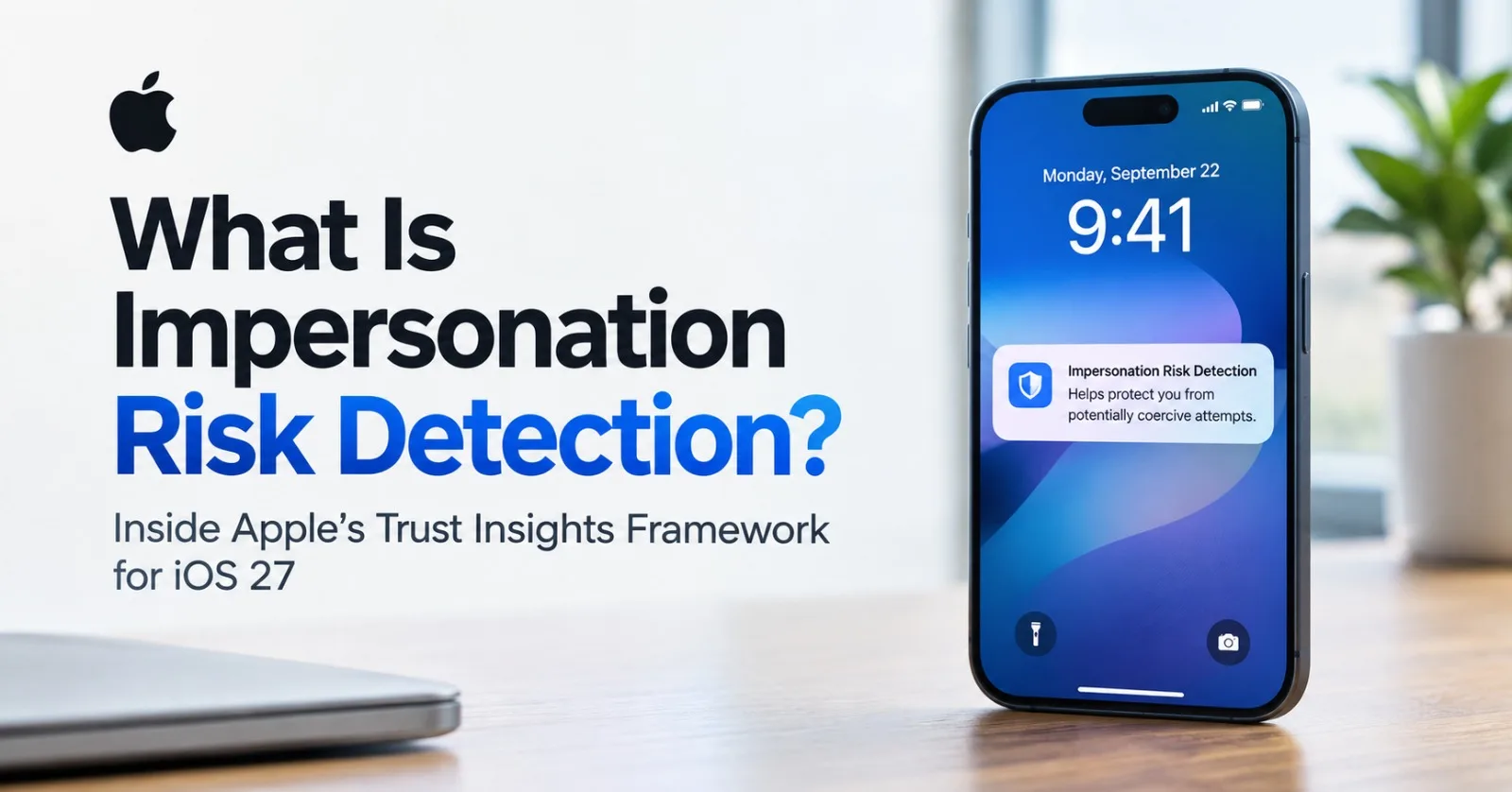
That signal is what Apple shipped in iOS 27 and iPadOS 27 as Impersonation Risk Detection, backed by a new developer framework called Trust Insights.
How It Works For Users
Impersonation Risk Detection is off by default. A user turns it on under Settings > Privacy & Security > Impersonation Risk Detection, then enables "Share with App Developers," which may require signing back into the App Store with their Apple Account (https://support.apple.com/en-us/127906).
Changes to the toggle, including per-app access, can take up to 24 hours to fully propagate.
Once enabled, a supported app can request a risk assessment at moments that matter, such as making a payment, changing a password, or updating other account security details. Apple evaluates device and account signals and returns one of three risk levels, summarized below.
Risk level | What it means |
|---|---|
Unknown | No evidence of suspicious activity was found. This is not confirmation that the action is safe. |
Medium | Some signs of suspicious activity were detected. |
High | Significant signs of suspicious activity were detected. |
The app, not Apple, decides what happens next. A medium or high result might trigger a delay, an identity re-check, or a warning screen, depending on how the app chose to build its response (https://support.apple.com/en-us/127906).
Users keep visibility and control after the fact. The Impersonation Risk Detection settings page lists recent activity, showing which apps requested an assessment and what action prompted it, with a per-app toggle to revoke access at any time.
Trust Insights: The Framework Behind It
The consumer-facing feature is powered by Trust Insights, introduced at WWDC26 as a new framework for iOS 27, iPadOS 27, and Mac Catalyst 27 that combines on-device processing with Apple's cloud infrastructure, while the app's side of the integration stays entirely client-side through a Swift API (https://developer.apple.com/videos/play/wwdc2026/379/).
Adopting it starts with declaring the com.apple.developer.trustinsights.base entitlement on the app target in Xcode, then importing the framework and building a request for the framework's only current insight type, IsLikelyBeingCoachedInsight (https://developer.apple.com/documentation/trustinsights).
Every evaluation runs inside an InsightContext, which requires an operationCategory describing what the user is doing. That category determines which underlying model logic Apple applies, and the reference documentation defines five of them, listed below (https://developer.apple.com/documentation/trustinsights).
Operation category | Covers |
|---|---|
payment | Any exchange of assets, content, or money, including in-game purchases |
account | Registration, login, or modification of account details |
resourceUse | Use of an expensive computation capability or online service |
communication | Sending bulk messages or connecting with other people |
other | A fallback for anything that does not fit the above; Apple asks developers to file feedback if they land here |
A request also needs a schema version, though modelVersion is optional. Apple notes that pinning both a current and a prior model version on the same insight can support governance and validation as the underlying model changes over time.
An InsightEvaluator takes that context and, after the app confirms the user has authorized Trust Insights, asynchronously calls requestEvaluation. Apple notes this call can take a few seconds and needs network reachability, so it is worth placing behind an existing loading state or transition rather than blocking the interface outright.
Integrating Trust Insights: A Swift Walkthrough
A minimal integration for a payment confirmation screen looks roughly like this, adapted from the pattern Apple demonstrates in its WWDC26 session:
import TrustInsights

func assessBeforePayment() async throws {
    let request = IsLikelyBeingCoachedInsight.request(schema: .version1)
    let context = InsightEvaluator.InsightContext(
        operationCategory: .payment,
        requestedEvaluations: request
    )

    let evaluator = InsightEvaluator()
    switch try await evaluator.authorizationStatus(for: context) {
    case .authorized:
        break
    case .notDetermined, .deniedRequestable:
        guard try await evaluator.requestAuthorization(for: context) == .authorized else {
            return
        }
    default:
        return
    }

    let assessment = try await evaluator.requestEvaluation(context: context)

    switch try assessment.insight.outcome.get() {
    case .unknown:
        proceedWithPayment()
        assessment.reportConsumption(.usedReducedFriction)
    case .medium:
        showVerificationStep()
        assessment.reportConsumption(.usedIncreasedFriction)
    case .high:
        showWarningAndDelay()
        assessment.reportConsumption(.usedIncreasedFriction)
    @unknown default:
        proceedWithPayment()
        assessment.reportConsumption(.notUsedError)
    }
}
The authorization check matters as much as the evaluation itself. Apple's own reference sample checks authorizationStatus first and only calls requestAuthorization when the status is notDetermined or deniedRequestable, so a person who already declined once is not re-prompted on every payment screen (https://developer.apple.com/documentation/trustinsights).
Two other details matter more than the rest of the syntax. First, Apple warns developers not to treat unknown as equivalent to safe, since it means no signal was found rather than none existing.
Second, reportConsumption belongs inside each branch, not as one blanket call after the switch. That same sample reports a different status for each outcome, and calling it at all is mandatory: skipping it can get an app rate-limited by Apple's servers.
The Feedback Loop That Keeps The Model Honest
Trust Insights asks for two kinds of feedback, and they serve different purposes. Real-time consumption feedback, submitted through reportConsumption immediately after each evaluation, tells Apple whether the insight changed anything, using one of six defined values that include usedReducedFriction, usedIncreasedFriction, and notUsedError (https://developer.apple.com/videos/play/wwdc2026/379/).
Offline feedback is the second, slower loop. When a transaction that looked fine later turns out to have been fraudulent, developers can report that outcome through a server-to-server API on Apple Business Register, referencing the original insight identifier.
Apple states this submission must exclude personal data and apply privacy-preserving handling to anything that remains. It is optional, but it is the mechanism that lets the underlying model learn from the cases it missed.
Privacy Architecture
Data minimization runs through the whole design. Interaction patterns, timing, context, and basic sensor data are processed on the device, and Apple states that raw inputs are discarded immediately after evaluation, with only a single risk output ever leaving the device (https://developer.apple.com/videos/play/wwdc2026/379/). Content inside Photos, Messages, or Mail is never analyzed.
Apple's privacy documentation describes an added layer of device and account context that gets combined with that on-device output, such as the approximate number of recent calls or emails, whether the screen is currently being shared, and recent App Store downloads or purchases (https://www.apple.com/legal/privacy/data/en/trust-insights/).
The requesting app never sees this underlying detail, only the resulting risk level. Apple says it learns the general category of activity attempted, such as a sign-in or a payment, but not which app was involved or what was actually being done inside it.
Users can disable Trust Insights in Settings at any time, and Apple may apply a cooldown period after disabling it, specifically to protect someone who may have been coached by a scammer into turning the feature off in the first place.
The Full Round Trip
The diagram below traces one evaluation from the moment an app requests it to the point where the feedback loop closes.
sequenceDiagram
    participant App
    participant Device as On-device model
    participant Apple as Apple Trust Insights service
    App->>Device: authorizationStatus(context)
    Device-->>App: Status (authorized, notDetermined, ...)
    App->>Device: requestEvaluation(context)
    Device->>Device: Process interaction, timing, sensor signals
    Device->>Apple: Send single risk output only
    Apple->>Apple: Combine with Apple Account signals
    Apple-->>App: Risk level (unknown, medium, high)
    App->>App: Apply own decision logic
    App-->>Apple: reportConsumption (mandatory, real-time)
    App-->>Apple: Offline fraud label (optional, via Apple Business Register)
What This Doesn't Solve
Coverage depends entirely on developer adoption. As of the iOS 27 launch, Apple had not published a list of participating apps, and the feature only functions inside apps that have built support for it (https://9to5mac.com/2026/09/16/ios-27-adds-scam-prevention-feature-to-iphone-heres-how-to-enable-it/).
A user who turns the setting on gets no protection inside an app that never calls the framework at all.
Independent analysis published shortly after launch makes a related point worth repeating to anyone building on this: the absence of a warning is not confirmation that a request is legitimate, and Impersonation Risk Detection should be treated as one layer among several rather than a fraud guarantee (https://kiledjian.com/2026/09/16/ios-s-impersonation-risk-detection.html).
The same WWDC session makes the point from the integration side, recommending that Trust Insights feed into existing risk logic rather than act as the sole basis for any decision.
The feature also arrives inside a broader pattern of Apple anti-fraud work rather than as a first attempt. A separate Apple fraud report puts a number on that history: the App Store prevented more than $9 billion in fraudulent transactions over the preceding five years, including over $2 billion in 2024 alone (https://www.apple.com/newsroom/2025/05/the-app-store-prevented-more-than-9-billion-usd-in-fraudulent-transactions/).
It also shipped a Live Caller ID Lookup API back in iOS 18.2 for apps like Truecaller to provide real-time caller ID and spam-call blocking using homomorphic encryption (https://www.businesswire.com/news/home/20250120259516/en/).
Impersonation Risk Detection extends that effort from storefront policing toward the moment a legitimate, coerced user is about to act.
Where This Fits If You're Building A Payment Or Account Flow
The WWDC26 session is direct about where to spend this: reserve Trust Insights for moments that carry real stakes, such as high-value peer-to-peer payments, irreversible actions like account deletion or personal data export, permission grants like remote access or new device authorization, and sensitive data sharing like credentials or personal documents.
Calling it on every low-stakes tap adds latency and friction without much benefit.
During development, requests hit a sandbox environment, and Xcode build scheme overrides let a team simulate specific insight values and error conditions to test interface branches before shipping (https://developer.apple.com/videos/play/wwdc2026/379/).
Once an app ships, the same code path runs against Apple's production models, so it is worth testing every branch of the switch statement, including the error paths, before that switch matters in production.
For a small team weighing whether to adopt this now, the honest tradeoff is that Trust Insights adds real signal for coercion scenarios that two-factor authentication genuinely cannot see, at the cost of an entitlement, a client-side integration, and a mandatory feedback obligation that keeps the whole system honest.
Comments (0)
Join the discussion by logging into your account.