
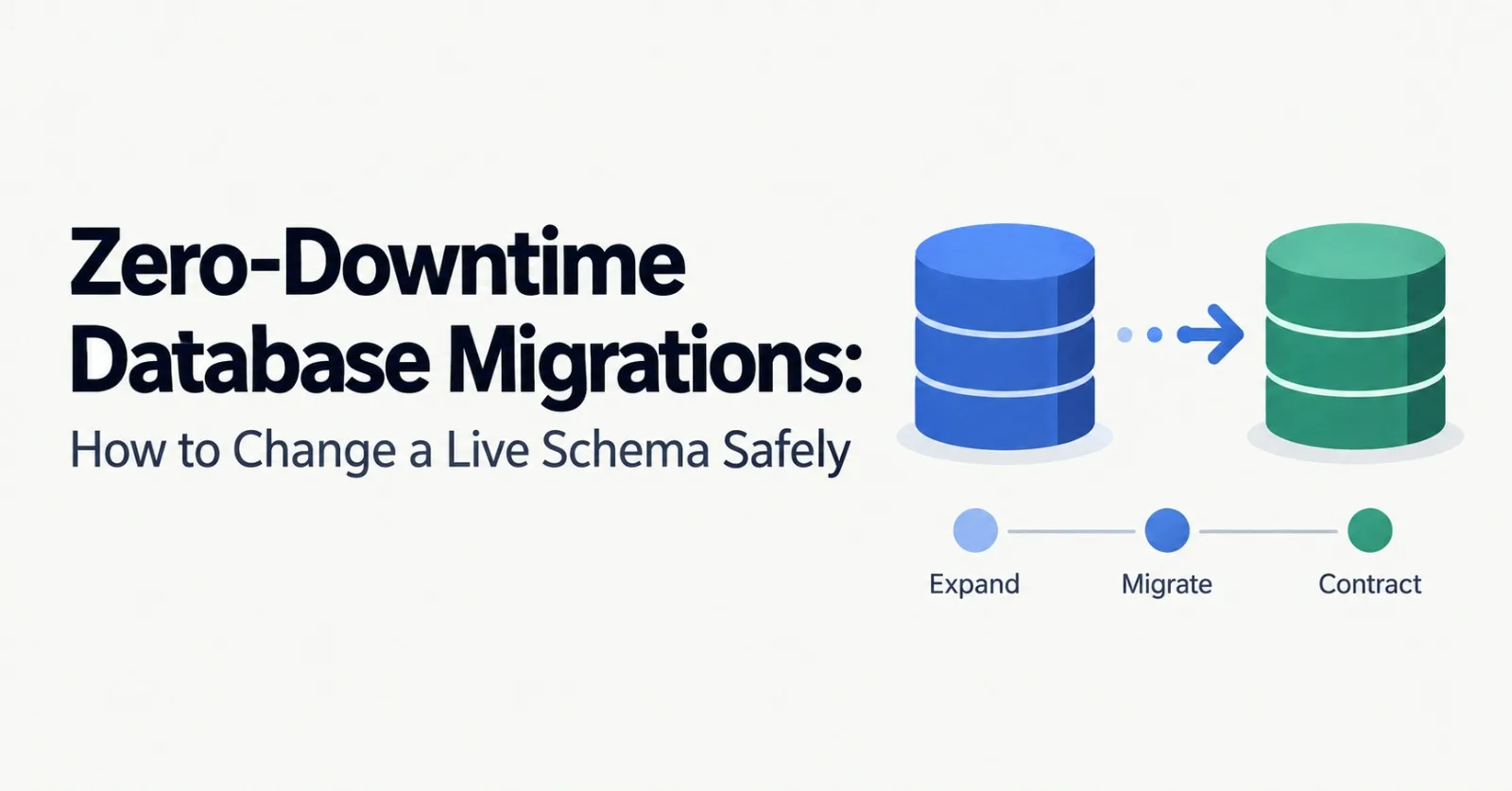
Expand, migrate, contract: a playbook for schema changes that never take your application offline.
A migration that finishes in milliseconds on your laptop can lock a production table for an hour. The causes are almost always the same: statements that take heavy locks, operations that rewrite an entire table, and old application code running against a schema it does not understand. This post covers a repeatable way to avoid all three.
The core idea: expand and contract
During a deploy, old and new versions of your code run side by side, and you need the option to roll back. So every schema state must work with both the previous and the next version of the application. The way to guarantee that is to split a risky change into three phases, each shipped separately:
Expand. Add the new structure (a column, table, or index) in a backward-compatible way. Old code ignores it.
Migrate. Write to both the old and new structures, backfill existing data, then switch reads to the new one.
Contract. Once nothing uses the old structure, remove it.
This takes more deploys than a single ALTER statement, but each step is small, reversible, and safe to run under load.
Know what a lock can do to you
Most migration outages are not caused by the slow statement itself. They come from the lock queue. A DDL statement waits for a lock behind a long-running transaction, and while it waits, every new query on that table queues up behind the DDL. A change that would have taken milliseconds can freeze the table for as long as that one old transaction runs.
The fix is to make migrations fail fast and retry instead of waiting:
-- Postgres: give up quickly rather than queue behind a long transaction
SET lock_timeout = '3s';
ALTER TABLE users ADD COLUMN display_name text;
MySQL has lock_wait_timeout for the same purpose. If the statement times out, nothing is harmed: retry in a moment with a small backoff. It also helps to check for long-running transactions before you start (in Postgres, look at pg_stat_activity), because they are what turn a lock wait into an outage.
Safe and risky versions of common changes
Change | Risky approach | Safer approach |
|---|---|---|
Add a column | A default that forces a full table rewrite, such as a volatile default | Add it nullable, or with a constant default where the engine makes that a metadata-only change (Postgres 11+, MySQL 8 INSTANT). Backfill separately |
Add an index | Plain |
|
Add NOT NULL |
| Add a |
Add a foreign key | Adding it validated, which checks every row while holding locks | Add it as |
Change a column type |
| Add a new column, dual write, backfill, switch reads, drop the old one |
Rename a column or table | A direct rename, which breaks running code the instant it applies | Expand and contract, as in the walkthrough below |
Drop a column | Dropping it while any running code still reads or writes it | Ship code that stops using it first, then drop it in a later release |
Two details trip people up. CREATE INDEX CONCURRENTLY cannot run inside a transaction block, and if it fails it leaves an invalid index behind that you must drop before retrying. And the NOT NULL pattern is worth memorizing, because it avoids a long lock on a big table:
ALTER TABLE users ADD CONSTRAINT display_name_not_null
  CHECK (display_name IS NOT NULL) NOT VALID;
ALTER TABLE users VALIDATE CONSTRAINT display_name_not_null;
-- Postgres 12+ uses the validated constraint and skips the full scan
ALTER TABLE users ALTER COLUMN display_name SET NOT NULL;
ALTER TABLE users DROP CONSTRAINT display_name_not_null;
Walkthrough: renaming a column
Say you want to rename users.fullname to users.display_name. A direct rename would break every running instance of the old code, so you do it in seven steps, each its own deploy:
Expand. Add a nullable
display_namecolumn. Old code ignores it.Dual write. Deploy code that writes both columns but still reads
fullname.Backfill. Copy existing rows into the new column in small batches.
Verify. Confirm the two columns match for every row.
Switch reads. Deploy code that reads
display_name. Keep writing both, so a rollback is still safe.Stop using the old column. Deploy code that no longer touches
fullname.Contract. Drop
fullnamein a later migration.
At every step the previous version of the code still works, which is exactly what makes rollbacks boring.
Backfill carefully
A single giant UPDATE is one of the most common ways to hurt a live database. It holds locks for a long time, generates a large burst of write-ahead log and replication traffic, and in Postgres leaves a pile of dead rows behind. Backfill in small batches instead:
-- Run for consecutive id ranges, pausing between batches
UPDATE users
SET display_name = fullname
WHERE id >= :start AND id < :start + 5000
  AND display_name IS DISTINCT FROM fullname;
A few habits make backfills safe:
Run them outside the schema migration, as a separate job you can pause and resume.
Make them idempotent, so a restart never corrupts data. The
IS DISTINCT FROMcheck above skips rows that are already correct.Throttle. Sleep between batches and watch replication lag and lock waits, slowing down when either rises.
Verify at the end with a query that counts rows where the old and new values differ.
Run migrations as their own step
Do not run migrations automatically when the application boots. With many instances starting at once, they race each other, slow startups, and can fail health checks. Run migrations as a dedicated pipeline step instead, and order them by direction:
Additive changes (new columns, tables, indexes): migrate first, then deploy the code that uses them.
Destructive changes (dropping columns or tables): deploy code that stops using them first, then migrate.
Prefer forward-only migrations. Because each schema state works with both code versions, you can roll back the application without rolling back the schema, and fix problems with a new migration instead.
For very large MySQL tables, tools such as gh-ost and pt-online-schema-change build a shadow copy of the table and swap it in, which avoids long locks on changes that would otherwise rewrite the table in place.
Test against production-sized data
The size of the data is the variable that changes everything. A migration that takes 40 milliseconds against a development database with a thousand rows can take hours against hundreds of millions.
Rehearse on a production-sized copy and record how long each statement takes and what locks it holds.
Lint your migrations. Tools such as squawk for Postgres and strong_migrations for Rails flag unsafe operations before they merge.
Rehearse the rollback, not just the rollout.
A migration checklist
Can the old and new versions of the code both run against every intermediate schema?
Is
lock_timeoutset, and does the migration retry safely if it times out?Does any statement rewrite the table or scan every row under a heavy lock?
Are indexes built concurrently, and constraints added as NOT VALID and validated separately?
Is the backfill batched, throttled, idempotent, and separate from the migration?
Have you verified the data before switching reads, and again before dropping the old structure?
Is destructive cleanup deferred to a later release?
Did you test on production-sized data, including the rollback?
Conclusion
Zero-downtime migrations are less about clever tricks than about discipline: never ship a schema state that either version of your code cannot survive, keep locks short, and move data in small steps. The cost is more deploys per change. The payoff is that schema changes stop being an event you schedule a maintenance window for and become routine work you can do any afternoon.
Frequently Asked Questions
What are the three phases of the “expand, migrate, contract” pattern for zero‑downtime database migrations?
Expand adds new columns, tables, or indexes in a backward‑compatible way; Migrate writes to both old and new structures, backfills existing data, and switches reads to the new structure; Contract removes the old structure once it is no longer used.
How can you make a PostgreSQL migration fail fast instead of waiting on a lock?
Set a short lock timeout (e.g., SET lock_timeout = '3s') before the DDL statement; if the lock cannot be acquired, the statement aborts and can be retried with a backoff.
What is a safe way to add a new column with a default value without rewriting the whole table?
Add the column as nullable or with a constant default that the engine can apply as a metadata‑only change (PostgreSQL 11+ or MySQL 8 INSTANT), then backfill the desired values in a separate step.
How do you create an index in PostgreSQL without blocking writes?
Use CREATE INDEX CONCURRENTLY, which builds the index online; note that it cannot run inside a transaction block and must be retried if it fails.
What are the steps to rename a column safely using the expand‑contract approach?
1) Expand: add a new nullable column; 2) Dual write: update code to write both old and new columns; 3) Backfill: copy data in small batches; 4) Verify: ensure values match; 5) Switch reads: code reads the new column; 6) Stop using old column: code stops writing/reading it; 7) Contract: drop the old column in a later migration.
Why should backfills be performed in small, idempotent batches?
Small batches keep locks short, limit write‑ahead‑log and replication traffic, allow throttling based on lag, and make the process resumable without corrupting data.
Why should database migrations be run as a dedicated pipeline step rather than at application startup?
Running migrations separately avoids many instances racing to apply the same change, prevents slow startups, and keeps health checks reliable.
What key items are included in the migration checklist presented in the article?
Ensure both code versions work on each intermediate schema, set lock_timeout and retry logic, avoid full‑table rewrites under heavy locks, build indexes concurrently and add constraints NOT VALID, batch and throttle backfills, verify data before switching reads and before dropping old structures, defer destructive cleanup, and test on production‑sized data including rollback.
Comments(0)
Join the discussion by logging into your account.
No comments yet. Be the first to comment!