
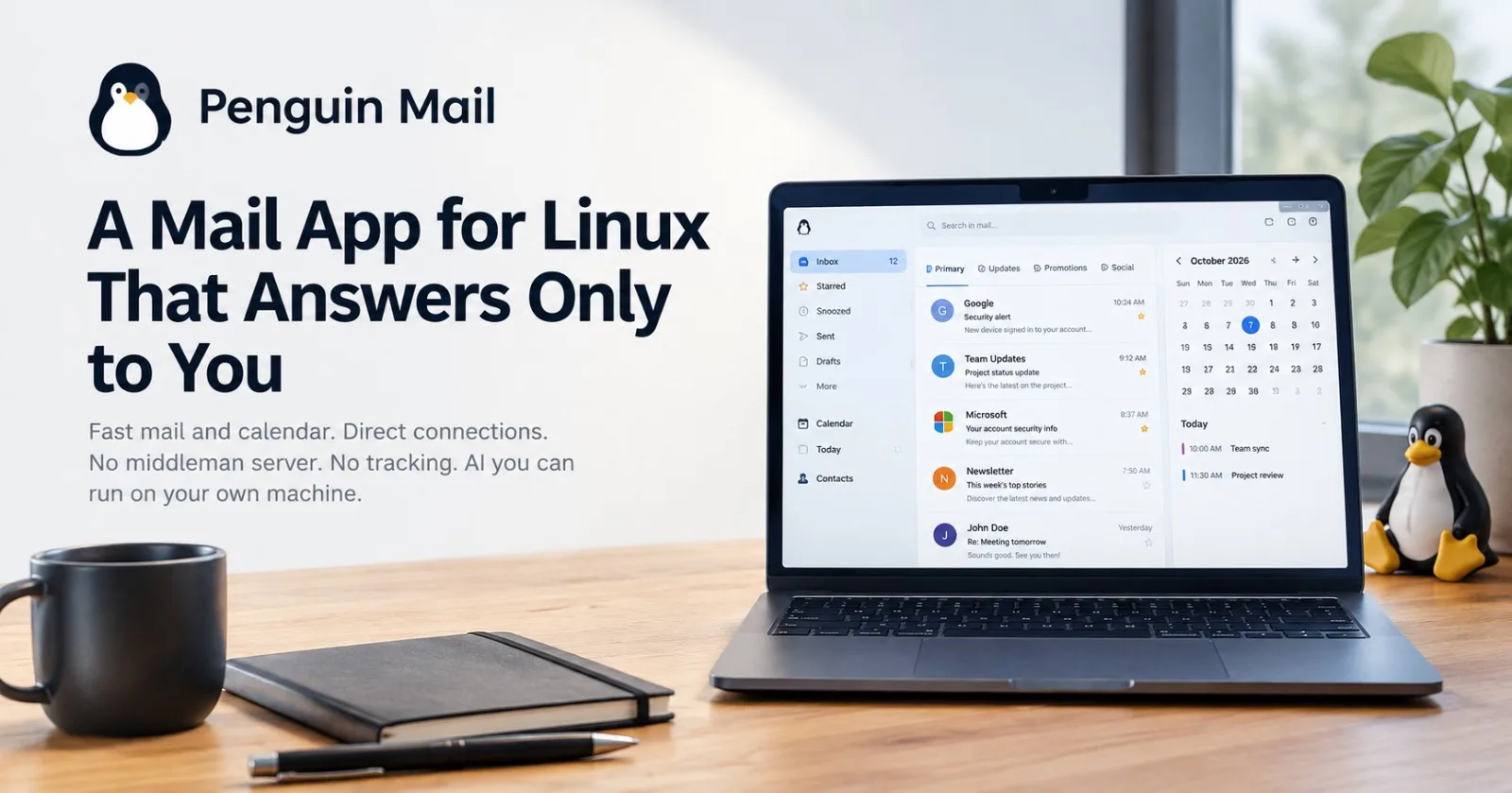
Open your email client and ask yourself a question most of us never do: who else is in the room?
For a lot of mail apps, the honest answer is "more people than you'd like." A sync server here, a tracking layer there, an ad system somewhere in the background. Your inbox is the most personal archive you own, and it often passes through machines that have nothing to do with you.
Penguin Mail is built on the opposite idea. It's a mail and calendar app for Linux that runs on your own computer and talks directly to your email provider, with nobody in the middle.
TL;DR: Penguin Mail gives Linux users one fast app for mail, calendar and contacts across Gmail, Microsoft and any IMAP or POP3 account. It has built-in AI search you can run locally, and it has no server of its own, no tracking and no ads.
At a glance
Platform | Linux |
Accounts | Gmail, Microsoft, and any IMAP or POP3 account |
Includes | Mail, calendar and contacts in one app |
AI | Ask your mail questions with |
Privacy | No server of its own, no tracking, no ads |
Version | 1.0.0, made by Pivotd |
Setup that gets out of your way
Nobody enjoys hunting for server addresses and port numbers. Penguin Mail works out the server settings from your email address, so you enter an address and start reading.
After that, it keeps syncing quietly from the system tray. You get an unread count and notifications you can act on, so staying on top of your inbox doesn't mean keeping a window open all day.
Mail and calendar, side by side
Email and scheduling are the same job in two different outfits. Penguin Mail puts your calendar and contacts next to your inbox, so "are you free Thursday?" gets answered in the same place the question arrived.
Ask your mail a question
This is the feature that sounds like a gimmick until you need it. Press Ctrl+J and ask in plain language:
Which of my sent emails are still waiting on a reply?
What's in my promotions?
Two design decisions make it feel trustworthy rather than invasive:
It can run on your own hardware. The AI can work on your own computer through LM Studio or Ollama, so understanding your inbox doesn't require shipping it to a third party.
It asks before it acts. Penguin Mail checks with you before it sends mail or changes a setting. An assistant with access to your outbox should have good manners.
Small features that show someone thought about your day
An email client earns trust in the details:
A sorted inbox. A bar above your list splits mail into Primary, Updates, Promotions and Social, using Gmail's own categories.
Send later. Schedule a message for Monday morning and it goes out on time, even when Penguin Mail is running only from the tray.
Undo, for the "oh no" moment. Sent mail waits a few seconds with an Undo button before it leaves.
Spam you can switch off. Hide My Email creates a separate Gmail plus address for each site you join. When one starts attracting junk, you turn that address off and its mail goes to the Trash. One leaky signup stops being a lasting problem.
The architecture is the privacy policy
Here's the part that matters most. Penguin Mail has no server of its own. There's no tracking and there are no ads.
Gmail and Google Calendar accounts talk to Google directly.
Microsoft accounts talk to Microsoft Graph directly.
No other server sees your mail.
That's the difference between privacy as a promise and privacy as a design. A promise can be rewritten in next year's terms of service. A system with no server in the middle has nothing to rewrite.
The honest trade-off
With no server holding your schedule, scheduled send depends on the app running on your machine. The tray counts, but a powered-off laptop won't send anything at 8 a.m. on Monday. That's a fair price for keeping your mail off someone else's infrastructure, and it's better to know it up front.
Who it's for
Penguin Mail suits Linux users who want a single fast place for mail, calendar and contacts, and who want modern conveniences like AI search, scheduled send and undo without handing their inbox to a middleman. It's at version 1.0.0, made by Pivotd, and the source is on GitHub so you can see what it does before you trust it with your mail.
FAQ
Which email accounts does Penguin Mail support? Gmail, Microsoft accounts and any IMAP or POP3 account.
Does my mail pass through Penguin Mail's servers? No. Penguin Mail has no server of its own. Google and Microsoft accounts connect directly to Google and Microsoft Graph.
Do I need a cloud AI service to use the AI features? No. The AI can run on your own computer through LM Studio or Ollama.
Will scheduled emails send if I close the window? Yes, as long as Penguin Mail is still running, including from the system tray. If the app isn't running, nothing sends.
Is the source code available? Yes, the source is on GitHub. Check the repository for its license terms.
Try it
Your inbox should work for you and nobody else. Head to penguin-mail.com, download Penguin Mail and see how email feels when it's actually yours.
Comments (2)
Join the discussion by logging into your account.
Igor Ganapolsky
Scheduled send without a server is the part I would pressure-test. The tray process is the queue, so the message and its send-at have to be durable before the undo window closes. A wake from sleep should send that row once. If the Graph or SMTP call succeeds and the local ack fails, the next launch sends it again unless the outbound row carries an idempotency key the provider already accepted. Local Ctrl+J through Ollama avoids a middleman, but the prompt is still a second copy of the mailbox, so the ask-before-you-act rule has to cover what gets written to the model log, not only the send button.