Have you ever visited a website and thought:
"How did they make that animation?! 😳"
I definitely have.
As a frontend developer, I've always been fascinated by websites with beautiful and smooth animations.
You know those websites where cards move when you hover over them, elements smoothly appear as you scroll, and everything just feels... alive? ✨
For a long time, I had one question:
Did the developer actually build all of these animations from scratch?!
Well... not always 😄
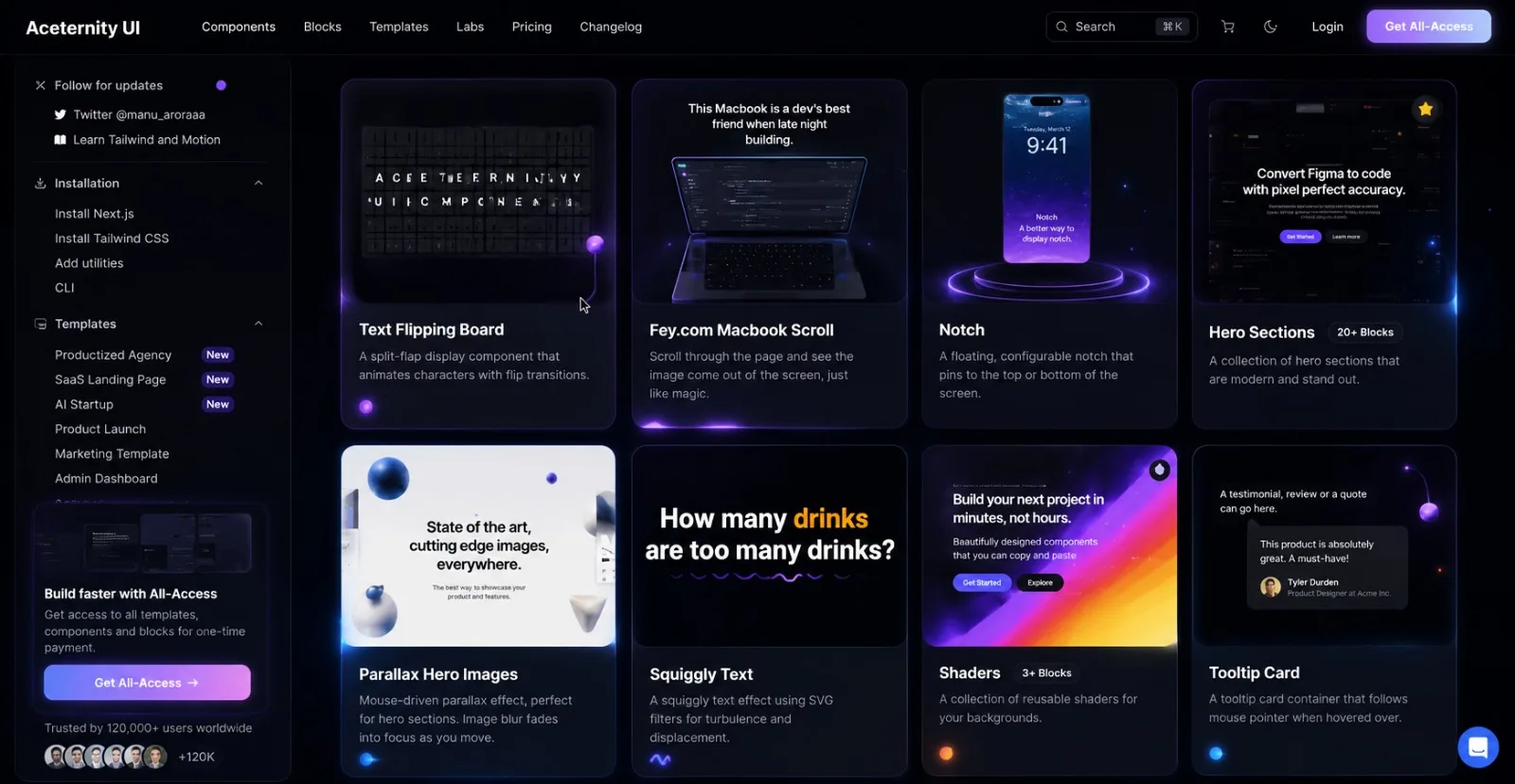
A while ago, I discovered Aceternity UI, and it completely changed the way I think about adding animations to frontend projects.
🚀 Aceternity UI
Aceternity UI is a collection of beautiful and animated UI components that you can use in your projects and customize however you want.
And there are a LOT of them.
You can find things like:
✨ Animated cards
🌌 Background effects
💫 Hover animations
🖱️ Interactive components
⚡ Text animations
🎨 Beautiful UI effects
The best part?
You don't have to reinvent the wheel every time you want to create something visually interesting.
You can start with an existing component, understand how it works, and then customize it to fit your own project.
That's exactly what I did with my portfolio.
💼 Experience Section
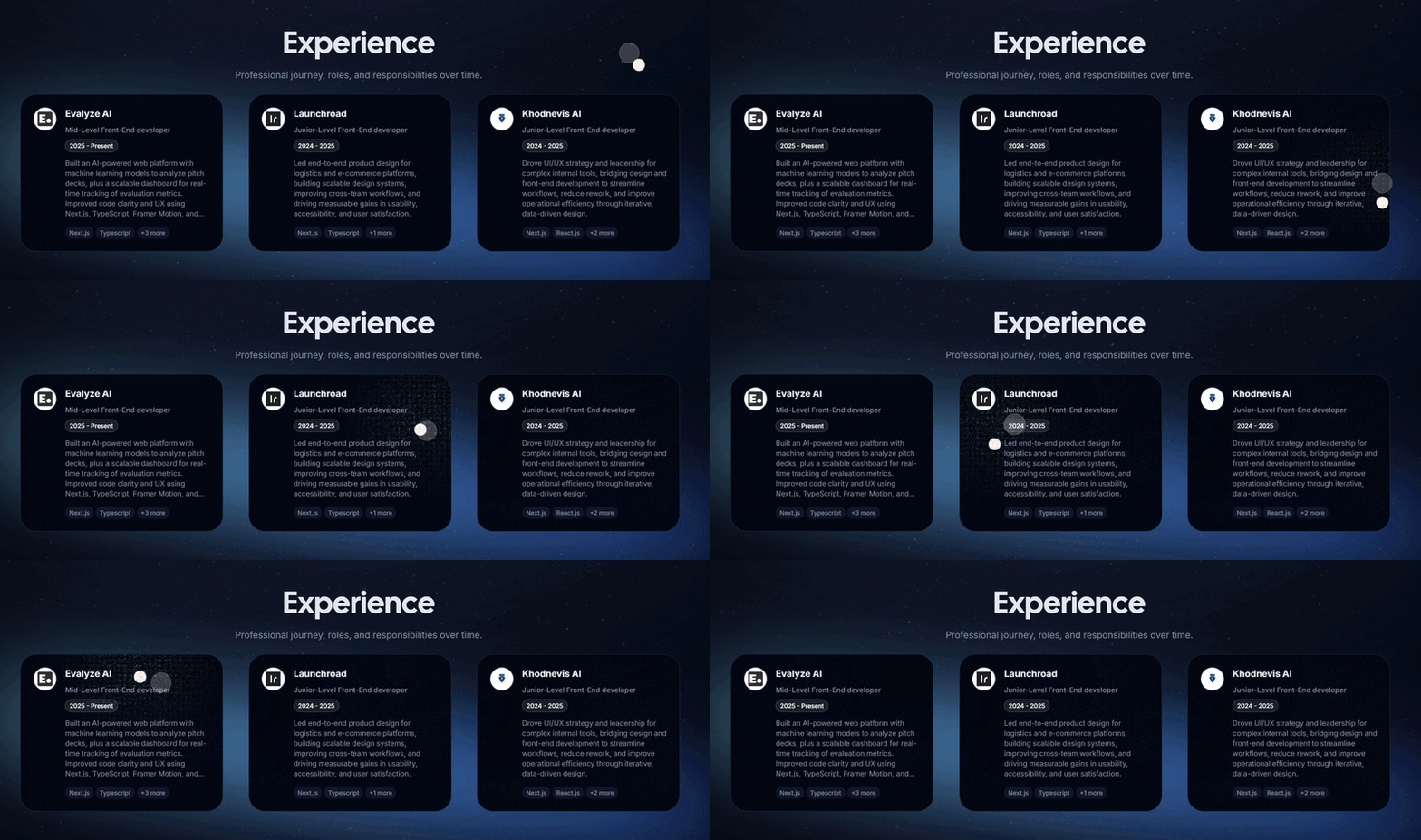
For the Experience section of my portfolio, I used the Card Spotlight component from Aceternity UI.
Of course, I didn't use it exactly as it was.
I customized it to match the design and style of my portfolio.
Here's the result:
🎥 Experience Animation
I really like these kinds of subtle animations because they don't scream:
"HEY! LOOK AT ME! I'M AN ANIMATION!" 😂
Instead, they make the UI feel more interactive without getting in the user's way.
🚀 Projects Section
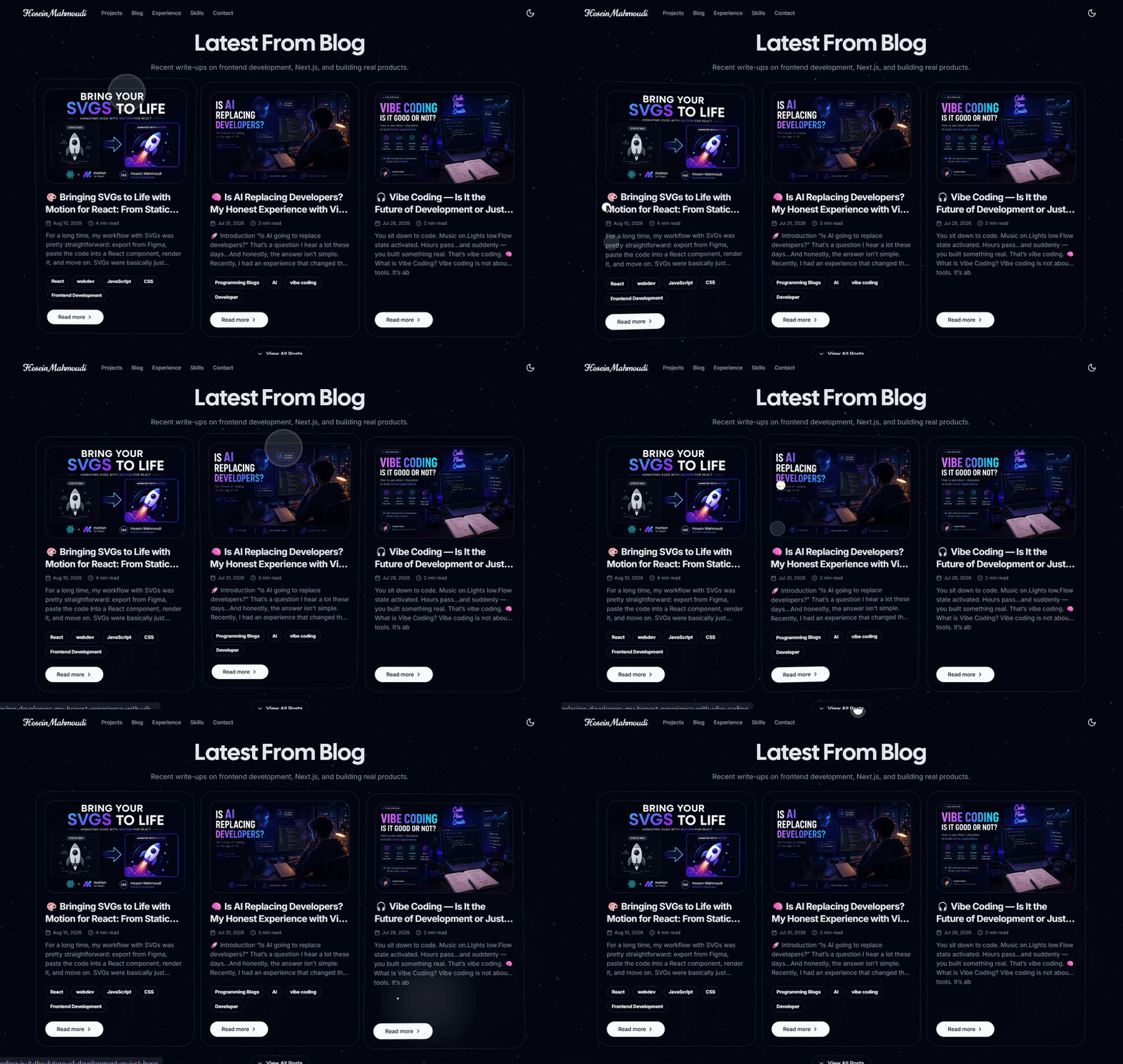
For my Projects section, I used another Aceternity UI component called Comet Card.
Again, I customized it to fit my own design.
Here's how it turned out:
🎥 Projects Animation
This was one of those moments where I realized:
You really don't need to create every animation from scratch.
Sometimes, the best approach is to find a good starting point and make it your own.
🌀 And Then There's GSAP...
Aceternity UI wasn't the only tool I used.
I also used GSAP in my portfolio, especially when I wanted more control over animations based on scrolling.
And honestly, this is where things get really interesting. 👀
Instead of simply saying:
"Animate this element when I hover over it."
I can create animations that react to the user's scroll position.
For example:
Scroll ↓
Element starts moving
↓
Opacity changes
↓
Position changes
↓
Animation progresses
↓
User keeps scrolling
↓
Animation continues
This gives you much more control over how the page feels while the user is navigating through it.
And honestly...
Scroll-based animations can make a portfolio feel completely different. 🔥
🧠 Do You Need to Build Everything From Scratch?
I used to think that using a component library for animations somehow meant I wasn't "really" building the UI myself.
I don't think that anymore.
There's a huge difference between:
Copy → Paste → Done
and:
Understand → Customize → Integrate → Make it yours
Libraries like Aceternity UI can save you a huge amount of time while still giving you the freedom to create something unique.
Instead of spending hours trying to recreate a specific animation from scratch, you can start with a working implementation and spend your time improving the actual user experience.
And I think that's a pretty good trade-off. 😄
🎨 My Portfolio
If you're curious about how these animations look together, you can check out my portfolio:
I've used both Aceternity UI and GSAP to create different interactions and animations throughout the website.
Final Thoughts
I think animations are one of those things that can completely change how a user perceives a website.
You don't necessarily need hundreds of animations.
Sometimes, just a few well-designed and subtle interactions can make a website feel much more polished.
And tools like Aceternity UI make experimenting with these ideas much easier.
So if you've ever looked at a beautiful website and wondered:
"How the hell did they make this animation?" 😂
Maybe you don't need to start from zero.
Go explore some UI libraries, find something interesting, understand how it works, and make it yours. 🚀
And if you've used any interesting animation libraries or tools in your projects, I'd love to hear about them!
What are you using for animations these days? 👇





Comments(2)
Join the discussion by logging into your account.
ZyVOP
Welcome to ZyVOP 😃