
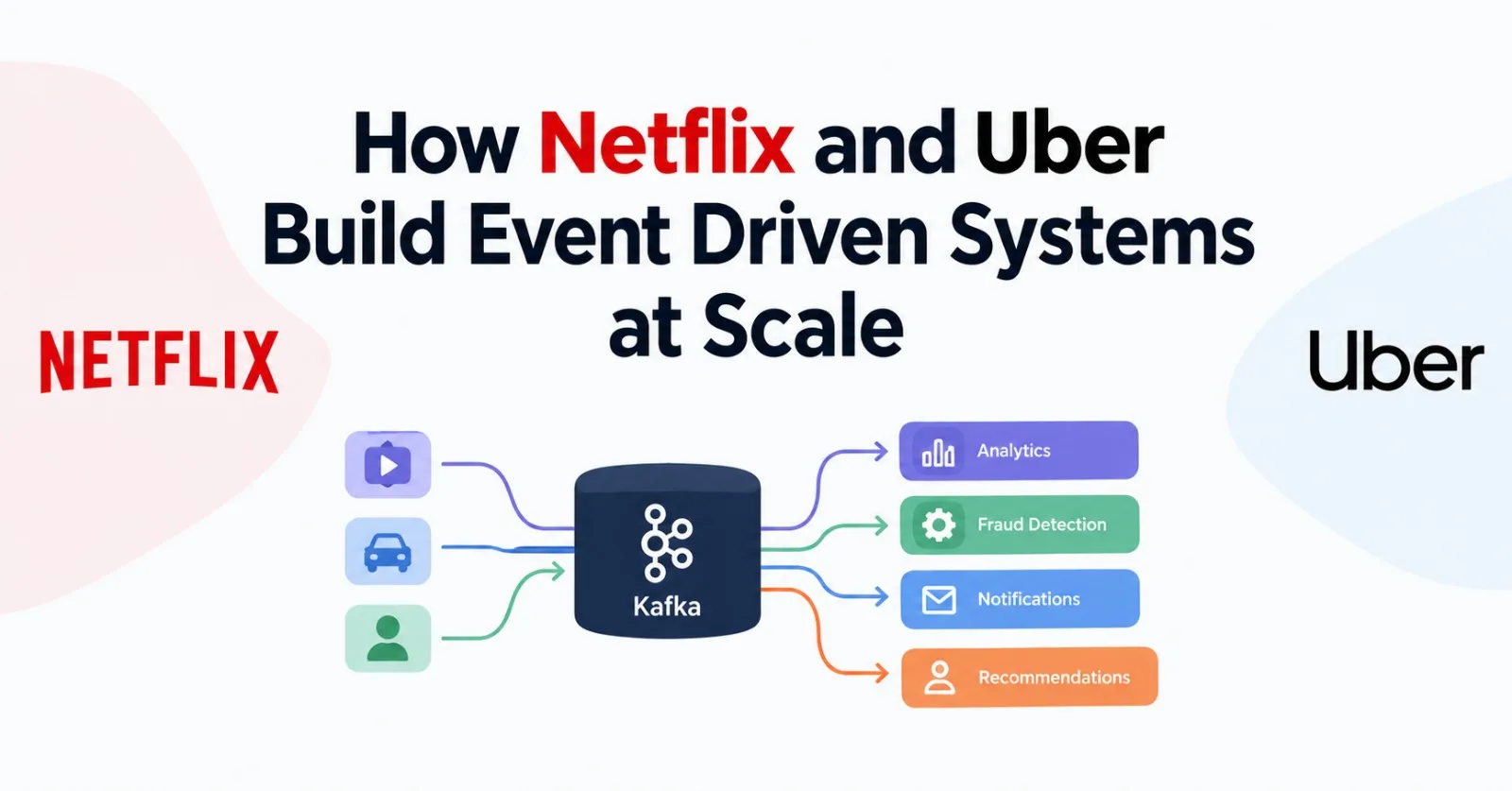
Tap play on Netflix and a lot happens that you never see. Your Continue Watching row updates. A recommendation model gets a new data point. Some A/B test somewhere counts you. And none of it slows down the video starting.
That's event-driven architecture in a nutshell. In this post I'll walk through how Netflix and Uber do it at ridiculous scale, which ideas I think are worth borrowing, and the code I'd actually write if I were starting a project today.
So what is an event, really?
An event is a fact about something that already happened. RideRequested. PaymentCaptured. VideoPlaybackStarted. It's past tense on purpose.
That's different from a command like "charge this card", which tells one specific service to do one specific thing. An event just announces what happened and lets whoever cares react to it.
You need four pieces: a producer (the service where the thing happened), a broker that stores and delivers events (Kafka, Pulsar, RabbitMQ, SNS/SQS, pick one), consumers that subscribe, and an agreed schema so nobody breaks anybody else by changing a field.
┌──────────────► Billing service
Rider app ─► Trip   │
             service├──► [ Broker: "trip.completed" ] ──► Receipt/email service
                    │
                    └──────────────► Analytics / fraud / ratings
The trip service doesn't know billing exists. It publishes one event, and that's it. When someone wants to add a fifth consumer next month, the trip team doesn't have to do anything.
Here's how it compares to the usual request/response style:
Request-driven (REST/RPC) | Event-driven | |
|---|---|---|
Coupling | Caller has to know the callee | Producer knows nothing about consumers |
When a downstream service is down | Your request fails or hangs | It catches up when it's back |
Adding a new consumer | Change and redeploy the caller | Just subscribe |
User-facing latency | Sum of every downstream call | Only what has to happen right now |
Debugging | Nice stack traces | You need tracing and correlation IDs |
Consistency | Easy to reason about | Eventual, and you have to design for it |
The last two rows are the bill you pay. More on that later.
Netflix: one pipeline for basically everything
Netflix's backbone for this is called Keystone. It went past a trillion events a day years ago, and more recent write-ups put it above two trillion. One account mentioned around 3 PB coming in and 7 PB going out per day at peak.
Those numbers are fun, but what I found more useful was the reasoning behind the design. A few decisions stood out to me.
Producers and consumers get separate clusters
Netflix runs "fronting" Kafka clusters that take events from pretty much every application instance, and separate "consumer" clusters that hold the subset of topics routed on for real-time consumers. The front layer works like a bulkhead. If something goes wrong on the consumer side, it doesn't push back into ingestion.
I like this because it answers a question most teams don't ask early enough: what happens when one team's consumer goes haywire? If the answer is "everyone's producers slow down", you have a problem.
They'd rather drop an event than slow the app
Netflix's producer library will drop events before it slows down the application generating them, and the reported drop rate is under 0.01% a day. That's a very deliberate choice. Telemetry matters, but the video playing matters more.
So for every kind of event you publish, decide which one you're protecting: never losing it, or never slowing the producer. You don't get both for free.
At-least-once, out of order, and fine with it
Their engineers said lossless delivery at that volume was too expensive on EC2. So Keystone gives you at-least-once delivery, possibly out of order, and the application deals with sequencing using timestamps.
This one is a big deal for anyone building consumers. You will get duplicates. You will get things out of order. If your consumer can't handle that, it's a bug waiting for a busy day.
Lots of small clusters
Rather than growing one giant Kafka cluster, Netflix spreads the load across a lot of separate ones. Their early Keystone write-up counted 36 clusters and more than 4,000 brokers between them. The payoff is a smaller blast radius: if one cluster has a bad day, only the topics living on it are affected.
Know where your replay comes from
Kafka topics expire. Netflix's fronting clusters kept events for only hours (one account says 8 to 24), so anything older has to come from somewhere else, and newer pipelines reportedly use Apache Iceberg tables to backfill beyond what Kafka still holds.
Before you ship a pipeline, ask yourself: if I find a bug and need to reprocess last week's events tomorrow, where do they come from? If you don't have an answer, you don't have a pipeline yet, you have a hope.
Make it easy for other teams
Netflix doesn't want one central team writing every stream job. They offer stream processing as a managed service so teams can focus on their own logic, and their Data Mesh SQL Processor lets people build streaming jobs in plain SQL instead of low-level Flink code.
I think this is the underrated part. Events only pay off if consuming them is easy. If subscribing takes a two-week ticket to the platform team, people will quietly build point-to-point integrations instead, and you're back where you started.
Uber: a marketplace that runs on fresh data
Uber has to match riders and drivers, price trips, track locations, catch fraud, and bill people. All of that needs fresh data, so it's no surprise they lean hard on events.
Kafka has been in Uber's stack since the mid-2010s. Today it's described as one of the biggest Kafka deployments anywhere, moving trillions of messages and multiple petabytes a day. The same backbone carries rider and driver app events, feeds streaming analytics on Flink and Samza, streams database changelogs to subscribers, and loads the data lake.
Regional clusters, replicated
Events are replicated asynchronously from regional clusters into aggregate clusters across regions. For that Uber built uReplicator, an open-source take on Kafka's MirrorMaker aimed at high reliability and no data loss. Consumers can then read the aggregate topic in each region independently, active-active.
Write locally, replicate asynchronously, read globally. A regional failure stays regional.
They audit the pipeline itself
This is one of the cheapest ideas in the post to steal. Uber built a system called Chaperone that watches every message passing through their multi-datacenter Kafka setup. The core of it is basically counting: how many events went in, how many came out, per time window, at every stage. You can build a small version of that in a weekend, and it catches silent data loss that you'd otherwise find out about from an angry analyst.
The consumer proxy
Writing a correct Kafka consumer is harder than it looks. Rebalancing, retries, poison messages. Now imagine hundreds of teams each getting it slightly wrong.
Uber's answer was a proxy that does the consuming for you. It reads from Kafka and pushes messages to a gRPC endpoint your service registers, so your app only needs a thin generated client. If your service fails to handle a message, the proxy retries, and after enough failures it moves the message to a dead-letter queue.
If I could copy one platform idea from either company for a mid-sized org, it would be this. Centralize the annoying parts of consuming so product teams only write business logic.
Exactly-once, but only where money is involved
Uber's ad events pipeline for Uber Eats ads is a good example, because those events turn directly into money. It gets exactly-once results by combining Flink's transactional Kafka writes, consumers that only read committed messages (read_committed), a two-minute checkpoint interval, and a unique ID on every aggregated record. That's a lot of machinery. It's worth it when double-counting a click means overcharging an advertiser, and not worth it for most telemetry. I'd say the same for your own systems.
Notice that even with all that, the record ID exists so downstream systems can deduplicate. Idempotent consumers show up again.
SQL again
Uber also built FlinkSQL so engineers and non-engineers can turn SQL queries into streaming jobs without touching the underlying code. Same idea as Netflix's Streaming SQL. Two companies landing on the same solution tells you something.
What they have in common
Reading both, the same handful of habits keep showing up. Both keep a durable log in the middle, so events are stored and not just passed along. Both isolate failures with tiers, clusters, and regions. Both choose delivery guarantees per use case, not globally: at-least-once by default, exactly-once for money, drop-over-block for telemetry. And both invested in tooling so other teams could use all this without becoming Kafka experts.
One more thing worth saying. As far as I can tell, these platforms grew in layers over many years, each one added to fix a concrete problem. Please don't copy the end state on day one.
The code I'd actually write
Let's do a tiny ride-hailing flow. Topics first:
Topic | Key | Producer | Consumers |
|---|---|---|---|
|
| Ride API | Dispatch, Pricing, Fraud |
|
| Trip service | Billing, Receipts, Ratings |
| original key | Dispatch | Ops / replay tool |
The key matters more than people expect. Kafka only guarantees order within a partition, and the key decides the partition. Key by rider_id and all of one rider's events stay in order.
Publishing
import json, time, uuid
from confluent_kafka import Producer

producer = Producer({
    "bootstrap.servers": "localhost:9092",
    "enable.idempotence": True,   # producer retries won't create duplicates
    "acks": "all",                # wait for all in-sync replicas
    "compression.type": "lz4",
    "linger.ms": 5,               # tiny batching window, big throughput win
})

def on_delivery(err, msg):
    if err:
        # log it, count it, alert if it keeps happening
        print(f"delivery failed: {err}")

def publish_ride_requested(rider_id: str, pickup: dict, dropoff: dict):
    event = {
        "event_id": str(uuid.uuid4()),       # lets consumers dedupe
        "event_type": "RideRequested",
        "schema_version": 1,                 # so you can evolve the shape later
        "occurred_at_ms": int(time.time() * 1000),
        "data": {"rider_id": rider_id, "pickup": pickup, "dropoff": dropoff},
    }
    producer.produce(
        "ride.requested.v1",
        key=rider_id,
        value=json.dumps(event).encode(),
        on_delivery=on_delivery,
    )
    producer.poll(0)   # serve delivery callbacks
Put event_id, event_type, schema_version, and a timestamp on every event from day one. Adding them later is miserable.
Consuming without getting hurt by duplicates
Since delivery is at-least-once, the same event will occasionally show up twice. The consumer has to shrug that off.
Picture a retry that delivers the same "order placed" event twice. Without a guard, the customer gets two confirmation emails and two charges, and there's no bug to find in the queue, because the queue did exactly what it promised. The consumer just had no idea it had already seen that message.
import json, time
from confluent_kafka import Consumer, Producer

consumer = Consumer({
    "bootstrap.servers": "localhost:9092",
    "group.id": "dispatch-service",
    "enable.auto.commit": False,       # only commit after we've actually succeeded
    "auto.offset.reset": "earliest",
})
dlq_producer = Producer({"bootstrap.servers": "localhost:9092"})
consumer.subscribe(["ride.requested.v1"])

MAX_ATTEMPTS = 4

def handle(event: dict):
    ...  # your real logic: find nearby drivers, create an offer, etc.

def process_once(event: dict, db):
    # The unique constraint on event_id turns a replay into a no-op.
    # Keep this insert and your business writes in ONE transaction.
    with db.transaction():
        inserted = db.execute(
            "INSERT INTO processed_events (event_id) VALUES (%s) "
            "ON CONFLICT DO NOTHING", (event["event_id"],)
        ).rowcount
        if inserted == 0:
            return                      # seen it already, skip
        handle(event)

while True:
    msg = consumer.poll(1.0)
    if msg is None or msg.error():
        continue
    event = json.loads(msg.value())

    for attempt in range(1, MAX_ATTEMPTS + 1):
        try:
            process_once(event, db)
            break
        except Exception as exc:
            if attempt == MAX_ATTEMPTS:
                dlq_producer.produce(
                    "ride.requested.v1.dlq",
                    key=msg.key(),
                    value=msg.value(),
                    headers={"error": str(exc)[:200], "attempts": str(attempt)},
                )
                dlq_producer.flush()
            else:
                time.sleep(2 ** attempt * 0.1)   # exponential backoff

    consumer.commit(message=msg)   # after success, or after parking it in the DLQ
This is basically what Uber's proxy does for everyone: retry, back off, park the poison message, keep the stream moving. One bad message should never block a partition forever.
The outbox pattern
There's a bug that almost everyone ships once. You save the ride to the database, the process crashes, and the event never gets published. Or the reverse. You can't update a database and Kafka atomically, so don't try.
Instead, write the event to an outbox table in the same transaction as the state change, and publish it afterward.
BEGIN;

INSERT INTO rides (id, rider_id, status)
VALUES ('r-123', 'u-42', 'REQUESTED');

INSERT INTO outbox (id, topic, event_key, payload, created_at)
VALUES (gen_random_uuid(), 'ride.requested.v1', 'u-42',
        '{"event_id":"...","event_type":"RideRequested", ...}', now());

COMMIT;
A small relay process reads unsent rows, publishes them, and marks them sent. A polling loop is fine to start with, and CDC tools like Debezium do the same job without polling. If the relay crashes it just re-sends, which is safe because your consumers are idempotent. Everything connects back to that one habit.
If you only adopt one of the code patterns in this post, I'd make it this one.
A few small habits
Use a schema registry with Avro or Protobuf and enforce backward compatibility. Adding an optional field is fine. Renaming or deleting one breaks people. When you really do need a breaking change, create a .v2 topic and run both for a while. And put a trace_id in every event so you can follow one user action across ten services.
Mistakes I'd watch for
Using events as disguised RPC. If the producer sits waiting for a consumer to reply, you've rebuilt a fragile synchronous system with extra steps.
Assuming global ordering. There isn't any. Order exists per partition, so key by whatever entity needs its events in order.
Ignoring consumer lag. How far behind each consumer is might be the single most useful health metric you have. Alert on it.
Thin vs. fat events, picked by accident. A thin event like "ride 123 changed" makes every consumer call back for details, which recreates the coupling you were trying to escape. I lean toward carrying the state consumers need, even though it makes the contract bigger.
No replay plan. Retention windows end. See the Netflix section.
Loops. A's event triggers B, which triggers C, which triggers A. Draw the event flow on paper once. You'll be surprised.
Over-eventing. Not every function call needs a topic. Use events for facts other teams care about, and plain calls for simple lookups that need an answer right now.
When I wouldn't use any of this
Honestly, I think plenty of teams adopt Kafka before they need it. If you have one team and one database, a well-organized monolith is faster to build and much easier to debug. Same if you need an immediate, strongly consistent answer, like checking a balance before a withdrawal. And if nobody has time to run and watch a broker, use a managed one (Confluent Cloud, MSK, Pub/Sub), but the design work doesn't go away.
A path that seems sensible to me: start with the monolith, add a broker when a second consumer of the same fact shows up, adopt the outbox as soon as you publish from a database, and add a schema registry when more teams get involved. That's roughly how both companies got where they are.
Checklist before you ship
Every event has
event_id,event_type,schema_version,occurred_at, andtrace_idPartition key chosen on purpose (ordering per entity)
Consumers are idempotent
Retries with backoff, plus a dead-letter topic
Outbox or CDC for publishing from a database
You know where replay comes from, and you've tested it
Consumer lag and DLQ depth are monitored and alerted on
Delivery guarantee written down per topic (drop-OK, at-least-once, exactly-once)
Wrapping up
Strip away the scale and both companies are doing a handful of sensible things: isolating failures, picking delivery guarantees on purpose, making consuming easy, checking that the pipeline isn't quietly losing data, and planning for replay. Kafka is just what they run it on.
You don't need trillions of events to get value out of this. Pick one event that matters, say OrderPlaced, publish it with an outbox, and let a second service react to it. If that goes well, you're already doing a small version of what they do.
Further reading
Netflix TechBlog: Keystone Real-time Stream Processing Platform
Netflix TechBlog: Kafka Inside Keystone Pipeline
Uber Engineering: Disaster recovery for multi-region Kafka at Uber
Uber Engineering: Introducing Chaperone: How Uber Engineering Audits Apache Kafka End-to-End
Uber Engineering: Real-Time Exactly-Once Ad Event Processing with Apache Flink, Kafka, and Pinot
Uber paper: Real-time Data Infrastructure at Uber
Open source: uReplicator
Comments (0)
Join the discussion by logging into your account.
No comments yet. Be the first to comment!