
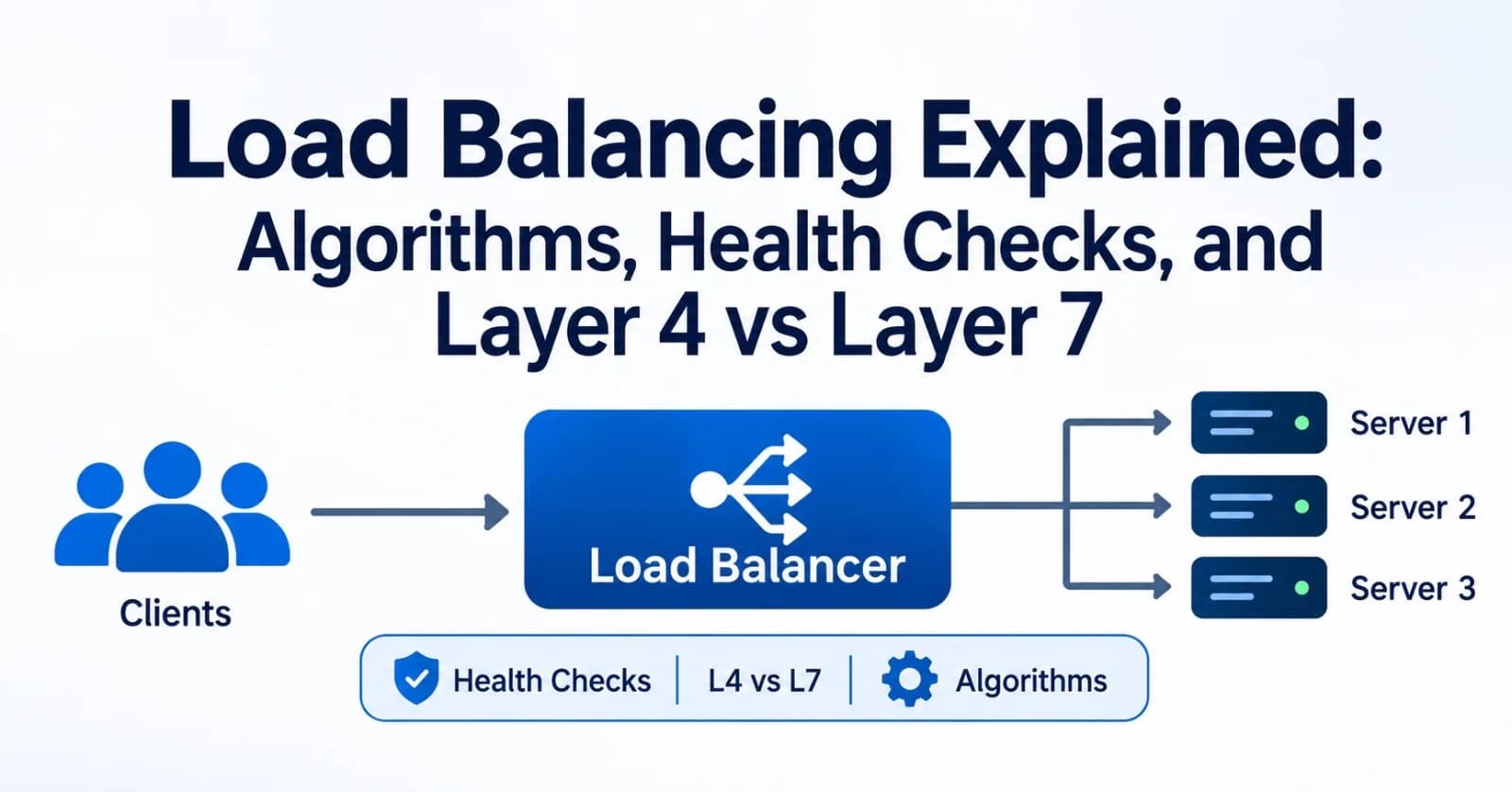
One server can only handle so much traffic, and when it fails, everything on it fails with it. A load balancer solves both problems by sitting in front of a group of servers and deciding which one handles each connection or request.
This guide explains how load balancers choose between servers, how they detect failures, and how layer 4 differs from layer 7.
What a load balancer does
A load balancer gives clients a single address to talk to while spreading the work across many backend servers. That brings three benefits:
Scalability. To handle more traffic, add more servers behind the load balancer instead of buying a bigger one.
Availability. When a server fails, the load balancer stops sending traffic to it, so users see little or no disruption.
Maintainability. You can take servers out for deployments and upgrades without downtime.
Load balancers come in three forms. Software proxies such as NGINX, HAProxy, and Envoy run on your own machines. Managed cloud services such as AWS Elastic Load Balancing, Google Cloud Load Balancing, and Azure Load Balancer are run for you. Hardware appliances also exist.
In most setups, the basic flow looks like this:
A client connects to the load balancer's address.
The load balancer picks a healthy backend using its algorithm.
It forwards the traffic and returns the backend's response to the client.
Layer 4 vs Layer 7
Load balancers are grouped by how much of the traffic they understand. The numbers refer to layers of the OSI network model.
A layer 4 load balancer works at the transport level. It sees IP addresses, ports, and TCP or UDP connections, but not what is inside them.
A layer 7 load balancer works at the application level. For HTTP traffic, it reads the request itself, including the host, path, headers, and cookies.
Layer 4 | Layer 7 | |
|---|---|---|
Balances | Connections | Individual requests |
Routing rules | By address and port | By URL path, hostname, header, or cookie |
Overhead | Low, minimal processing | Higher, since each request is parsed |
Protocols | Any TCP or UDP protocol | HTTP, HTTPS, HTTP/2, gRPC, WebSockets |
Extra features | Few, though some can terminate TLS | TLS termination, redirects, and rewrites, and often authentication or caching |
AWS example | Network Load Balancer | Application Load Balancer |
The practical consequence shows up with HTTP/2 and gRPC, where a client keeps one long-lived connection and sends many requests over it. A layer 4 load balancer sees one connection and sends every request on it to the same backend, so load can become badly uneven.
A layer 7 load balancer sees each request and can spread them across backends.
Which one to choose:
Layer 4: non-HTTP protocols such as databases, MQTT, or custom TCP services, maximum speed, or TLS pass-through.
Layer 7: web applications and APIs, where routing by path or host, or modifying requests, is valuable.
Both: many systems put a layer 4 balancer at the edge in front of layer 7 proxies.
Load balancing algorithms
The algorithm decides which backend gets the next connection or request.
Algorithm | How it chooses | Good for | Watch out for |
|---|---|---|---|
Round robin | Each server in turn | Similar servers and similar requests | Ignores current load, so slow requests can pile up |
Weighted round robin | Rotation proportional to weights | Servers of different sizes | Hand-set weights go stale |
Least connections | The server with the fewest active connections | Long-lived or uneven work, such as WebSockets and uploads | A freshly added server can be flooded without a slow start |
Least outstanding requests | The server with the fewest requests in progress | Requests with very different durations | Needs request-level tracking |
Hash (IP or key) | A hash of the client IP, URL, or header | Keeping a client or key on one server | Remaps many keys when servers change |
Consistent hashing | A hash ring where only a small share of keys move when servers change | Caches and sharded services | Hot keys still overload one server |
Power of two choices | Picks two random servers and uses the less loaded one | Large fleets with many load balancers | Slightly less even than a global view |
If you are unsure, start with round robin. Move to least connections or least outstanding requests when request durations vary a lot, and to consistent hashing when the same key must reach the same server.
Cloud load balancers expose only a few of these. For example, an AWS Application Load Balancer uses round robin by default and also offers least outstanding requests and weighted random.
Health checks
A load balancer is only useful if it stops sending traffic to broken servers. It learns which servers are healthy in two ways:
Active checks. The load balancer probes each server on a schedule, for example by requesting
/healthevery few seconds, and marks it down when probes fail.Passive checks. The load balancer watches real traffic and marks a server down after too many failed requests or timeouts. It reacts only after real users have already hit the failure.
Most setups use active checks, and some combine both. HAProxy, Envoy, and the cloud load balancers support active checks. Open-source NGINX supports passive checks through max_fails and fail_timeout, while active checks need NGINX Plus or a third-party module.
Four settings control how quickly failures are detected:
Interval: how often to probe.
Timeout: how long to wait for a reply.
Unhealthy threshold: how many failed probes mark a server down.
Healthy threshold: how many successful probes bring it back.
Detection time is roughly the interval multiplied by the unhealthy threshold. Probing every 5 seconds with a threshold of 3 means a dead server can keep receiving traffic for about 15 seconds.
Lower numbers detect faster but can cause flapping when a server has a brief hiccup.
What a health endpoint should check
A shallow check only confirms that the process is running and can answer. A deep check also tests dependencies such as the database.
Deep checks catch more problems, but they carry a risk. If a shared dependency fails, every server fails its check at once, and the load balancer removes the whole fleet.
Some load balancers fail open in that situation. An AWS Application Load Balancer, for example, sends traffic to all targets when none is healthy.
A common compromise is to keep the load balancer's check shallow and monitor dependencies separately.
Draining and slow start
When you remove a server for a deployment, it should finish what it is doing first. This is called connection draining: the load balancer stops sending new requests to the server but lets in-flight ones complete, up to a time limit. On AWS, the deregistration delay defaults to 300 seconds.
Some load balancers also offer slow start, which ramps up traffic to a new server gradually so its caches and connections can warm up.
Sticky sessions
Sometimes a user's requests need to keep going to the same server, for example because the server holds session data in memory. This is called session persistence, or sticky sessions.
The load balancer can implement it with a cookie it sets, an application cookie, or a hash of the client IP. With a cookie, the algorithm picks the server for the first request, and later requests follow the cookie. On an AWS Application Load Balancer, the cookie lasts one day by default.
Stickiness has costs. Load can become uneven, and when the pinned server dies, its users lose their sessions. A better design is to keep servers stateless and store sessions in a shared place such as Redis or a database, so any server can handle any request.
TLS termination
HTTPS adds a choice about where encryption ends:
Termination. The load balancer decrypts traffic and forwards plain HTTP to the backends. This is simple and lets a layer 7 balancer read requests, but traffic is unencrypted inside your network.
Re-encryption. The load balancer decrypts, inspects, and then encrypts again to the backend. This keeps traffic encrypted end to end while still allowing layer 7 features.
Pass-through. A layer 4 load balancer forwards encrypted traffic without opening it. The backends handle TLS, but the load balancer cannot read requests.
Keeping the load balancer available
A single load balancer is itself a single point of failure. Managed cloud load balancers can run across multiple availability zones. If you run your own, use a pair with a floating IP address, commonly managed with VRRP through a tool like keepalived, or put several load balancers behind DNS.
For users in different regions, global load balancing sends each user to the nearest or healthiest region. It is usually done with DNS-based routing or anycast addressing, with a regional load balancer behind it.
Load balancing in Kubernetes and microservices
The same ideas appear inside container platforms:
A Kubernetes Service spreads connections across pods, which is layer 4 behavior. Long-lived gRPC connections can therefore end up pinned to a few pods.
An Ingress or Gateway handles layer 7 routing from outside the cluster, with host and path rules.
A service mesh, such as Envoy sidecars, balances each request on the client side, which avoids the pinned-connection problem.
Try it: a layer 7 load balancer with HAProxy
This configuration balances HTTP traffic across three servers using least connections, with active health checks and a lower weight for a smaller server:
defaults
    mode http
    timeout connect 5s
    timeout client  30s
    timeout server  30s

frontend web
    bind *:80
    default_backend app

backend app
    balance leastconn
    option httpchk
    http-check send meth GET uri /health
    http-check expect status 200
    server app1 10.0.0.11:8080 check inter 5s fall 3 rise 2 weight 100
    server app2 10.0.0.12:8080 check inter 5s fall 3 rise 2 weight 100
    server app3 10.0.0.13:8080 check inter 5s fall 3 rise 2 weight 50
On each server line:
checkturns on health checking.inter 5sprobes every five seconds.fall 3marks the server down after three failed probes.rise 2brings it back after two successful probes.weightsets its relative share, so app3 gets about half the share of the others.
To try it, run three small web servers on those addresses, start HAProxy with this file, stop one server, and watch traffic move to the other two. Changing balance leastconn to balance roundrobin switches the algorithm.
If your servers rely on virtual hosts, add ver HTTP/1.1 hdr Host example.com to the http-check send line so the check carries a Host header.
Mistakes to avoid
Never testing failover. Stop a server on purpose and confirm that traffic moves away from it, and test the load balancer's own failover too.
Blocking health check traffic. A firewall or security group that blocks the probes makes healthy servers look dead.
Losing the client IP. Backends see the load balancer's address unless you pass the original through a header such as
X-Forwarded-For(layer 7), or the PROXY protocol or client IP preservation (layer 4).Mismatched timeouts. If a backend closes an idle connection before the load balancer does, a request sent on that closed connection fails with a 502 error. Keep the backend's keep-alive timeout longer than the load balancer's idle timeout. On AWS, an Application Load Balancer's idle timeout is 60 seconds by default, and AWS recommends setting your application's timeout higher.
Slow responses. A request that takes longer than the load balancer's idle timeout is cut off with a 504 error, so raise the timeout for slow endpoints or make them faster.
Final thoughts
Choose the layer by whether you need to understand requests, the algorithm by how alike your servers and requests are, and your health checks, draining, and redundancy so that failures stay mostly invisible to users. Start simple, with round robin and a shallow health check, and adjust as real traffic shows where the pressure is.
Comments(0)
Join the discussion by logging into your account.
No comments yet. Be the first to comment!