
You read the diff. The changed functions, the new test, maybe the workflow file. Then there is a four-hundred-kilobyte block of hashes at the bottom, and you scroll past it — because nobody reads that, and there is nothing in it a reviewer would recognise as suspicious anyway.
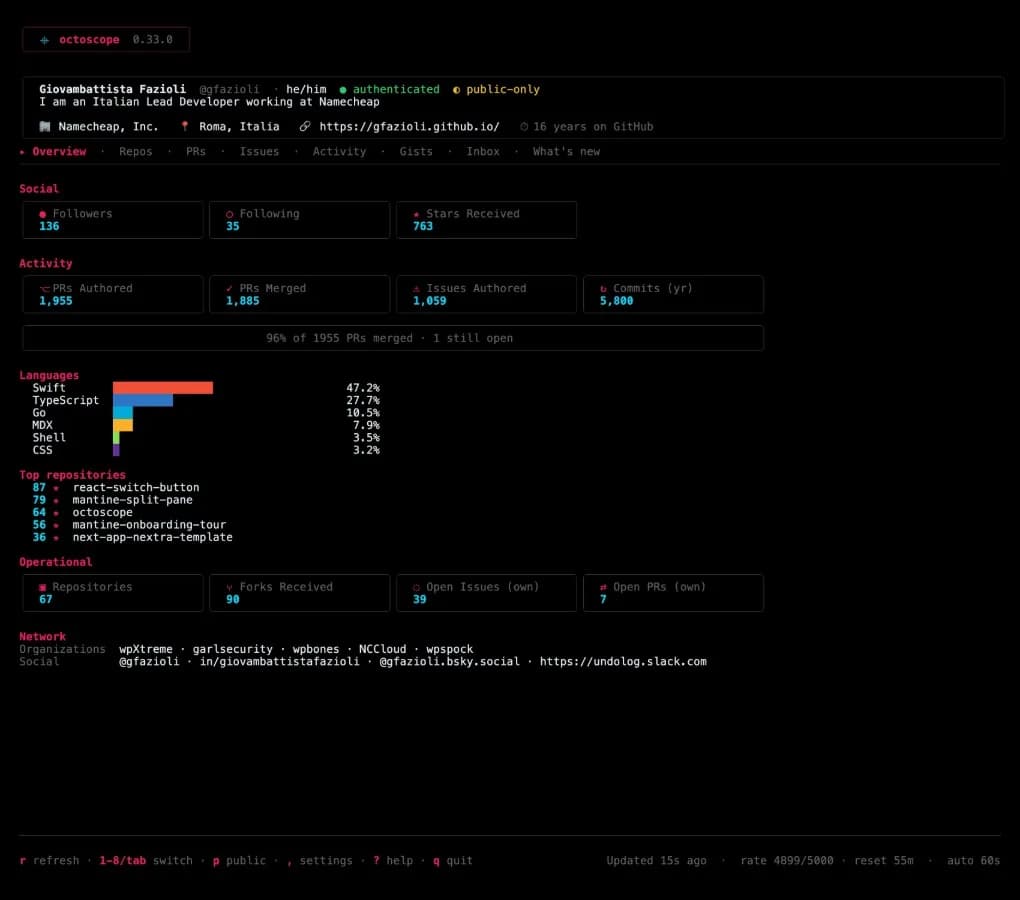
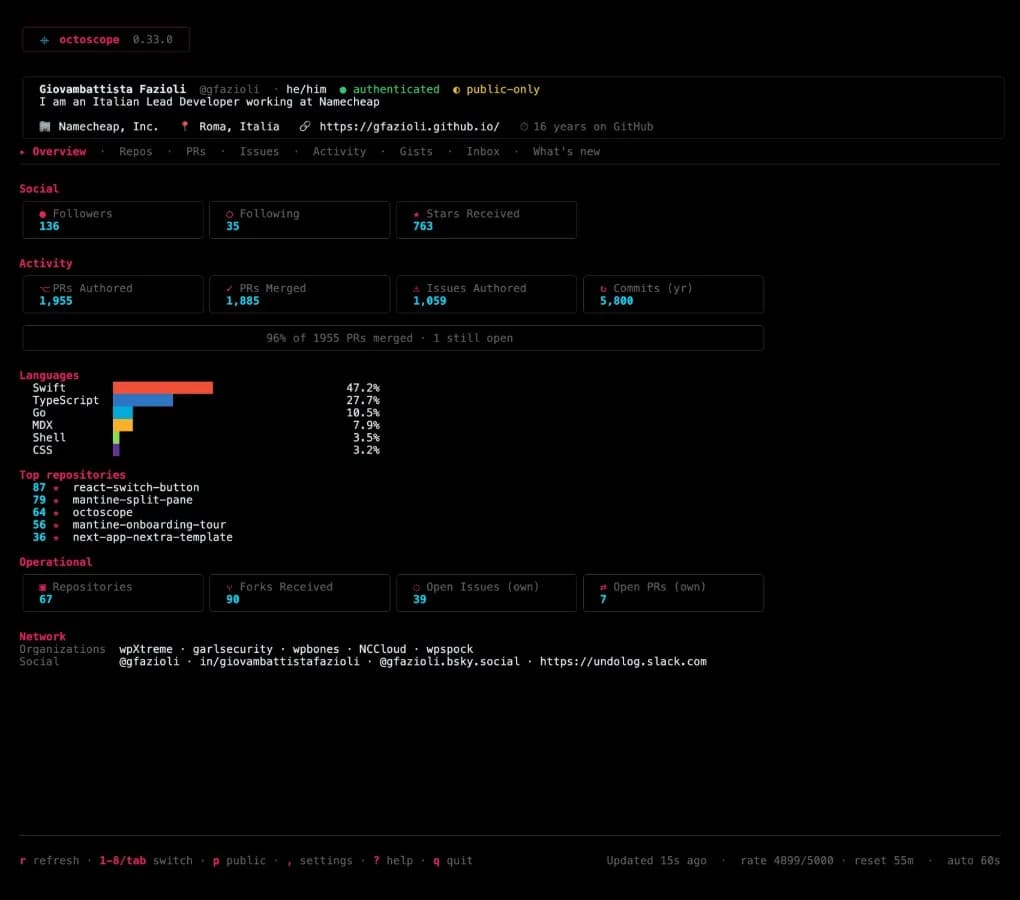
Your lockfile is the one part of a pull request nobody reads line by line. octoscope 0.33.0 reads it for you.
What it can see now
Since v0.27.0 the scan could tell you that something in your own repository had started auto-executing — a hook that appeared, a workflow whose contents moved. It could not see the other half: a dependency that starts running code the moment you install it. That is not a new file and it is not a code change. It is a lockfile diff, and branch protection does nothing about it.
Now the scan reads package-lock.json (or npm-shrinkwrap.json) on your default branch and compares the subset of your dependencies that carry an install script. Press s on any repository in the Repos tab, exactly as before.
Three things it can tell you:
a package that did not run code at install and now does — something in your dependency tree began executing on your machine;
the same version whose content changed. That version was republished, and no upgrade explains it. It is the heaviest thing this part of the scan will say;
an ordinary version bump, or a package that stopped running code at install. Both are listed, neither is scored.
Why the subset, and not the whole file
Because a lockfile changes constantly and the interesting part of it does not.
I measured the last twenty revisions of the lockfile in three busy repositories — axios, npm/cli and undici, fifty-seven revisions in all. The files churned the entire time. The subset that runs code at install moved twice. The same version was republished zero times.
That zero is the point. It is a measured rate of false alarms, not a guess, and it is what lets the sharp case actually mean something when it fires. An axis that goes off constantly is one you learn to skip, and then it is worth nothing on the day it is right.
What it does not check, it tells you
This is npm only, and the report says so rather than going quiet. pnpm used to declare install scripts in its lockfile and dropped the field; Yarn never had one. Building on something that has already disappeared once would ship a rule that quietly decays, so if your lockfile is theirs, you get a line naming it and saying your dependency surface was not compared.
The same goes for a repository with no lockfile at all, one too large to read, or a format this scan has not measured. Silence would look exactly like nothing here runs code at install, and that is the one thing it must never imply.
And it never looks at the registry. The claim is that your dependencies' auto-execute surface changed — never that a dependency is malicious. What to do about it is yours.
Upgrading
brew upgrade gfazioli/tap/octoscopeOr gh extension upgrade octoscope, go install github.com/gfazioli/octoscope@latest, or pull the container image.
The first scan after upgrading will say it is the first comparison of your dependency surface rather than claiming nothing changed — there is nothing recorded to diff against yet. The one after that is the one that talks.
Site: https://gfazioli.github.io/octoscope
Newsletter: https://octoscope.substack.com
Mastodon: https://hachyderm.io/@undolog
Comments(0)
Join the discussion by logging into your account.
No comments yet. Be the first to comment!