
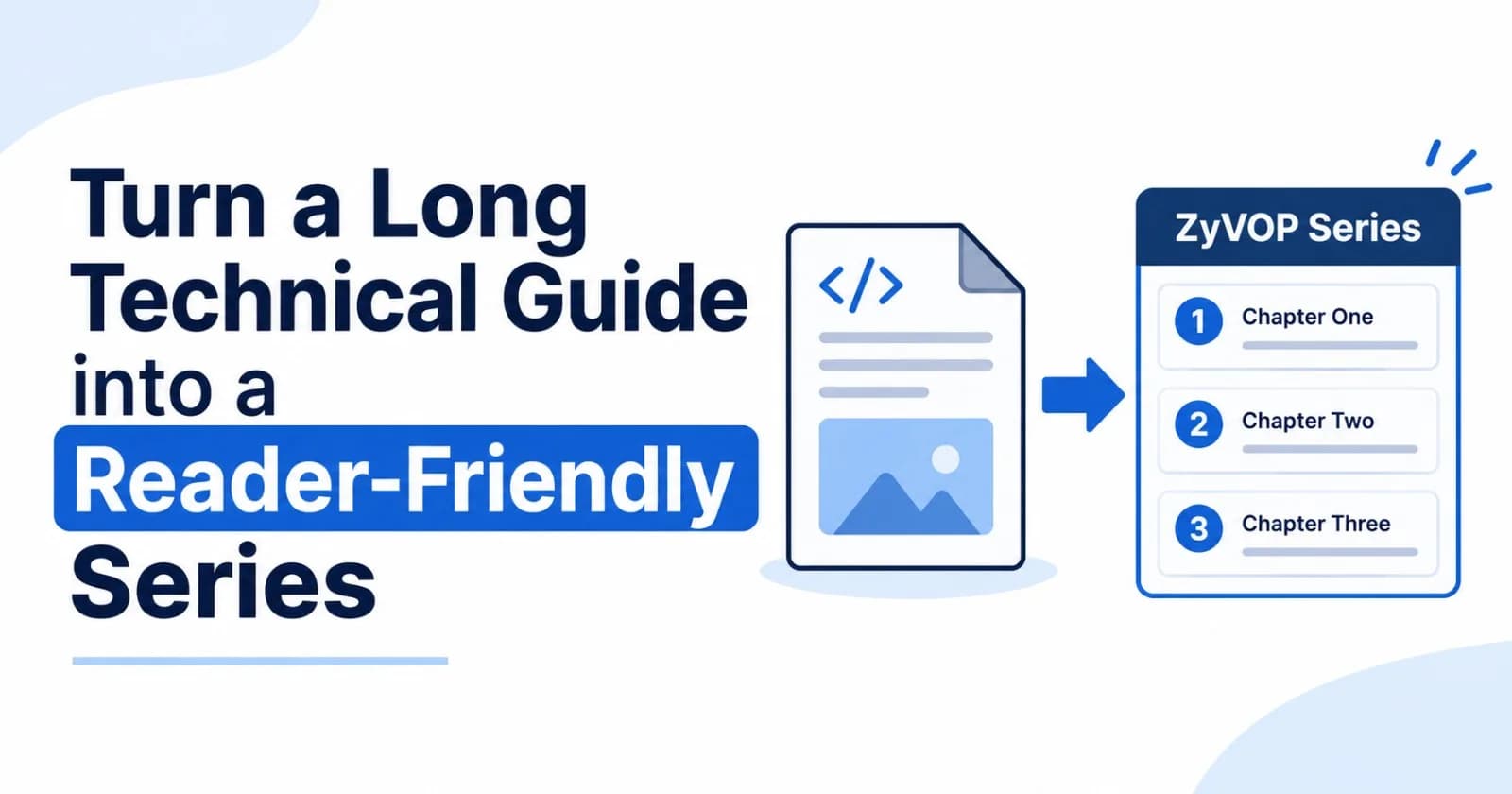
A detailed technical guide can be valuable and still be hard to read. Readers may want to understand one part of the system, try a specific technique, or return later to continue. A single long article makes every reader follow the same path through every detail.
Splitting a guide into a series can make that journey easier. The key is to divide the material around ideas readers can understand and use on their own, then make the connections between chapters clear.
ZyVOP’s Series feature gives related articles an ordered home, with chapter navigation to help readers move through the guide. Here’s how to plan that structure and set it up.
Decide whether the guide needs multiple parts
Length alone isn’t a good reason to split an article. A long tutorial may work well as one piece if readers need every step in sequence. A series is more useful when the material has natural stages, distinct goals, or sections that different readers may want to visit independently.
For example, a guide to building a production-ready service might break down like this:
Define the service boundaries and API.
Add persistence and data migrations.
Handle retries, timeouts, and failure recovery.
Add observability and operational checks.
Deploy the service and test its behavior in production.
Each chapter has a clear focus, while the full sequence takes readers from design to deployment.
Give every chapter a useful endpoint
Before writing, outline the series from the reader’s point of view. For each part, write down:
What will the reader understand or be able to do afterward?
What knowledge does the chapter assume?
What artifact will it produce, such as a design, code change, or test?
What should the reader know before moving to the next part?
If a chapter has no clear outcome, it may be supporting material for another part rather than a separate article. If it has several unrelated outcomes, consider dividing it further.
Each article should also orient readers who arrive from search or a shared link. Briefly explain where the chapter fits, summarize any essential context, and link to the series overview. Don’t make readers guess whether they need to read earlier parts first.
Create the series in ZyVOP
In the web dashboard, go to Dashboard → Series and choose Create Series. Add a title, a description that explains what the full guide teaches, and an optional cover image. ZyVOP creates a series page with an ordered chapter list and an overview for readers.
Then add your articles to the series. You can assign a post through its series settings, or include the series identifier in Markdown front matter:
---
title: "Part 1: Define the Service Boundary"
series: "production-service-guide"
status: "PUBLISHED"
---
Use the series slug or ID as the series value. If you manage articles as Markdown files, keeping this field beside each chapter’s content makes the relationship visible in your repository.
Put chapters in a helpful order
The chapter order should reflect what readers need to know next, not necessarily the order in which you wrote the articles. In ZyVOP’s Series Management view, reorder chapters to create the reading sequence. ZyVOP updates the sequence and the previous and next links shown on series articles.
Review the order from a new reader’s perspective. Check that each chapter has the context it needs and that the series description accurately sets expectations. If a later chapter is optional, say so in its introduction instead of making the sequence feel broken.
Help readers keep their place
When readers open an article in a series, ZyVOP can show its position, such as “Part 2 of 5,” provide previous and next links, and offer a drawer listing the published chapters. The series page gives readers a central place to see the guide’s scope and choose where to begin.
These connections are especially helpful when readers discover a middle chapter first. They can see the broader path and decide whether to go back, continue forward, or jump to another relevant part.
Publish the whole guide at a sustainable pace
You don’t have to finish every chapter before publishing the first one. You can release a series as chapters are ready, or prepare the full sequence in advance. In either case, give readers a clear indication of what is available and what the overall guide will cover.
Before releasing each part, check its links to the series and neighboring chapters. Keep titles consistent enough to signal that the articles belong together, while making each title meaningful on its own.
Make depth easier to navigate
A well-planned series preserves the depth of a technical guide while giving readers clearer stopping points and ways to navigate. ZyVOP’s Series feature connects the articles through an ordered series page, chapter position, and previous and next navigation.
Start with the outcomes you want readers to reach, divide the material into chapters that each deliver a useful result, and arrange those chapters into a path people can follow at their own pace.
Comments(0)
Join the discussion by logging into your account.
No comments yet. Be the first to comment!