
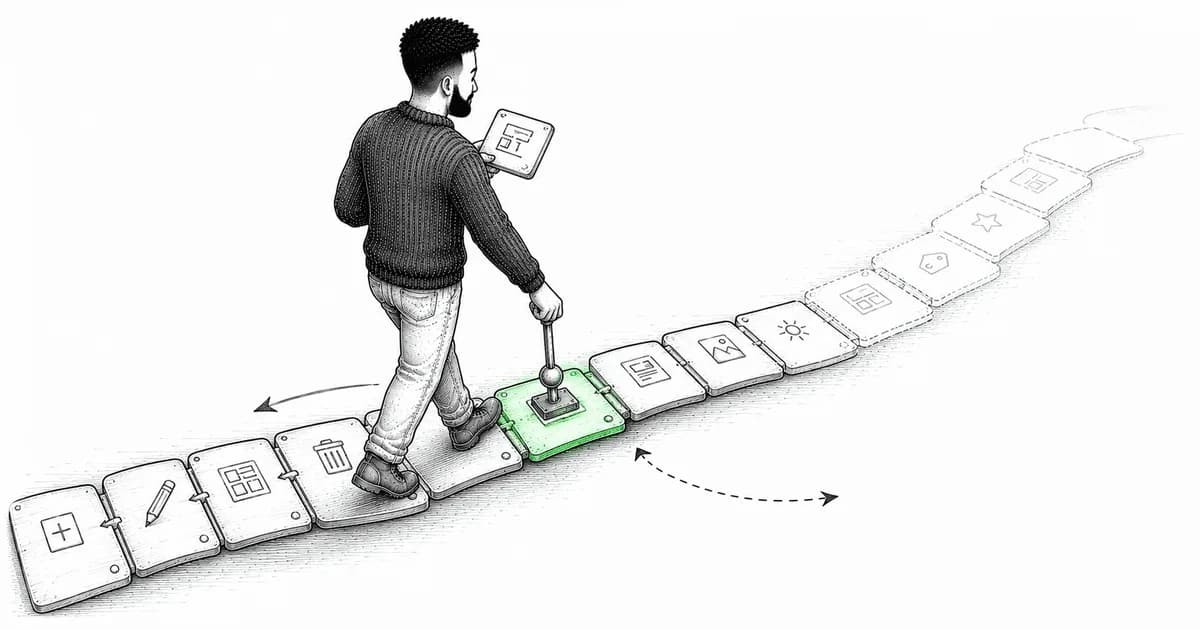
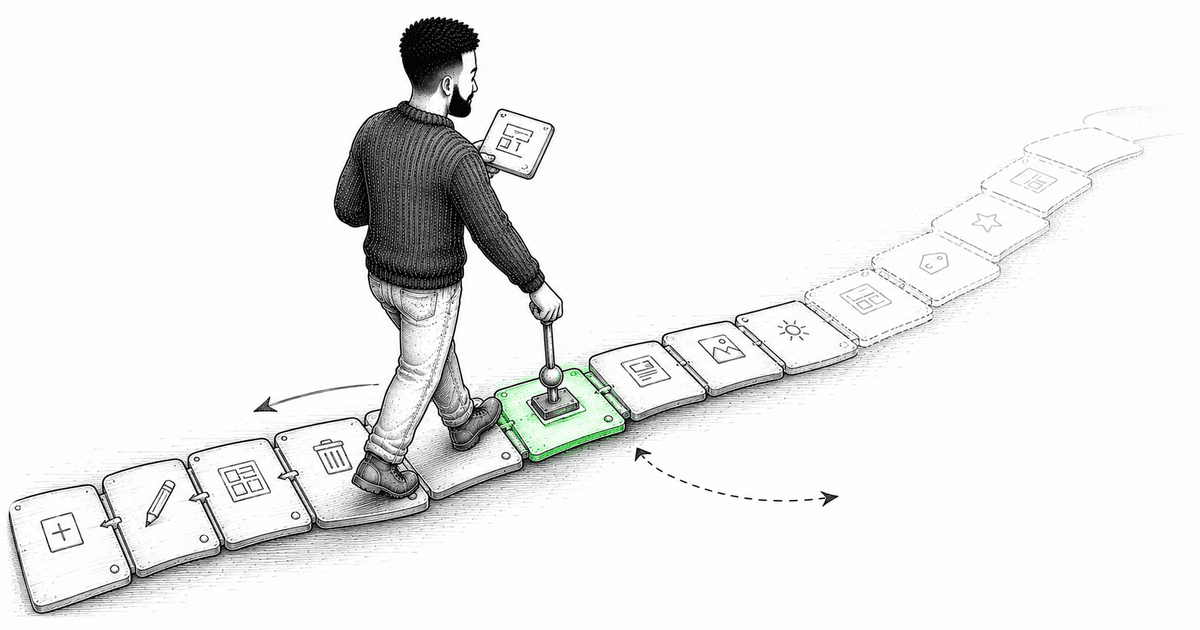
The optimistic UI article ended on a small observation that turns out to be a big one. The rollback in onError was a single-step reversal: snapshot the truth, and if things go wrong, restore it. That's undo for exactly one action. Now a user opens your editor, makes twelve changes, and wants to walk back the last five — then redo two of them. Suddenly one snapshot isn't a feature, it's a rounding error. You need a history.
Undo/redo looks like a checkbox on a feature list and turns into one of those problems that quietly reshapes your state architecture. Get the model right early and it's almost pleasant. Get it wrong and you'll be rewriting it under deadline pressure the week before launch, because "add undo" arrived late and your state wasn't built for reversal.
The snapshot trap
The first idea everyone has — myself included, years ago — is to snapshot the entire state on every change and keep the snapshots in an array:
// the tempting version
const history: EditorState[] = [];
let pointer = -1;

function commit(next: EditorState) {
  history.splice(pointer + 1);   // drop any redo future
  history.push(next);
  pointer = history.length - 1;
}
function undo() { if (pointer > 0) pointer--; }
function redo() { if (pointer < history.length - 1) pointer++; }
For a tiny bit of local state, this is genuinely fine — I'll come back to when it's the right answer. But scale it to a real document editor and the cracks show fast. Every keystroke clones the whole state, so memory balloons. You can't tell the user what an undo will do, because you never recorded the change — only the before-and-after blobs. And the moment any of that state came from a server, "restore the old snapshot" means shipping stale data back over changes other people may have made. The snapshot approach knows that something changed but never what, and that missing information is exactly what you need for everything interesting.
Commands: store the change, not the world
The pattern that scales is old and boring and correct: represent every change as a command — an object that knows how to apply itself and how to invert itself. History becomes a stack of commands, not a stack of snapshots.
interface Command {
  label: string;          // human-readable: "Rename layer", for a menu or tooltip
  apply(state: EditorState): void;
  invert(state: EditorState): void;
}

// a concrete command carries just enough to undo itself
function renameLayer(layerId: string, from: string, to: string): Command {
  return {
    label: 'Rename layer',
    apply: (s) => { s.layers[layerId].name = to; },
    invert: (s) => { s.layers[layerId].name = from; },
  };
}
The whole game is in what renameLayer captures: the id, the old value, the new value. That's the delta — the minimum needed to move forward and back. Not the entire editor, just this one reversible fact. A thousand of these cost almost nothing to keep, and each one can tell you what it does, because describing itself is part of the command's job.
Two stacks and one rule
With commands in hand, the history engine is small and, honestly, satisfying:
class History {
  private undoStack: Command[] = [];
  private redoStack: Command[] = [];

  execute(command: Command, state: EditorState) {
    command.apply(state);
    this.undoStack.push(command);
    this.redoStack = []; // a fresh action erases the redo future
  }

  undo(state: EditorState) {
    const command = this.undoStack.pop();
    if (!command) return;
    command.invert(state);
    this.redoStack.push(command);
  }

  redo(state: EditorState) {
    const command = this.redoStack.pop();
    if (!command) return;
    command.apply(state);
    this.undoStack.push(command);
  }
}
Two stacks. Undo pops from one and pushes to the other; redo does the reverse. The single rule worth burning in: a brand-new action clears the redo stack. Once you undo three steps and then do something new, the future you undid is gone — you branched off it. Every editor works this way, and users expect it even though they've never thought about it.
Wiring it to the store
In this series the app state lives in a Reatom store, so commands operate on the store and the history sits beside it. The important discipline is that the only way to change undoable state is through a command. If some code reaches in and mutates the store directly, that change is invisible to history and undo will silently corrupt the state — undoing things that were never recorded.
const history = new History();

// every user-driven mutation goes through here
export function dispatch(command: Command) {
  history.execute(command, store.getState());
}

export function undo() { history.undo(store.getState()); }
export function redo() { history.redo(store.getState()); }
This is the same boundary lesson from the module-dependencies article: if there's one door in, you can reason about what comes through it. Undo/redo only works if every change walks through the command door.
Two things that separate a demo from a real feature
Coalescing. If every keystroke is its own command, hitting undo once removes a single character, and the user has to mash it thirty times to undo a sentence. Nobody wants that. You coalesce rapid same-kind commands into one: while the user is typing continuously into the same field, merge keystrokes into a single "type text" command, and only seal it when they pause or move focus. It's a small bit of bookkeeping and it's the difference between undo feeling native and feeling broken.
The server tension. This is the one that trips people up. If a command already synced its change to the backend, undo is not time travel — you can't un-send a request that already happened. Undo becomes a new forward action that compensates: to undo a rename that persisted, you send a new rename back to the old value. Model it as "apply the inverse as a fresh change," not "reach into the past." Trying to literally rewind server state is how you get bugs that only appear when two people edit at once. Local, unsynced state can rewind freely; synced state can only be corrected forward.
When the snapshot approach is actually right
I promised I'd come back to it, because dogma is expensive. If your undoable state is small, fully local, and cheap to copy, snapshotting is the right call — commands would be over-engineering. And there's a lovely middle path: if that state is built from immutable data structures, a "snapshot" is just a reference, since unchanged branches are shared structurally. Keeping a list of immutable roots costs a pointer each, not a deep clone. So the honest decision rule is: small, local, immutable state → snapshots are simplest and fine. Large, partially-server-backed, or you-need-to-describe-the-change → commands. Reach for the heavier pattern when the cheap one actually hurts, not before.
The thread running underneath
Step back and undo/redo is really about something bigger than a toolbar button. It forces you to model your changes as discrete, named, reversible transitions instead of a soup of mutations. The command stack is only possible because you stopped thinking "state got mutated somehow" and started thinking "a specific, describable thing happened, and here's its inverse." That shift — from ambient mutation to explicit transitions — is quietly one of the most stabilizing things you can do to a complex client.
Which points straight at the last piece of this run. Undo/redo made your changes explicit. But in a genuinely complex flow — a multi-step wizard, an editor with modes, a checkout — the states themselves and the transitions between them get complicated enough that a pile of booleans can't describe them without letting impossible combinations sneak in. When modeling the transitions becomes the hard part, you want a tool built for exactly that: a state machine. That's where this cluster ends.
If you're about to add undo to something, tell me one thing first: is the state you need to reverse local, or has it already touched a server? That single answer decides whether you're building a rewind button or a compensating-action engine, and mixing them up is the most common way this feature goes sideways.
Comments(0)
Join the discussion by logging into your account.
No comments yet. Be the first to comment!