
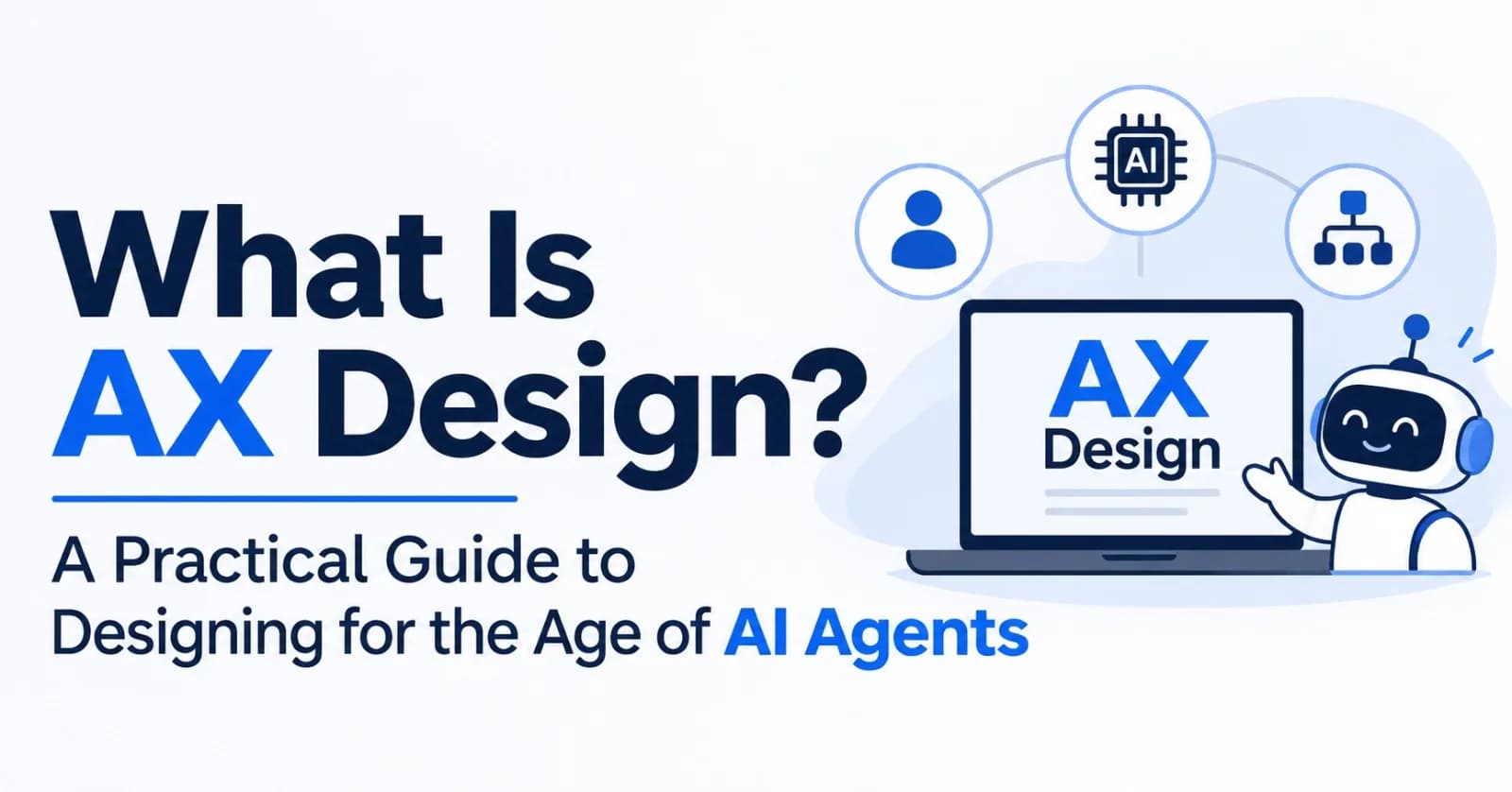
For decades, product teams have asked one question over and over: "How will a person use this?" That question gave us UX, and it shaped everything from checkout flows to app icons.
Now a second kind of user is showing up. Many of these users never look at your screens. They read text, call APIs and tools, and take actions on someone's behalf. They're AI agents, and they're already trying to deploy websites, book flights, and connect to products like yours.
Designing for that reality is what people are starting to call AX design.
In Short
AX stands for Agent Experience: how well an AI agent can find, understand, and use your product.
AX design is the practice of improving that experience. The term is also used more broadly for how people work with AI agents.
AX builds on UX and DX (developer experience). It doesn't replace them.
New to terms like API, MCP, or CLI? There's a short plain-English glossary at the end.
What Is AX?
AX is the experience an AI agent has when it uses a product or platform for someone. Good AX means agents can discover your product, understand it, and act on it reliably, while still serving the person who sent them.
The term was coined in January 2025 by Mathias Biilmann, CEO of Netlify, in an essay titled Introducing AX: Why Agent Experience Matters. His definition: the holistic experience AI agents have as the user of a product or platform. He places it next to UX and DX as a third "X" that extends the other two.
A note on naming: Biilmann's term, and the one Netlify uses, is Agent Experience. Some other writers, including designer John Maeda, say Agentic Experience. You'll see both.
Two Sides of AX
People use "AX" in two closely related ways. A good AX strategy needs both.
mindmap
  root((AX))
    Agent-facing AX
      Design FOR agents
      The agent is the user
    Human-facing AX
      Design WITH agents
      The human delegates and supervises
1. Designing for agents (agent-facing AX)
This is the original meaning and the most widely documented one. The agent is the user. You ask:
Can an agent figure out what my product does?
Can it use my product without guessing?
When something fails, can it recover on its own?
People describe this work as sitting somewhere between product design, API design, system architecture, and AI behavior. It's design, just not the visual kind.
2. Designing for people who work with agents (human-facing AX)
Here the focus is the person: how they hand work to an agent, keep an eye on it, and trust the result. You ask:
How does someone hand off a task and stay in control?
How do they know what the agent did, and why?
How do they step in when something goes wrong?
A Salesforce design post defines AX as covering both sides: design for agents and design of agents, since both are needed to make sure agents serve people's goals.
Why AX Is Emerging Now
Agents are doing real work. In January 2026, Biilmann wrote that by late 2025, coding agents like Claude Code and Codex were changing how experienced developers work. He expects people to reach products more and more through agents, which will often be the first to suggest a product.
The way people reach products is changing. Agents often use APIs, command-line tools, and standards like MCP, not just screens.
Delegation changes what "good" means. When someone says "handle this for me," the experience depends less on screens and more on clarity, control, and being able to undo things.
The idea is spreading beyond developer tools. John Maeda's 2026 Design in Tech Report, presented at SXSW in March 2026, is titled From UX to AX. His focus is how a designer's job shifts from shaping interfaces to orchestrating outcomes.
How AX Differs from UX and DX
Here's how the three compare.
flowchart LR
    UX["UX<br/>User experience<br/>Primary user: human customer"]
    DX["DX<br/>Developer experience<br/>Primary user: human developer"]
    AX["AX<br/>Agent experience<br/>Primary user: AI agent, plus the human behind it"]
    UX -->|extends| DX -->|extends| AX
UX | DX | AX | |
|---|---|---|---|
Primary user | Human customer | Human developer | AI agent (and the human behind it) |
Main interface | Screens, flows, visuals | Docs, SDKs, command-line tools | APIs, tool descriptions, structured content |
Handles unclear instructions by | Using intuition and context | Reading, experimenting, asking | Often guessing, or failing |
Success looks like | Delight, ease, conversion | Getting started quickly | Reliably finishing the task, recovering from errors |
The key difference is how each user handles unclear information. A person can shrug off a vague help page and work out what you meant. An agent often can't, and a task can break entirely because of that same gap. So AX calls for different design decisions, not just tidier versions of old ones.
The Four Pillars of Agent-Facing AX
In One Year of AX (January 2026), Biilmann sorted the work into four areas: Access, Context, Tools, and Orchestration. They make a handy checklist for auditing your own product.
The diagram below is my own illustration of how an agent might move through them. Biilmann lists the four areas without prescribing an order.
flowchart TD
    Start["Agent arrives with a task from a person"] --> Access{"ACCESS<br/>Can it reach and log in?"}
    Access -- No --> Drop["Agent gives up and picks a simpler option"]
    Access -- Yes --> Context["CONTEXT<br/>Does it understand the product?<br/>Docs, MCP, Skills, markdown for agents"]
    Context --> Tools["TOOLS<br/>Uses your API, command-line tool, SDK or MCP server"]
    Tools --> Ok{"Did it work?"}
    Ok -- No --> Err["Clear error message<br/>says what to try next"]
    Err --> Tools
    Ok -- Yes --> Orch["ORCHESTRATION<br/>Start more agent work,<br/>pass context along, use sandboxes"]
    Orch --> Done["Person gets the outcome"]
1. Access: can the agent get in? Biilmann asks whether the agent has the right permissions and whether a human has to step in. He notes that agents can often find a way in anyway (for example, by controlling a web browser), so the real goal is to make access smooth for both the agent and the person prompting it.
2. Context: does the agent know how to use your product? Biilmann calls this "context engineering": deciding what information an agent has in front of it while it works. Examples he mentions include MCP, Skills, documentation sites that automatically give agents a plain-text (markdown) version of their pages, and helpful feedback messages from command-line tools. A simple test from AX writers: could an agent seeing your page for the first time describe your product accurately?
3. Tools: do you offer the right tools for agents? APIs, command-line tools, SDKs, MCP servers, and Skills are how agents actually get work done. In practice, aim for clear descriptions, predictable responses, and helpful error messages.
4. Orchestration: can your product start and coordinate agent work? For platforms that developers build on, Biilmann suggests thinking of your product as something that can launch agents. Can you trigger an agent run, pass along the right context, and offer environments ("sandboxes") where agents can work?
A note on tool descriptions (and a caution)
When an agent connects to a tool, the tool's written description is much of what it has to go on. Those descriptions are often weak. A 2026 study from Queen's University (Hasan et al.) looked at 856 tools across 103 MCP servers. It found that 97.1% of the descriptions had at least one quality problem, and 56% didn't clearly state what the tool does.
In a benchmark test, descriptions that an AI model had rewritten with more detail helped agents succeed more often: a median gain of 5.85 percentage points. But there were costs. Agents needed about two-thirds more steps, results got worse in roughly one in six cases, and shorter, targeted descriptions often worked about as well. The test covered a subset of the tools (202 tools from 18 servers), so read the numbers as a rough guide, not a guarantee.
The lesson isn't "write more." It's "be precise about what a tool does, when to use it, and what its limits are."
Core Principles of Human-Facing AX
The questions above lead to a few recurring design challenges.
flowchart LR
    Delegate["Person delegates a task"] --> Work["Agent works"]
    Work -->|needs a decision| Ask["Handoff<br/>Agent asks the person"]
    Ask --> Work
    Work --> Show["Visibility<br/>Agent shows what it did"]
    Show --> Decide{"Control<br/>Person decides"}
    Decide -->|Approve| Done["Task complete"]
    Decide -->|Redirect| Work
    Decide -->|Undo| Delegate
Visibility
An agent can finish a task correctly and still leave the person unsure what just happened. Show what the agent did in plain language, without burying people in logs.
Control
People need the right level of control over outcomes: approving key steps, pausing, redirecting, or undoing. As people start steering several agents at once, those controls need to scale too.
Trust
Be honest about what the agent is. One design studio argues that making an agent partly human-like erodes trust, and that it's better to make it clearly an agent or to invest fully in the relationship. Test that idea with your own users before relying on it.
Handoffs
Make it obvious when the agent is acting, when it's asking a question, and when it needs a human decision.
A Quick Illustration: Before and After
(This example is hypothetical.) Imagine a travel-booking service.
Before (UX-only thinking)
A beautiful booking flow for humans
API documentation written as long paragraphs
Error message:
"Something went wrong."
An agent has to guess which part of the API to call, interpret fuzzy docs, and give up at that error.
After (AX-aware thinking)
The same polished human flow
A structured description of every capability and input
Consistent response formats
Error message:
"Departure date must be in the future (YYYY-MM-DD). Received: 2024-01-05."
Nothing got worse for humans, and the agent can now finish the job. That means the person who delegated the task gets a better outcome too.
Here is how the AX-aware version plays out when an agent makes a mistake:
sequenceDiagram
    actor P as Person
    participant A as Agent
    participant S as Booking service
    P->>A: Book me a flight to Delhi next Friday
    A->>S: Search flights with a past date by mistake
    S-->>A: Error 400 - departure date must be in the future, format YYYY-MM-DD
    A->>S: Retry with the corrected date
    S-->>A: Structured list of flight options
    A->>P: Shows options and asks for approval
    P->>A: Approve option 2
    A->>S: Book option 2
    S-->>A: Confirmation with cancellation link
    A->>P: Summary of what was done, plus an undo option
Getting Started: A Simple AX Checklist
You don't need a new team to begin.
Check access. Can an agent sign up, log in, and act for a user without hitting a wall?
Check context. Can an agent understand what your product does from a cold start?
Tighten tool and API descriptions. Make each one precise, not just longer.
Make responses and errors predictable. Errors should say what went wrong and what to try next.
Test with real agents. Watch where they get stuck, then fix the experience, not just the symptom.
Add transparency for people. Show what agents did, and let people step in.
Start from the goal. Before picking a technology, decide what an agent actually needs to get done with your service.
"Isn't This Just UX With a New Name?"
It's a fair question, and some designers push back with a simple line: we design for people, full stop.
There's truth in that. Human-facing AX deals with needs designers have always cared about: trust, control, and clarity. Agents just make them harder to ignore.
But agent-facing AX adds something different: a non-human user with its own strengths and weaknesses. Your main focus is still a great experience for your customers. AX simply recognizes that more and more of them now arrive through agents.
Other Things "AX" Can Mean
AX is a young term, and the same two letters show up elsewhere. Don't be surprised if you meet these:
AI Transformation. In Korea and in many companies, "AX" very commonly means AI Transformation, the successor to "DX" (Digital Transformation): redesigning how an organization works around AI. Under that umbrella, at least one Korean design professor uses "AX design" to mean designing products with advanced AI models at the center of the process, with the designer building and tuning AI design systems instead of hand-making every screen.
AI Experience Design. Some writers expand AX as "AI Experience Design," meaning how people experience AI features: trust, transparency, and behavior.
Contact-center "agent experience." This older usage is about the working experience of human customer-support agents. It has nothing to do with AI.
This post is about Agent Experience, the meaning that design and product teams most often use today.
A Realistic Caveat: It's Early
In January 2026, Biilmann said early adoption was dominated by developer-tool founders. Outside a few visionaries, he said, broader software, e-commerce, and consumer products were still at a very early stage. He expects AX to eventually become as widely relevant as UX itself. Definitions are also still moving, as the section above shows. Treat AX as an emerging discipline with useful frameworks, not a finished standard.
The Bottom Line
UX asked, "Can a person use this?" AX adds two more questions:
Can an agent use this?
Can a person confidently work with that agent?
Teams that answer both are well placed to build products that are easier to find, easier to trust, and more useful as more work gets delegated. Whether AX becomes its own job title or just a skill every designer and developer picks up, the direction is clear: build for both the agent and the person it serves.
Quick Glossary
AI agent: AI software that does more than answer questions. It uses tools to take actions, such as running code, filling in forms, or deploying a site, to complete a task.
API: A way for one piece of software to talk to another.
Command-line tool (CLI): A tool you use by typing text commands instead of clicking buttons.
SDK: A toolkit developers use to build on top of a product.
MCP (Model Context Protocol): An open standard, introduced by Anthropic, that lets AI agents connect to tools and data.
Skills: A newer standard for packaging instructions and scripts that agents can use.
Context engineering: Deciding what information an agent has in front of it while it works.
Orchestration: Starting and coordinating work done by agents.
DX (developer experience): How easy and pleasant a product is for the developers who build with it.
Sources and Further Reading
The origin of AX
Mathias Biilmann, Introducing AX: Why Agent Experience Matters (January 2025)
Mathias Biilmann, One Year of AX (January 2026), the source of the four pillars
Netlify, Agent Experience (AX) and its knowledge-base article What is Agent Experience (AX), beyond developer experience?
Designing for and with agents
Salesforce, Welcome to a New Era of Experience with AI Agents (July 2025)
Eleken, AX Design: What It Is, Why It's Different, and What to Do About It
John Maeda, Design in Tech Report 2026: From UX to AX (Medium, may need a free account) and the SXSW talk listing at MIT Media Lab
Research on tool descriptions
Hasan, Li, Rajbahadur, Adams & Hassan, Model Context Protocol (MCP) Tool Descriptions Are Smelly! (arXiv:2602.14878)
Other meanings of AX
agentexperience.tech, What is Agent Experience? (covers the contact-center and AI Experience Design uses)
유훈식, AX 디자인이란 무엇인가? (Brunch, August 2026), for the Korean "AI Transformation" sense of AX design (in Korean)
Comments(0)
Join the discussion by logging into your account.
No comments yet. Be the first to comment!