
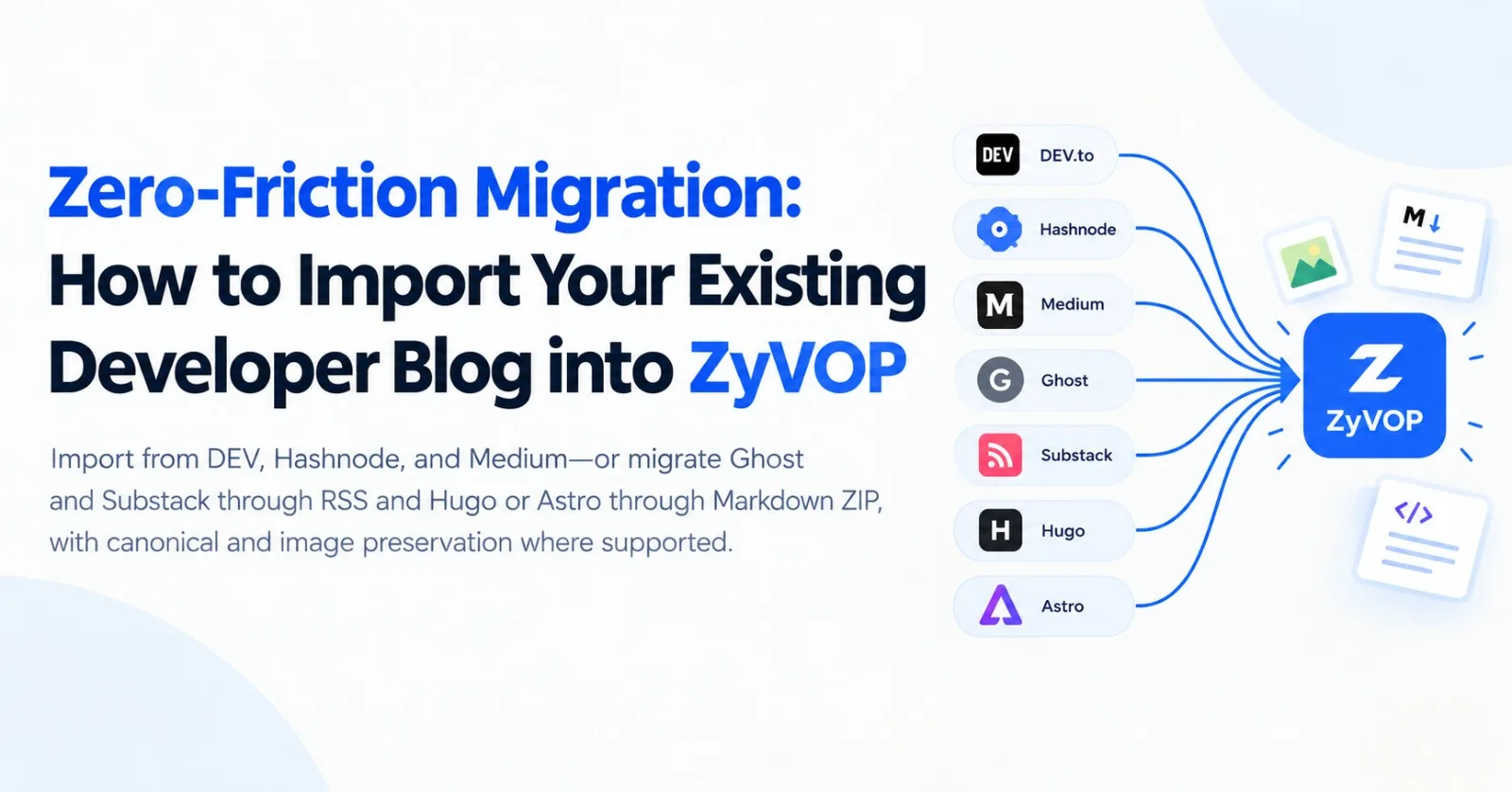
Technical writing is one of the highest-leverage assets in software engineering. Over time, however, developer portfolios become fragmented: early articles on DEV, corporate posts on Medium, a custom domain on Hashnode, or Markdown files in static site generators like Hugo, Astro, or Ghost.
Switching platforms often leads to broken syntax highlighting, mangled math formulas, orphan image references, duplicate cover photos, and canonical SEO dilution.
ZyVOP was built as a sovereign developer publishing engine: write once, maintain canonical ownership, and distribute across ecosystems. But migrations are never one-size-fits-all.
This guide provides an honest, technical look at how ZyVOP's import engine works, what is natively supported versus partially adapted, and how to migrate your catalog cleanly.
1. Migration Support Matrix
Not every platform exposes identical APIs or export formats. ZyVOP supports migrations through four distinct ingestion pipelines:
Source | Migration Pathway | Level of Support | Key Technical Nuances |
|---|---|---|---|
DEV.to | Native REST API | First-Class | Pulls published articles, markdown body, tags, canonical URLs, and original dates. |
Hashnode | GraphQL API / Backup JSON | First-Class | Supports custom publication domains, backup JSON files, and RSS fallback. |
Medium | Public RSS / Single URL | Partial | Ingests via public user feed; image re-hosting is disabled by default to avoid rate limits. |
Ghost | Generic RSS / Single URL | Partial | Full text via RSS |
Substack | Generic RSS / Single URL | Partial | Imports published posts via RSS. Subscriber lists and paid tiers are not imported. |
Hugo / Jekyll | Markdown ZIP Archive | Partial | Ingests |
Astro / Next.js | Markdown ZIP Archive | Partial | Supports standard Markdown. |
2. Ingestion Pipelines: How It Works Under the Hood
flowchart TD
    subgraph Ingestion ["1. Ingress Pipeline"]
        DEV["DEV REST API"] --> API["Direct API Parser"]
        HN["Hashnode GraphQL / JSON"] --> API
        RSS["RSS Feeds (Ghost / Substack / Medium)"] --> FeedParser["RSS 2.0 / Atom Engine"]
        WEB["Single Article URL"] --> Readability["Mozilla Readability + DOM Filter"]
        ZIP["Markdown ZIP (Hugo / Astro)"] --> ZipReader["Archive Extractor (.md / .markdown)"]
    end

    subgraph Processing ["2. Normalization & Asset Engine"]
        API --> Norm["Content Normalizer"]
        FeedParser --> Norm
        Readability --> Sharp["Perceptual Cover Deduplication (Sharp)"] --> Norm
        ZipReader --> AssetRewrite["Relative Asset Re-hosting (S3/Cloud)"] --> Norm
    end

    subgraph Storage ["3. Database & Canonical Sync"]
        Norm --> Dedup{"Duplicate Check\n(Canonical URL / Title)"}
        Dedup -->|New Post| Draft["Saved Draft + Canonical Preservation"]
        Dedup -->|Exists| Skip["Skipped"]
    end
A. Direct APIs (DEV & Hashnode)
DEV.to: Connects via username or API key. Extracts raw Markdown directly, preserving original syntax fences, tags, and canonical links.
Hashnode: Queries Hashnode's GraphQL endpoint across either personal subdomains (
user.hashnode.dev) or custom publication apex domains. Also accepts native Hashnode JSON export backups (readHashnodeJson).
B. Universal RSS / Atom (Ghost, Substack, Medium)
Parses standard RSS 2.0, Atom, and
content:encodedpayloads.Image Re-hosting Nuance: For bulk RSS imports, image re-hosting is disabled by default (
migrateImages = false) to prevent timeout failures and remote CDN rate-limiting across large archives. Remote image URLs are preserved as absolute URLs.
C. Direct Web Article Extractor
For standalone articles, ZyVOP executes an outbound fetch with Mozilla Readability, stripping boilerplate noise (
.cookie-banner,.advertisement,.newsletter-signup,nav,footer).Perceptual Image Deduplication (Sharp): Many CMSs duplicate the social
og:imageas the first image in the post body. The single-URL extractor creates a 32×32 sRGB luminance fingerprint of the cover image and compares it against body images:
// Bounded sRGB luminance and chromatic mean comparison in article-import-images.ts
async function createImageFingerprint(data: Buffer): Promise<ImageFingerprint> {
  const pixels = await sharp(data, { limitInputPixels: 40_000_000 })
    .resize(32, 32, { fit: 'fill' })
    .toColourspace('srgb')
    .removeAlpha()
    .raw()
    .toBuffer();
  // Evaluates luminance array and chromatic delta to strip duplicate hero images
}
D. Static-Site Markdown Archives (ZIP)
When migrating from static site generators like Hugo, Astro, Jekyll, or Obsidian:
Supported Formats: The reader accepts
.mdand.markdownfiles. Files with.mdxextensions or custom templates (.astro,.html) are ignored.Asset Re-hosting: References like
./images/diagram.pngor../assets/flowchart.webpare normalized throughresolveArchiveAssetPath, uploaded to persistent storage, and rewritten in the Markdown body.Frontmatter Ingestion: Maps
title,canonical_url(orcanonicalUrl,url),cover_image,tags, andpublished_at.
3. Duplicate Detection: Preventing Content Overwrites
ZyVOP avoids duplicate drafts during repeated syncs or CLI runs. Rather than relying on fragile hashes, the database executes a scoped uniqueness query:
// Scoped duplicate check in markdown-zip-import.service.ts
if (canonicalUrl) {
  const normalized = canonicalUrl.replace(/[?#].*$/, '').replace(/\/+$/, '');
  query.andWhere(
    '(post.canonicalUrl = :canonicalUrl OR post.canonicalUrl = :normalized OR post.canonicalUrl = :slash)',
    { canonicalUrl, normalized, slash: `${normalized}/` },
  );
} else {
  query.andWhere('LOWER(TRIM(post.title)) = LOWER(TRIM(:title))', { title });
}
If an article matches an existing post owned by the author, it is safely skipped rather than duplicated or overwritten.
4. How to Migrate: Step-by-Step
Option 1: Web Dashboard (Zero Installation)
Go to Dashboard → Migrate (
/migrate).Select your source:
DEV.to: Enter your username (
devto/yourusername).Hashnode: Enter your publication domain (
blog.yourdomain.com).Medium / Ghost / Substack: Paste your public profile or RSS feed URL (
https://yourblog.com/rss.xml).Single URL: Paste a single article link to test readability extraction.
Preview extracted articles, tags, and publication dates before committing them as drafts.
Option 2: Uploading a Static Site ZIP
In your Hugo/Astro/Jekyll repository, locate your Markdown directory.
Ensure posts use standard Markdown (
.mdor.markdown). Convert.mdxcomponent imports into standard code fences or markdown blocks.Zip the directory containing your posts and local image assets:
zip -r blog-migration.zip content/posts/ assets/images/Upload via Dashboard → Import → Upload Markdown ZIP.
Option 3: Terminal Migration via the CLI (zyvop import)
For developers who prefer terminal workflows:
# Authenticate
npx zyvop login

# Import from DEV
npx zyvop import devto yourusername

# Import from Hashnode
npx zyvop import hashnode blog.yourdomain.com
5. Preflight Audits: The ZyVOP Compatibility Lab
Before publishing or cross-posting imported drafts, inspect them in the ZyVOP Compatibility Lab (/compatibility-lab).
The Compatibility Lab parses your article in-browser without modifying the database and runs preflight checks across destinations:
Tag Truncation: Flags when your post exceeds destination limits (4 tags on DEV, 5 on Hashnode and Medium).
Social Announcement Limits: Checks title and excerpt lengths against announcement constraints (180 characters for Bluesky, 320 for Mastodon).
Local Asset Detection: Warns if an imported article still references non-public image paths (
localhostor un-migrated relative paths).Syntax Adaptation: Reports how Mermaid diagrams and KaTeX formulas will adapt across each destination.
6. Post-Migration: Establishing Sovereign GitOps
Once imported into ZyVOP, your articles are no longer locked into any single platform:
Sovereign Canonical URL: Your ZyVOP publication acts as the primary authoritative source (
<link rel="canonical">).Multi-Platform Distribution: Syndicate updates to DEV, Hashnode, Medium, and WordPress with one click or via
npx zyvop publish.Automated Git Backup: Connect your GitHub account to have every post automatically committed to your personal repository via GitHub's Git Database API.
Take sovereign ownership of your technical writing today without losing your hard-earned SEO equity or past article catalog.
Comments(0)
Join the discussion by logging into your account.
No comments yet. Be the first to comment!