
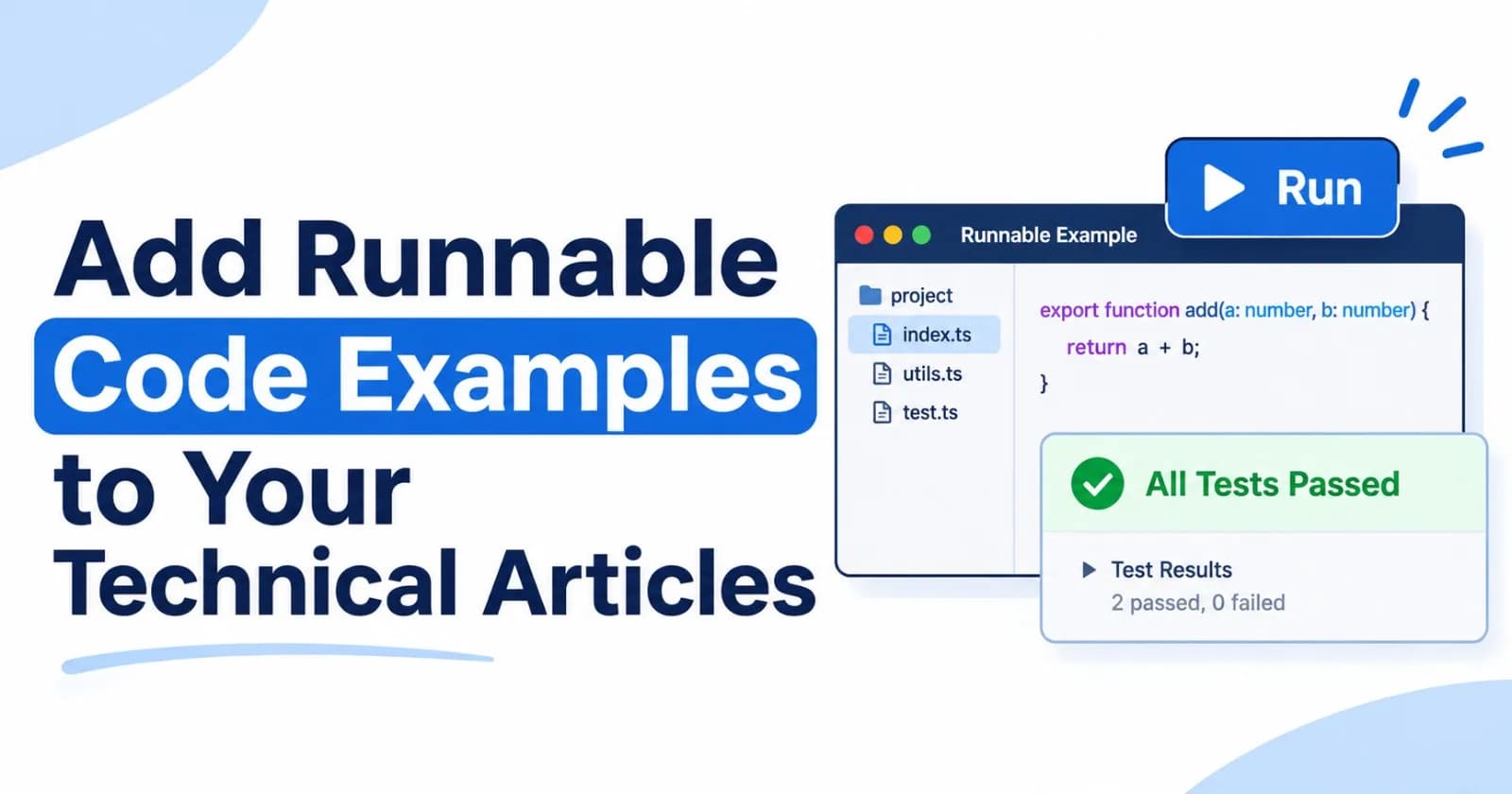
Add Runnable Code Examples to Your Technical Articles
Code samples make technical articles concrete, but readers often have to copy them into a separate project before they can experiment. That extra step can hide the relationship between the explanation, the files, and the result.
ZyVOP’s Runnable Examples feature lets authors place a small multi-file project inside an article. Readers can inspect the files and expand the saved test output alongside the explanation. It’s a practical way to make a focused example easier to explore without asking readers to set up a full repository first.
Choose an example that teaches one idea
An embedded project works best when it demonstrates a specific concept: a parser, a small utility, a validation rule, or a bug fix. Keep the example small enough for readers to understand in context.
Before adding one, decide what you want the reader to learn. A short function and a few tests may explain an edge case more clearly than a large application with framework setup and configuration unrelated to the point.
Add a project in the editor
While writing in ZyVOP’s editor, type /Runnable Example on a blank line to insert the project block. You can give it a display name, add the project files, and choose which file starts the example and which file contains its tests.
The runner supports up to 12 files, relative imports between .ts and .js files, and ZyVOP’s @zyvop/test helpers. This is enough for many self-contained demonstrations while keeping the project manageable inside an article.
Run the checks before publishing
Run the project from the editor and review the result before publishing. ZyVOP executes the example in an isolated browser worker, then saves the passing result with the project and test hash, compiler version, and run date. Readers can expand the saved output when they want to see what happened.
If you edit a project file, the saved result is cleared. Run the checks again after making changes so the result corresponds to the version readers will see.
Explain what readers should notice
The runnable block should support the article, not replace its explanation. Introduce the example, point out the important behavior, and connect the test result to the idea you’re teaching.
For instance, if an article explains input validation, tell readers which boundary case the project covers and why it matters. After the example, describe what the test confirms and what it does not cover. Readers should be able to understand the lesson without running the code, then use the project to explore further.
Know the runner’s boundaries
Runnable Examples are designed for focused browser demonstrations. The runner does not install packages or allow network access. Keep the project self-contained, use supported relative imports, and avoid relying on external services or dependencies that the browser worker cannot reach.
The saved result is an author browser run. Readers can inspect the files and expand the saved output, but the published article does not let each reader run the code. The result shows that the project’s saved checks passed in ZyVOP’s browser runner at the recorded time. It is not an independent CI run or a guarantee that the code works in every production environment. For production claims, continue to use your project’s normal CI and deployment checks.
Bring the explanation and code closer together
An interactive example gives readers something they can inspect in the same place they’re learning the concept. Keep the project narrow, run it after edits, and explain both its result and its limits.
Use ZyVOP’s /Runnable Example block when a small, testable project will make an explanation clearer. The article remains the guide; the embedded files and saved output give readers another way to follow along.
Comments(0)
Join the discussion by logging into your account.
No comments yet. Be the first to comment!