
Most developers spend hours looking at code every day. If the editor is going to occupy that much of our field of view, it should do more than place white text on a nearly black background.
It should make structure easier to understand. It should give each part of the code a clear visual identity. And, honestly, it should have some personality.
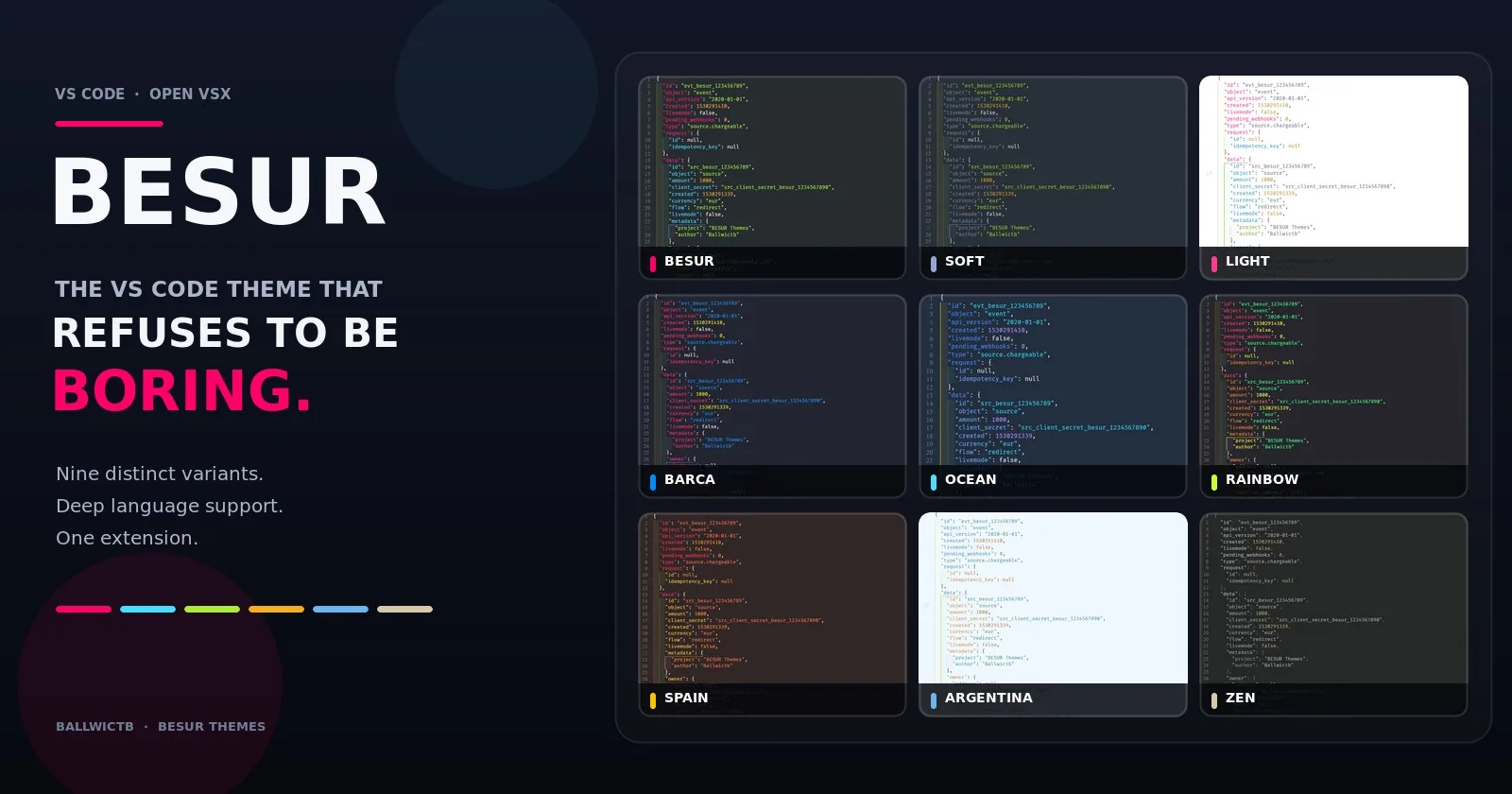
That is the idea behind BESUR: a vibrant theme family for Visual Studio Code and Open VSX-compatible editors, built around strong colors, broad language support, and the belief that readable code does not need to look lifeless.
BESUR began as one cyberpunk-inspired dark theme. It has since grown into nine different variants, ranging from full-saturation neon to a design that tries to disappear completely.
Yes, those two ideas somehow live in the same extension.
It started with a missing theme
Before creating BESUR, I used Sorcerer for around a year. It had become part of how my editor felt: familiar colors, a comfortable dark background, and a visual language I no longer had to think about.
Then I moved to Windsurf and could not find the theme there.
Changing editor was easy. Replacing a theme I had looked at every day for a year was surprisingly harder.
So I created my own.
BESUR is based on Sorcerer by Mark Thomas Miller and preserves the proper attribution under the MIT License. But it quickly became more than a port. I expanded the palette, rebuilt and extended token coverage, adapted the theme to many more languages, and started experimenting with variants that could express completely different moods.
What began as “I want my colors back” turned into “How far can one theme family go?”
The original BESUR palette
The main BESUR theme does not apologize for being colorful.
Its background is a deep blue-black rather than pure black. Against it, a small set of highly saturated colors creates strong separation between the different parts of the code.
Role | Color |
|---|---|
Background |
|
Foreground |
|
Functions, tags, and keywords |
|
Variables and attributes |
|
Strings and values |
|
Numbers and decorators |
|
Comments and punctuation |
|
Pink, cyan, green, and yellow are deliberately far apart from one another. You can identify a function, string, variable, or number without needing to stop and inspect it.
The palette is cyberpunk-inspired, but the objective is not to turn VS Code into a neon sign. The colors have jobs. Saturation gives the theme its identity; consistent token roles keep it useful.
One theme was not enough
The original BESUR is intentionally intense. Some developers love that energy, while others want the same visual logic with less saturation, a lighter workspace, more blue, or something completely different.
Instead of trying to make one theme satisfy every preference, BESUR became a family.
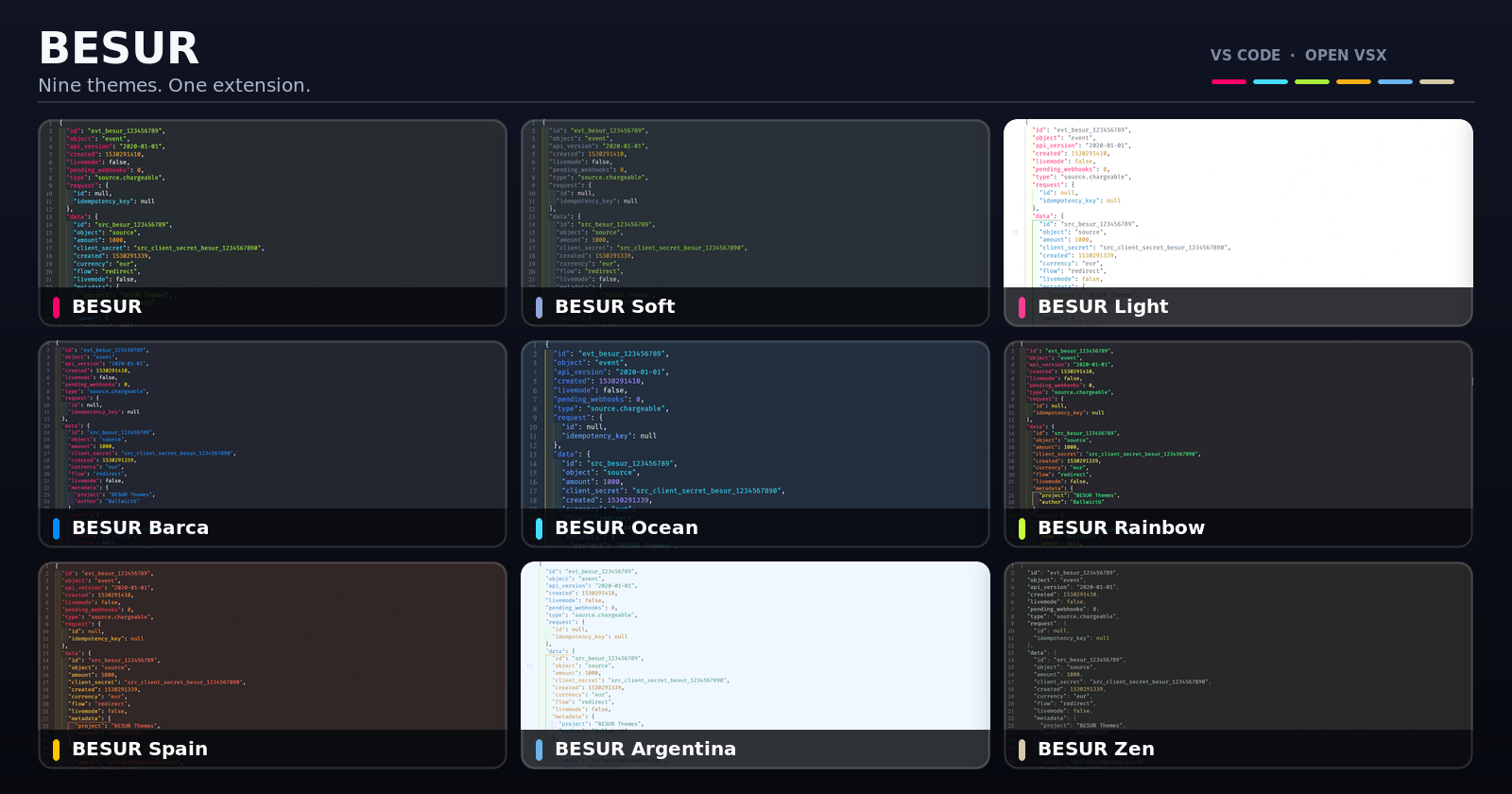
Variant | Personality |
BESUR | The original full-saturation neon palette on a dark background |
BESUR Soft | A calmer, slightly muted version made for longer sessions |
BESUR Light | The same energetic identity rebuilt for a white background |
BESUR Barca | Deep blue and bold red inspired by FC Barcelona |
BESUR Ocean | A focused blue palette for people who would happily make everything blue |
BESUR Rainbow | Six-color bracket levels and the treasure at the end of the rainbow |
BESUR Spain | Red, gold, amber, and the energy of the Spanish flag |
BESUR Argentina | Celeste, white, deep blue, and a touch of Sun of May gold |
BESUR Zen | A minimal dark theme designed to disappear while you work |
These are not just the same JSON file with one accent color replaced. Each variant has its own atmosphere, contrasts, accents, editor colors, and syntax decisions.
BESUR, Soft, and Light
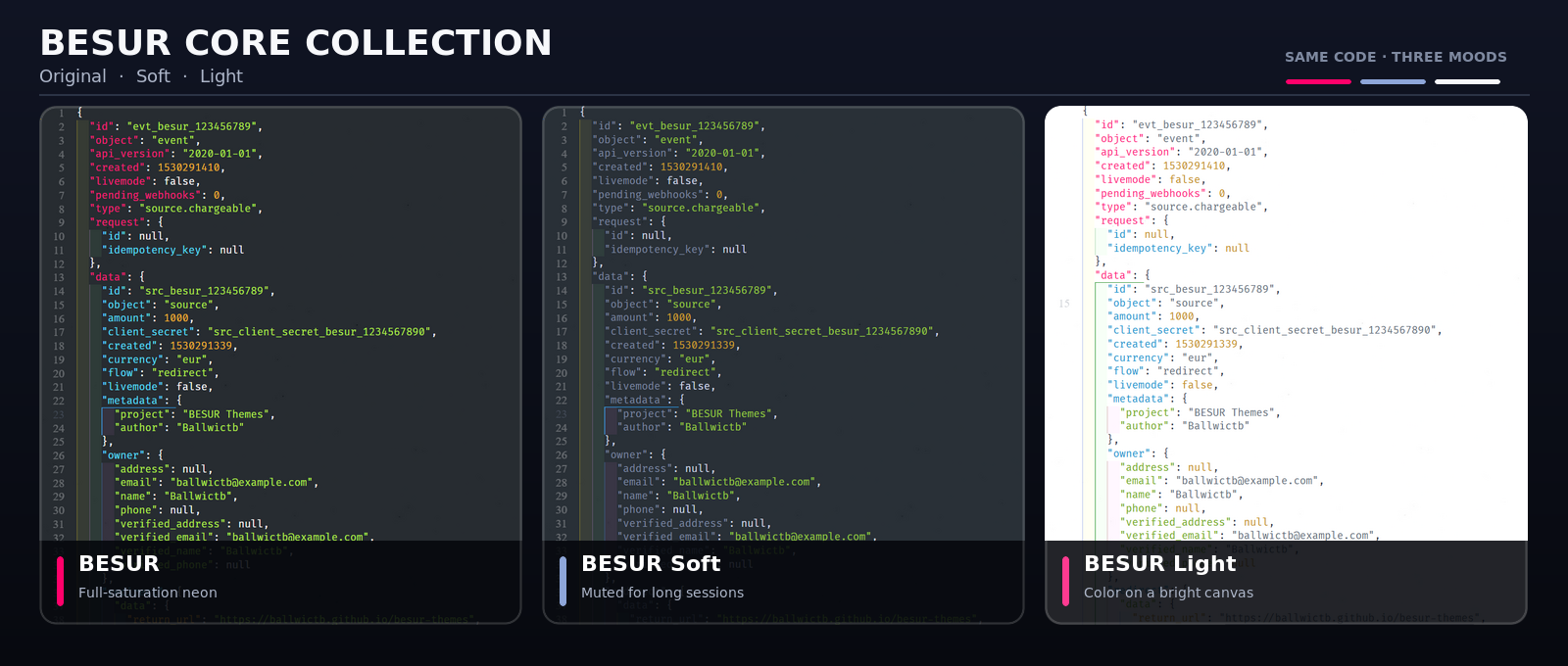
The first three variants form the core of the family.
BESUR is the uncompromising version. It is dark, vivid, and built for developers who want every token category to stand out immediately.
BESUR Soft keeps the structure of the original palette but lowers the intensity. It is the option for long sessions when you want color without having every token demand attention.
BESUR Light proves that a colorful theme does not need a dark canvas. The palette is rebalanced for a white background, preserving strong distinctions without sacrificing contrast.
Barca, Ocean, and Rainbow
This is where the family starts showing more character.
BESUR Barca uses the visual identity of FC Barcelona as the foundation for a proper coding theme. Blue and red drive the interface, with carefully chosen supporting colors keeping syntax readable. It is a tribute, but it still needs to work on a real codebase.
BESUR Ocean explores what happens when blue is allowed to take over. Different shades provide depth and hierarchy without making every token look identical. If your answer to “Which accent color?” is always blue, this is probably your variant.
BESUR Rainbow is the playful one. Its multilevel bracket colors make nested structures easier to follow while giving the editor a full-spectrum identity.
Never believed in leprechauns? This theme is your treasure at the end of the rainbow.
Spain and Argentina
National colors are visually powerful, but simply placing flag colors everywhere would produce a theme that looks good in a screenshot and becomes exhausting after ten minutes.
BESUR Spain balances vivid red, gold, amber, lime, and coral against a warm dark background. Functions and tags use red, keywords and the cursor use gold, and numbers use amber. The result feels recognizably Spanish without losing the hierarchy code needs.
BESUR Argentina works with celeste, white, deep blue, cyan, and Sun of May gold. Celeste leads functions, tags, and headings; gold highlights keywords and the cursor; pale tones keep the palette open and unmistakably Argentine.
Both themes use their inspiration as a design system rather than a decoration.
And then there is BESUR Zen
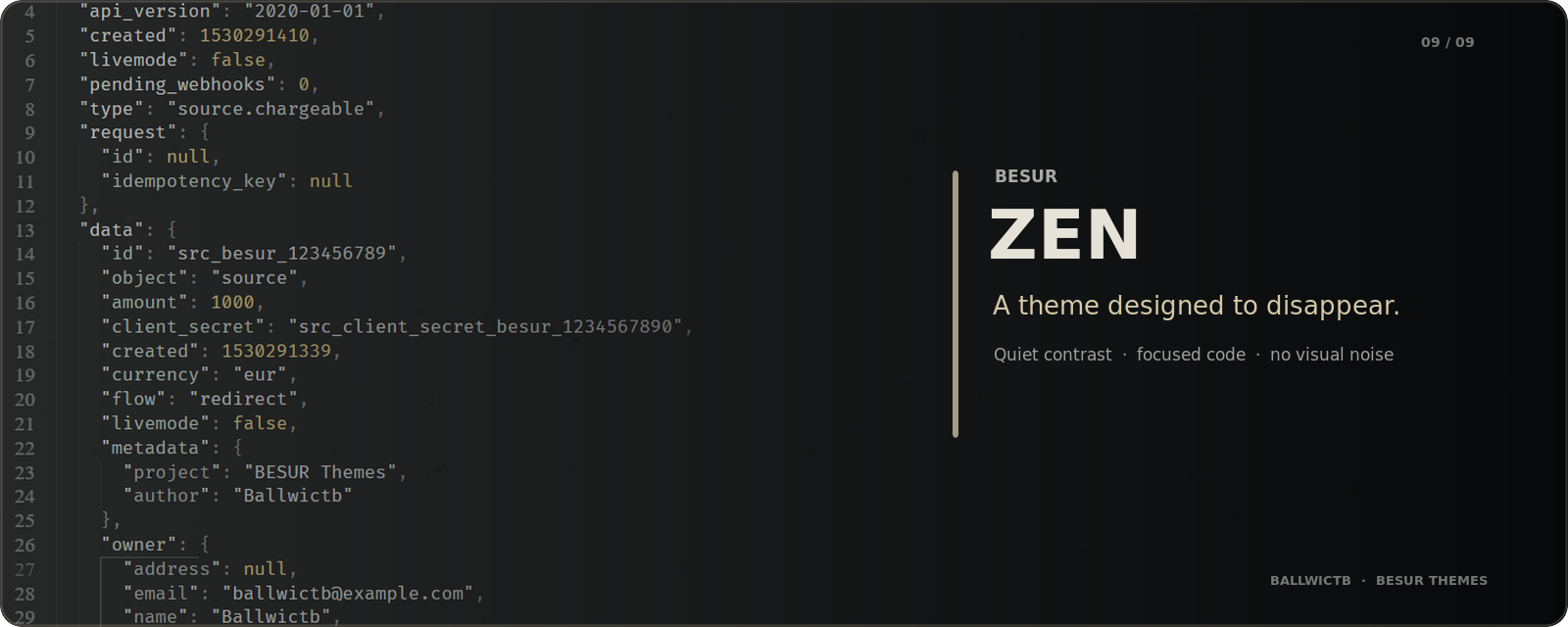
BESUR was created to stand out. BESUR Zen was created to disappear.
It is not simply BESUR with the saturation reduced. Zen follows a different philosophy: quiet contrast, fewer competing accents, and an interface that lets the code become the only thing asking for your attention.
That contrast is what makes it an important part of the collection. Some days call for neon. Others call for silence. You should not need a second extension for that.
A theme is more than its background
It is easy to make a theme look impressive with one carefully chosen JavaScript screenshot. The real test begins when you open the files that rarely appear in theme previews.
What happens to a complex SQL query? Can you distinguish XML namespaces and attributes? Do YAML anchors, Rust lifetimes, Python decorators, PHP variables, and GraphQL directives still have a visual identity?
BESUR is built with that wider reality in mind.
Web development
JavaScript and TypeScript receive detailed treatment across imports, template literals, JSX, and TSX. HTML tags and attributes remain clearly separated, while CSS, SCSS, LESS, Sass, and PostCSS distinguish selectors, properties, values, units, and pseudo-classes.
The intention is to maintain a coherent visual language when moving between a component, its styles, and its markup.
Backend languages
The theme also includes explicit coverage for the constructs that give backend languages their character:
Python decorators,
self,cls, type hints, and built-insRust lifetimes, macros, traits, enums, structs, and types
Go keywords, built-in functions, and built-in types
PHP variables, classes, types, and built-in functions
Java annotations, interfaces, enums, and types
C and C++ preprocessor directives and built-in types
This matters because a language should not feel like an afterthought just because it is not JavaScript.
Data and configuration
Data and configuration files often become walls of similar-looking text. BESUR gives them more internal structure.
SQL includes dedicated treatment for major commands, data types, aggregate functions, window functions, tables, and columns. XML distinguishes tags, attributes, namespaces, and processing instructions. YAML covers keys, values, anchors, aliases, booleans, and null values, while TOML separates section headers, keys, and values.
JSON goes one step further with five levels of color-coded nested keys. Deeply nested objects become easier to scan because each level carries its own visual signal.
Infrastructure, markup, and everything around the code
BESUR also covers the files surrounding an application:
Bash and Shell variables, built-ins, and flags
Dockerfile instructions
GraphQL operations, fragments, types, and directives
Prisma models, enums, data sources, generators, and scalar types
Markdown headings, emphasis, links, tables, blockquotes, and code fences
Regular-expression classes, anchors, quantifiers, and groups
Broad language support is not there to make a longer feature list. It is there so that opening a different file does not make the theme suddenly lose its logic.
Which BESUR variant should you choose?
If you are unsure where to begin, this is the quickest guide:
If you want… | Start with… |
Maximum color and contrast | BESUR |
The original style with less intensity | BESUR Soft |
A bright workspace | BESUR Light |
FC Barcelona colors | BESUR Barca |
A blue-first editor | BESUR Ocean |
Playful colors and multilevel brackets | BESUR Rainbow |
A warm red-and-gold identity | BESUR Spain |
A cool celeste-and-gold identity | BESUR Argentina |
Minimal visual noise | BESUR Zen |
The useful part is that they all come in one extension. You can change the mood of your editor from the Color Theme picker without changing your setup or searching for another package.
Install BESUR
BESUR is available for Visual Studio Code and through Open VSX for compatible editors such as Windsurf, VSCodium, and Gitpod.
Open the Extensions panel in your editor.
Search for
BESUR.Install the extension published by Ballwictb.
Open the Color Theme picker.
Choose any of the nine BESUR variants.
You can also explore the project and its source here:
Built to keep evolving
BESUR started because the theme I wanted was missing from the editor I wanted to use. Building it solved that problem, but maintaining it created a much more interesting challenge: making color useful across different languages, different environments, and very different tastes.
The collection now moves from neon to soft, from dark to light, from football and national palettes to a theme designed around visual silence. Yet every variant follows the same goal: code should be easy to distinguish and pleasant to look at.
There are always more edge cases, token scopes, languages, and ideas to explore. If something looks wrong in your stack—or if a language deserves better coverage—the repository is open to issues and pull requests.
Try a variant that matches your editor today. Tomorrow, choose a completely different one.
BESUR is created by Ballwictb, based on Sorcerer by Mark Thomas Miller, and distributed under the MIT License.
If it annoys you twice, turn it into a tool.
See you in the next build.
— Ballwictb
Comments (0)
Join the discussion by logging into your account.
No comments yet. Be the first to comment!