
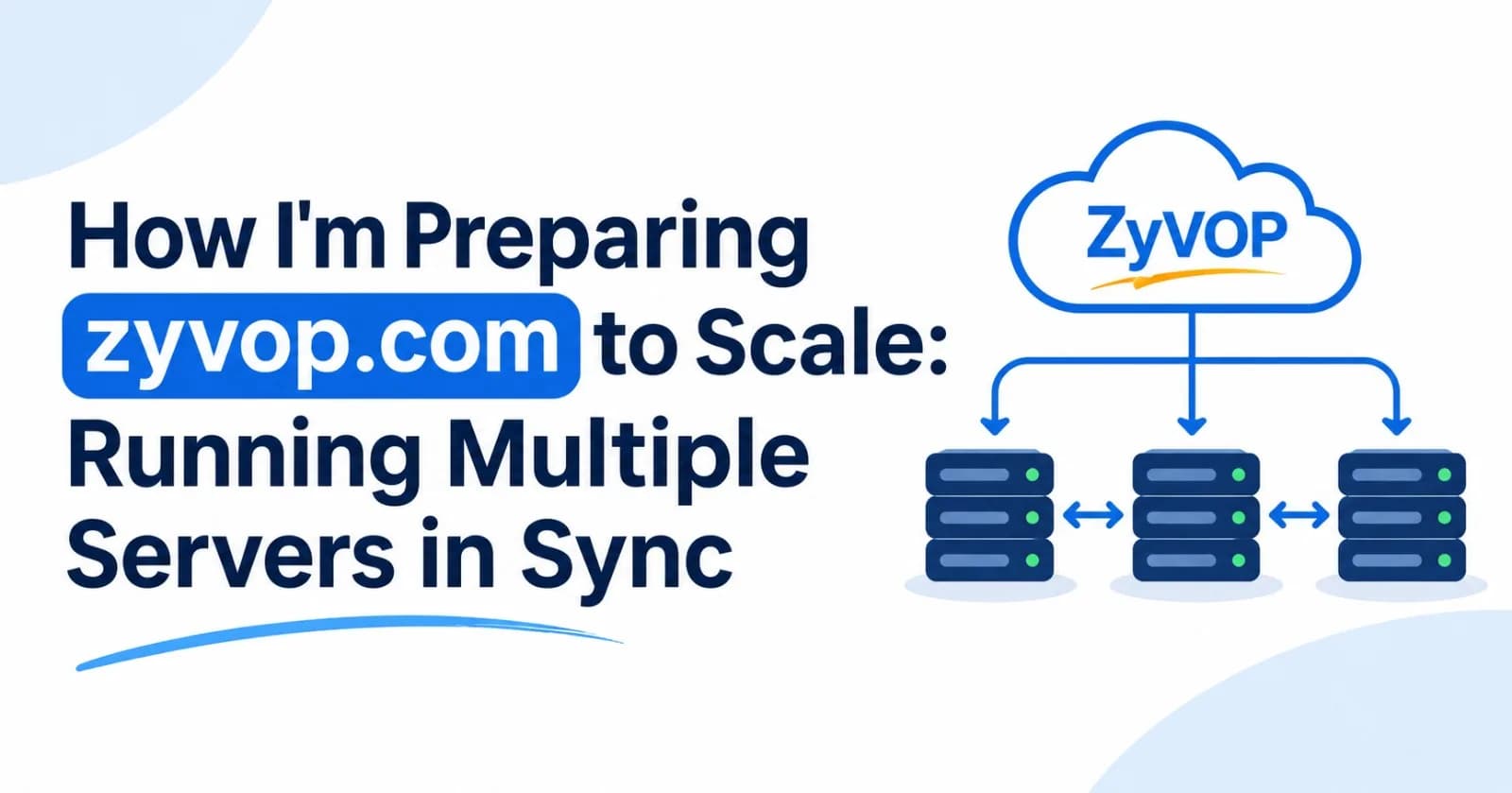
zyvop.com is my website. Like most sites, it started on a single server, and that works fine until it doesn't. One good day of traffic (a viral post, a front-page mention, a launch that lands) and a single machine can go from comfortable to melting.
I don't want to be researching scaling at 2 a.m. while my site is down. So I'm working out the plan now, and this post is that plan, written down.
The tempting answer is "just buy another server." The problem is that two servers don't automatically behave like one. If each has its own memory, its own files, and its own idea of who is logged in, my visitors will get random logouts, missing uploads, and inconsistent data. The goal is to run multiple servers without compromising anything.
TL;DR
Adding more servers is called horizontal scaling (scaling out).
Making one server bigger is called vertical scaling (scaling up).
Horizontal scaling only works cleanly if my app servers are stateless: they keep nothing important in their own memory or on their own disk.
The standard recipe is a load balancer in front of several identical app servers, all sharing one database, a cache/session store (Redis), and object storage for files.
Vertical vs. horizontal scaling
Vertical (scale up) | Horizontal (scale out) | |
|---|---|---|
What I do | Bigger machine: more CPU/RAM | More machines |
Complexity | Very low | Higher |
Downtime to scale | Often a restart | Usually none |
Upper limit | The biggest machine I can buy | Practically very high |
Single point of failure | Yes | No (if designed well) |
Cost curve | Gets expensive fast at the top end | Closer to linear, plus extras like a load balancer |
My rule of thumb: scale vertically first because it's quick and simple, then go horizontal when I hit the ceiling or want high availability. Horizontal scaling also protects me from outages. If one server dies, the others keep serving zyvop.com.
Here's the decision flow I follow whenever the site feels slow:
flowchart TD
    Q[Site is slow or overloaded] --> M[Measure first:<br/>where is the bottleneck?]
    M --> APP{App server CPU or RAM maxed out?}
    APP -- Yes --> V[Add a CDN and caching,<br/>or scale up the server]
    V --> STILL{Still not enough,<br/>or I need high availability?}
    STILL -- Yes --> H[Go horizontal:<br/>stateless app + load balancer]
    STILL -- No --> OK[Done, keep monitoring]
    APP -- No --> DBQ{Database slow?}
    DBQ -- Yes --> DBF[Work up the database ladder<br/>in Step 4]
    DBQ -- No --> OTH[Check disk, network,<br/>and third-party APIs]
The architecture I'm aiming for
flowchart TD
    U([Visitors]) --> LB[Load Balancer<br/>the only public entry point]

    subgraph APPS[Identical, stateless app servers]
        A1[App #1]
        A2[App #2]
        A3[App #3]
    end

    subgraph SHARED[Shared state]
        R[(Redis<br/>cache + sessions)]
        DB[(Database<br/>primary + replicas)]
        S3[(Object storage<br/>uploads)]
    end

    LB --> A1 & A2 & A3
    A1 & A2 & A3 --> R & DB & S3
Every app server is interchangeable. Any request can go to any of them, and my visitors never notice.
Step 1: Make my app stateless
This is the most important step, and I'm doing it before adding a second server. I need to hunt down everything my app stores locally:
Stored locally (problem) | Where it should live instead |
|---|---|
User sessions in server memory | Redis (or signed JWTs/cookies) |
Uploaded files on local disk | Object storage (S3, Cloudflare R2, etc.) |
In-memory cache | Redis / Memcached |
Cron jobs on the server | One scheduler, or a job queue |
Local logs only | Centralized logging |
Config files edited by hand | Environment variables / secrets manager |
If a request can land on any server and still work correctly, my app is stateless.
Example: moving sessions to Redis (Node/Express)
I'm using Node in these examples, but the idea is identical in Django, Laravel, Rails, Spring, and so on. Swap in whatever your stack uses.
import express from "express";
import session from "express-session";
import { RedisStore } from "connect-redis";
import { createClient } from "redis";

const app = express();
app.set("trust proxy", 1); // one proxy (the load balancer) sits in front of the app

const redisClient = createClient({ url: process.env.REDIS_URL });
await redisClient.connect();

app.use(
  session({
    store: new RedisStore({ client: redisClient }),
    secret: process.env.SESSION_SECRET, // SAME value on every server
    resave: false,
    saveUninitialized: false,
    cookie: { secure: true, httpOnly: true, sameSite: "lax" },
  })
);
Two details matter once there is a load balancer in front. First, TLS usually ends at the load balancer, so Express only sees plain HTTP from it. Without trust proxy, it won't send a secure cookie, and logins silently fail. The 1 assumes exactly one proxy in front of the app. Second, connect-redis has changed its import style between major versions, so I check the README for the version I install.
Now a user can log in on App #1 and have their next request handled by App #3 without being logged out.
Here's what happens on the wire:
sequenceDiagram
    actor User
    participant LB as Load Balancer
    participant A1 as App #1
    participant A2 as App #2
    participant R as Redis

    User->>LB: POST /login
    LB->>A1: forward request
    A1->>R: store session abc123
    A1-->>User: Set-Cookie session=abc123

    User->>LB: GET /dashboard with cookie abc123
    LB->>A2: forward request (different server)
    A2->>R: look up session abc123
    R-->>A2: session found
    A2-->>User: dashboard, still logged in
A shortcut I'm avoiding: "sticky sessions" (always sending a user to the same server) can paper over a stateful app, but they cause uneven load, and users get logged out whenever that server restarts or dies. I treat them as a temporary patch, never a design.
Step 2: Put a load balancer in front
The load balancer receives all traffic and distributes it across my app servers. The DNS for zyvop.com points at the load balancer, not at the app servers directly.
My options:
Managed: AWS ALB, Google Cloud Load Balancing, DigitalOcean Load Balancer, Cloudflare Load Balancing. Least work, and highly available out of the box.
Self-managed: Nginx, HAProxy, Caddy, Traefik.
Example: Nginx as a load balancer
The IPs and certificate paths below are placeholders. I replace them with my own.
upstream zyvop_app {
    least_conn;                                   # send to the least busy server
    server 10.0.1.11:3000 max_fails=3 fail_timeout=10s;
    server 10.0.1.12:3000 max_fails=3 fail_timeout=10s;
    server 10.0.1.13:3000 max_fails=3 fail_timeout=10s;
}

server {
    listen 443 ssl;
    server_name zyvop.com www.zyvop.com;

    ssl_certificate     /etc/ssl/zyvop.com/fullchain.pem;
    ssl_certificate_key /etc/ssl/zyvop.com/privkey.pem;

    location / {
        proxy_pass http://zyvop_app;
        proxy_set_header Host              $host;
        proxy_set_header X-Real-IP         $remote_addr;
        proxy_set_header X-Forwarded-For   $proxy_add_x_forwarded_for;
        proxy_set_header X-Forwarded-Proto $scheme;

        # If a server errors out, quietly retry on another one
        proxy_next_upstream error timeout http_502 http_503;
    }
}
Things I keep in mind:
Open-source Nginx does passive health checks (
max_fails): it notices a server is failing only after real requests fail. Active health checks that poll an endpoint come with Nginx Plus, HAProxy, and most managed load balancers.My app will now see the load balancer's IP, not the visitor's. I read the client IP from
X-Forwarded-Forand configure my framework to trust the proxy (in Express,app.set("trust proxy", 1)when there is one proxy in front).The load balancer itself can become a single point of failure. Managed load balancers handle this for me. If I self-host, I run two behind a floating IP or use DNS failover.
Balancing strategies
Round robin: take turns. Simple, and fine when requests cost about the same.
Least connections: favors the least busy server. Better when requests vary in cost.
IP hash: the same client always goes to the same server. That's sticky sessions again, so I use it sparingly.
Step 3: Add a health check endpoint
Every server gets two cheap endpoints: a shallow one the load balancer polls, and a deeper one for readiness:
// Liveness: is this process up and able to answer? (what the load balancer polls)
app.get("/healthz", (req, res) => res.status(200).send("ok"));

// Readiness: can it reach what it depends on? (for alerts and deploy checks)
app.get("/readyz", async (req, res) => {
  try {
    await db.query("SELECT 1");   // can I reach the database?
    await redisClient.ping();     // can I reach Redis?
    res.status(200).send("ready");
  } catch (err) {
    res.status(503).send("not ready");
  }
});
An unhealthy server is automatically removed from rotation until it recovers. That's what lets a server die at 3 a.m. without anyone noticing, including me.
A trap I'm avoiding: if the load balancer's health check depends on the database or Redis, a database outage makes every server fail the check, the load balancer pulls them all out, and a partial problem becomes a full outage. So the endpoint the load balancer polls stays shallow, and the dependency checks live on
/readyz, which feeds my alerts and deploy checks instead.
flowchart TD
    LB["Load balancer polls /healthz<br/>every few seconds"] --> OK{Healthy response?}
    OK -- "200 ok" --> IN[Keep server in rotation]
    OK -- "503 or timeout" --> OUT[Remove server from rotation]
    OUT --> WAIT[Keep polling it]
    WAIT --> OK
    IN --> LB
Step 4: Handle the database carefully
My app servers are now easy to multiply. The database is the hard part, because it is my shared state, and it's usually the first real bottleneck.
I work through these in order, cheapest first:
Add indexes and fix slow queries. This often buys 10x before I spend a dollar.
Cache hot reads in Redis. Most traffic is repeat reads of the same data.
Use connection pooling. With 3 servers each opening 20 connections, I'm already at 60. Databases like Postgres have limited connection slots, so a pooler such as PgBouncer (or my provider's built-in one) prevents a connection storm as I add servers.
Add read replicas. Writes go to the primary and reads go to replicas.
Shard (split data across databases) only when I truly must. It's a big jump in complexity.
I only move to the next rung if the previous one wasn't enough:
flowchart LR
    S1[1. Indexes and<br/>query fixes] --> S2[2. Redis cache<br/>for hot reads]
    S2 --> S3[3. Connection<br/>pooling]
    S3 --> S4[4. Read<br/>replicas]
    S4 --> S5[5. Sharding<br/>last resort]
The replica lag gotcha
Replicas copy data from the primary with a small delay (replication lag). A user saves their profile, the next page load reads from a replica that hasn't caught up yet, and they see their old data. It looks like a bug but it isn't one.
sequenceDiagram
    actor User
    participant App
    participant P as Primary DB
    participant R as Replica DB

    User->>App: Save profile
    App->>P: UPDATE profile
    P-->>App: OK
    P-->>R: replicate change (small delay)

    User->>App: Reload profile
    App->>R: SELECT profile
    R-->>App: OLD data (not caught up yet)
    Note over App,R: Fix: read from the primary right after the user's own write
My fixes:
Read from the primary right after a user's own write (read-your-writes consistency).
Keep critical reads (payments, permissions, inventory) on the primary.
Use replicas where slightly stale data is fine: feeds, search, analytics, public pages.
Step 5: Cache and use a CDN
The cheapest request is the one my servers never see.
CDN (Cloudflare, Fastly, CloudFront): serves images, CSS, JS, and even full pages from edge locations. For a content-heavy site, this alone can absorb most of a traffic spike.
Redis cache: shared by all servers, so it stays consistent.
No per-server in-memory caches for anything that changes. Server 1 might cache the old value while Server 2 has the new one.
I set sensible Cache-Control headers on static assets and use cache invalidation or short TTLs for dynamic data.
Step 6: Run background jobs and cron exactly once
This one bites almost everyone. If zyvop.com has a nightly cron job like "send the daily email digest" and I now have 3 servers, my users get 3 emails.
My options:
A. Dedicated worker/scheduler. One separate machine (or container) runs scheduled tasks. App servers never do.
B. Job queue. Servers push jobs to a queue (BullMQ, Sidekiq, Celery, SQS) and workers pick each job up once.
C. Distributed lock. Whichever server grabs the lock runs the job.
// Only one server acquires the lock; the others skip
const acquired = await redisClient.set("lock:daily-digest", serverId, {
  condition: "NX",                         // only set if it doesn't already exist
  expiration: { type: "EX", value: 300 }, // auto-expire after 5 minutes so a crash doesn't deadlock
});
// On node-redis v4 the same options are written as { NX: true, EX: 300 }

if (acquired) {
  await sendDailyDigest();
}
Two caveats. The expiry has to be longer than the job takes to run (and longer than any clock drift between servers), otherwise a second server can grab the lock mid-job. And this is a simple lock on a single Redis instance. It's fine for "send the digest once", but for anything where a double run would be costly, I lean on a queue and idempotent jobs instead.
Here's how the lock plays out across three servers:
sequenceDiagram
    participant S1 as Server #1
    participant S2 as Server #2
    participant S3 as Server #3
    participant R as Redis

    Note over S1,S3: The nightly cron fires on every server
    S1->>R: Try to set lock (NX, EX 300)
    R-->>S1: OK, lock acquired
    S2->>R: Try to set lock (NX, EX 300)
    R-->>S2: nil, already locked
    S3->>R: Try to set lock (NX, EX 300)
    R-->>S3: nil, already locked
    S1->>S1: sendDailyDigest()
    Note over S2,S3: Skip the job
I also make jobs idempotent, meaning running one twice does no harm. Queues can occasionally deliver a job more than once.
Step 7: Keep every server identical
"Works on server 2 but not server 3" is a nightmare to debug. To prevent it:
Containerize (Docker) or use a machine image so every server runs the same build.
Same environment variables and secrets everywhere, from a secrets manager rather than hand-edited files.
Same session secret and JWT signing keys, or users get rejected when they hit a different server.
Synced clocks (NTP). Token expiry and log ordering break when server clocks drift.
Infrastructure as code (Terraform, Ansible, etc.) so a new server is created by script, not from my memory.
Step 8: Deploy without downtime
With multiple servers I can do rolling deployments:
Take Server 1 out of the load balancer and let its in-flight requests finish (connection draining).
Deploy the new version to it and wait for
/healthzand/readyzto pass.Put it back in rotation.
Repeat for Server 2, Server 3, and so on.
flowchart TD
    START[New version ready] --> LEFT{Servers left to update?}
    LEFT -- Yes --> RM[Drain and remove next server<br/>from the load balancer]
    RM --> DEP[Deploy the new version to it]
    DEP --> HC{Health checks pass?}
    HC -- Yes --> ADD[Put server back in rotation]
    ADD --> LEFT
    HC -- No --> RB[Roll back that server<br/>and stop the deploy]
    LEFT -- No --> DONE[Deploy complete, zero downtime]
My visitors never see downtime. The catch is that for a short window, old and new code run side by side against the same database. So I make database migrations backward compatible:
Adding a column? Add it as nullable or with a default first, deploy code that uses it, then tighten the constraint later.
Renaming or dropping a column? Do it in stages: add the new one, write to both, migrate data, switch reads, then remove the old one.
This is often called the expand and contract pattern.
flowchart LR
    E[Expand<br/>add the new column] --> M[Migrate<br/>write to both,<br/>backfill old rows]
    M --> SW[Switch<br/>read from<br/>the new column]
    SW --> C[Contract<br/>drop the old column]
Step 9: Secure it and watch it
Scaling out increases my attack surface and my need for visibility.
Security
Only the load balancer is public. App servers, database, and Redis live on a private network behind firewall rules.
TLS terminates at the load balancer, and internal traffic stays on a private network (or is encrypted too).
Redis and the database are never exposed to the open internet.
Observability
Centralized logs (Loki, ELK, Datadog, CloudWatch) so I can search across all servers in one place.
Metrics and alerts: CPU, memory, request latency (p95/p99), error rate, DB connections, replication lag, queue depth.
A request ID added at the load balancer and logged everywhere, so I can trace one request through the whole system.
Optional: autoscaling
Once my app is stateless and my servers are built from an image, I can let the platform add and remove servers automatically based on load (for example, "keep average CPU around 60%").
AWS Auto Scaling Groups, Google Managed Instance Groups
Kubernetes Horizontal Pod Autoscaler
Many managed platforms (Render, Fly.io, Heroku, and similar) offer scaling controls, but what's available depends on the plan, so I check each provider's current docs
Autoscaling doesn't fix a stateful app. It just makes the mess bigger, faster.
Mistakes I'm trying not to make
Scaling the app but not the database. Ten app servers hammering one database just moves the bottleneck.
Storing uploads on local disk. The file exists on Server 1 and gives a 404 on Server 2.
Cron jobs on every server. Duplicate emails, duplicate charges.
Different secrets or config per server. Random, hard-to-reproduce login failures.
Relying on sticky sessions. It works until a server restarts.
Skipping load testing. I'll use k6, Locust, or wrk to find the breaking point before my visitors do.
Scaling too early. Complexity has a cost. A well-tuned single server with a CDN handles far more traffic than most people expect.
My scaling checklist for zyvop.com
Profile first: find the actual bottleneck (CPU? database? disk? network?)
Put a CDN in front of static assets
Move sessions to Redis
Move uploads to object storage
Move cron jobs to a single worker or queue
Make configuration and secrets identical across servers
Add a
/healthzendpointAdd a load balancer and a second app server
Add connection pooling for the database
Add read replicas if reads are the bottleneck
Set up centralized logging and alerts
Practice a rolling deploy
Load test with 2x my expected peak
Consider autoscaling
Final thoughts
Horizontal scaling is less about buying servers and more about removing the reasons a server needs to be special. When every app server is identical and disposable, and all the important state lives in a few well-managed shared services, I can add capacity in minutes and lose a server without my visitors noticing.
The order I'm following: stateless app, load balancer, shared services, database scaling, automation. When zyvop.com does get its big moment, I want to be ready for it.
Running a similar setup, or using a different stack (serverless, Kubernetes, a specific framework)? Let me know in the comments and I'll cover it in a follow-up.
Comments(1)
Join the discussion by logging into your account.
Ankit Singh
Good plan