
There is a particular moment this release is about. You are in the middle of something, you need a branch, and the app you are already looking at cannot make one — so you go and find a terminal, and by the time you come back you have lost the thread.
FinderGit has listed branches and switched between them since 0.11.0. From 0.38.0 it does the rest: create, rename, merge, rebase, delete. New branch… sits at the top of the branch dropdown, and it asks the two questions worth asking — where should it start, and do you want to be on it afterwards. Every row in the Branches tab carries the other four on a right-click.
Three of the decisions in there are worth explaining, because they are the kind that look like omissions until you know why.
A remote row offers only Merge. Renaming or deleting origin/foo is not a local edit. It is a push to a remote that usually belongs to somebody else, which is a different thing with a different blast radius.
The rebase confirmation tells you something the screen would never suggest. Git checks out the branch it is rebasing. You right-click a branch you are not standing on, and afterwards you are standing on it. That is Git's own behaviour rather than something the app adds, which is exactly why it should be said before you agree instead of discovered after.
Delete offers both ways out in the same dialog — the ordinary one, and the forced one for a branch whose work is not merged anywhere. Showing you a refusal with no way forward is a dead end you would have to leave the app to escape.
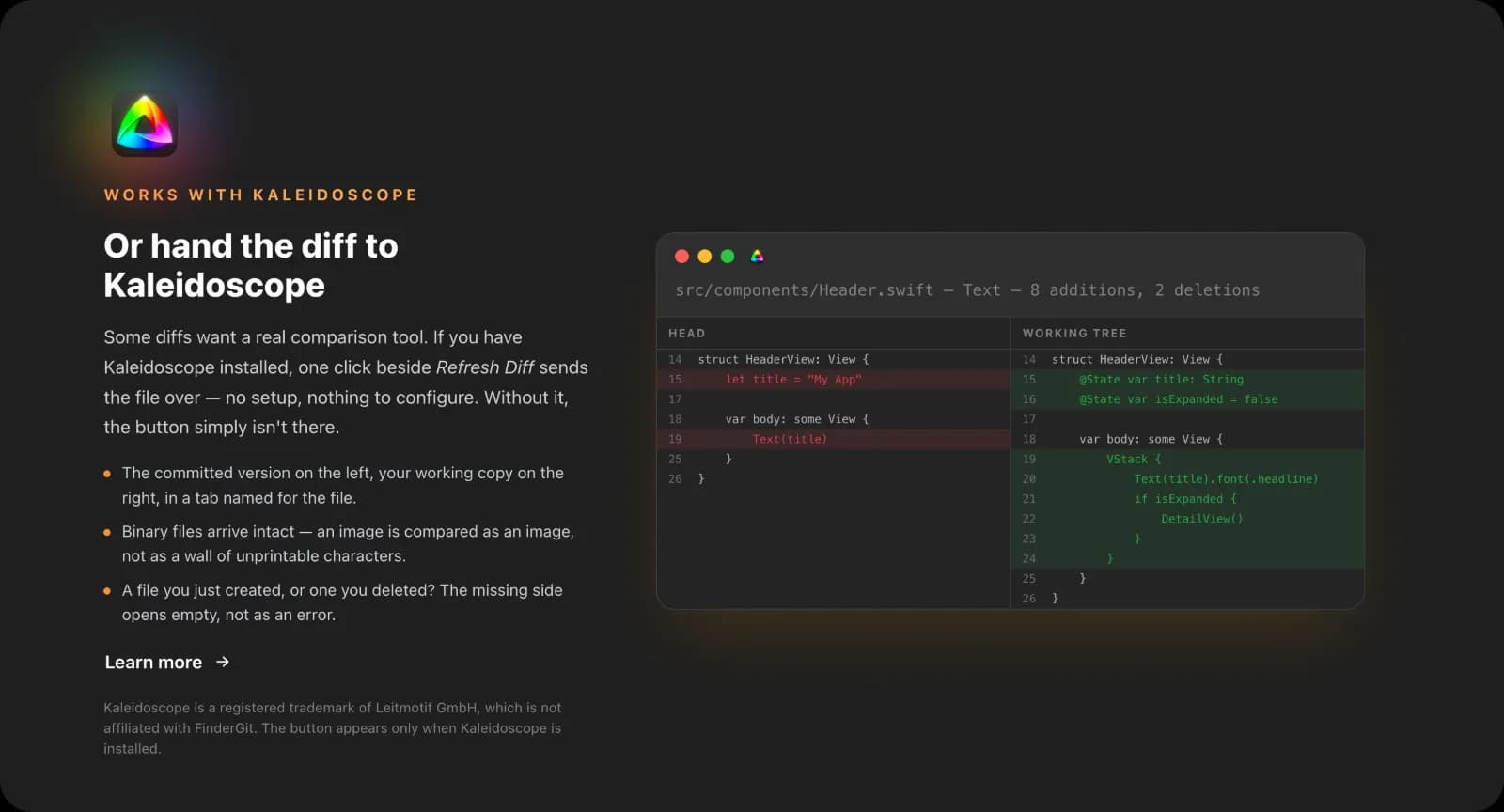
The second thing: if you have Kaleidoscope, a file's diff can go there. A button beside Refresh Diff sends the committed version and your working copy across, in a tab named for the file.
The reason to bother at all is binary files. They arrive intact — an image compared as an image, rather than as a wall of unprintable characters. A file you have just created shows an empty left side instead of an error. And if you do not have Kaleidoscope, the button is not drawn at all: a permanently greyed control advertising an app you have not bought tells you nothing you can act on.
Then a set of smaller things, most of them about the app being straight with you.
Two actions can no longer collide on the same repository. Pressing Refresh in the middle of a fetch used to leave that fetch running with nothing watching it, and its result would land on a panel that had moved on. Now it is one at a time, and anything refused says so — a refresh across many repositories reports which ones it could not reach, rather than letting you assume it managed all of them.
Counts agree with their numbers in Italian, French, German and Spanish. Twenty-eight of them were being handed a single English sentence to cover both one and many, so every one read as a plural at one; in French and Spanish the adjective was wrong on top of that.
The detail panel stops showing you the repository you just left. Selecting the same path in a different project — a README, a lock file — kept the previous one's diff on screen, because the panel was recognising the path and not the repository it belongs to.
FinderGit is free, a universal binary (Apple Silicon + Intel), runs on macOS 15+, and is signed and notarized.
FinderGit for macOS — Website: https://findergit.app · Download: https://findergit.app/download
Comments(0)
Join the discussion by logging into your account.
No comments yet. Be the first to comment!