
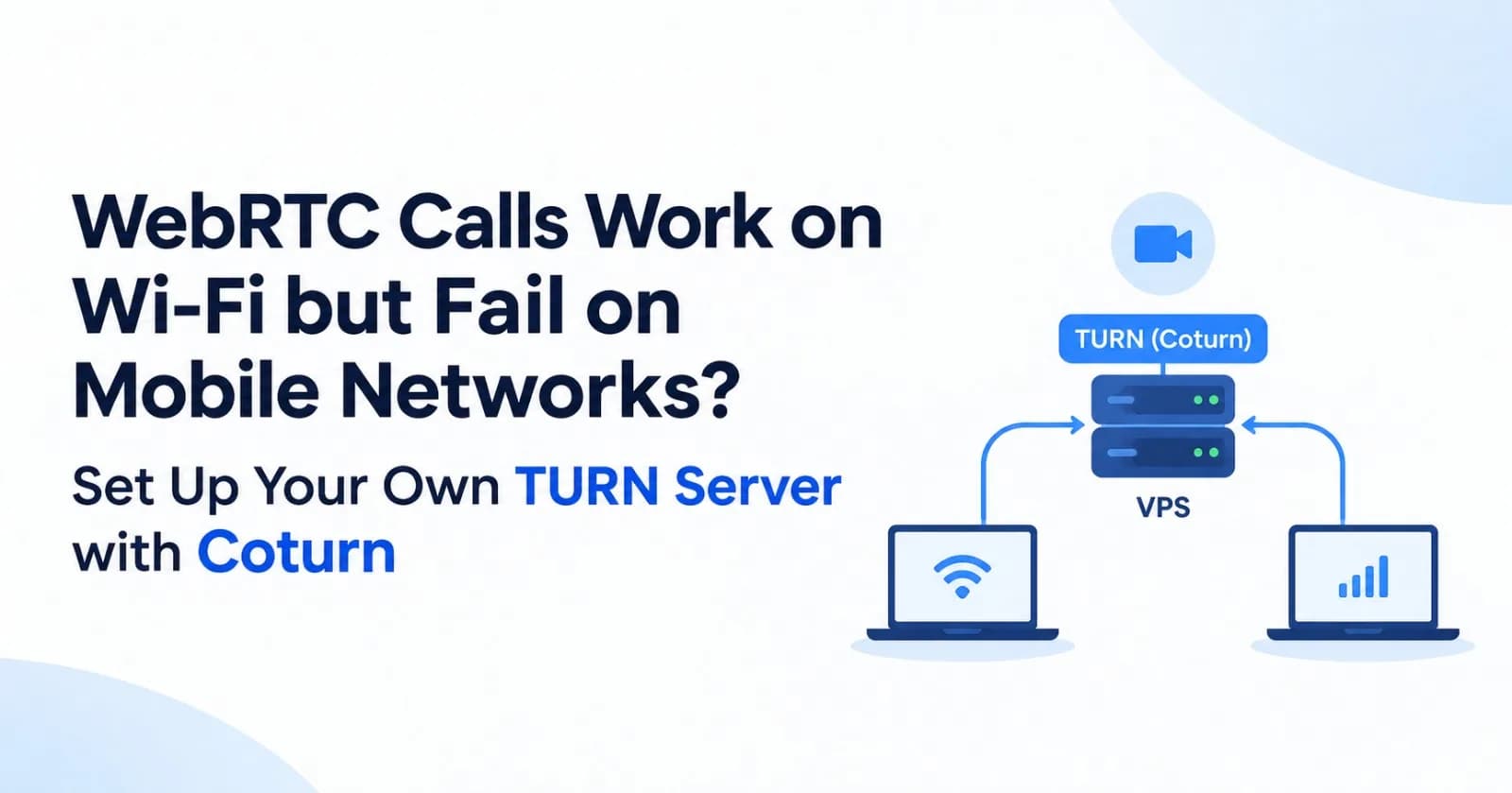
Stack: Ubuntu 24.04, Coturn, Node.js, WebRTC, VPS
A WebRTC application can work perfectly on a local Wi-Fi network and still fail when users connect from mobile networks or different internet providers.
One possible cause is NAT traversal.
A device behind a router or mobile carrier's NAT may not be reachable through the network path selected by WebRTC. STUN helps discover the public-facing address, but it cannot guarantee that two devices can establish a direct connection.
TURN solves this by relaying traffic through a server that both clients can reach.
Instead of depending entirely on a third-party TURN provider, you can run your own TURN server on a VPS using Coturn.
This guide covers the server setup, authentication, firewall configuration, Node.js integration and testing.
1. Understand the problem
WebRTC uses ICE (Interactive Connectivity Establishment) to find a working network path between two peers.
During connection establishment, ICE gathers different types of candidates:
Candidate | Purpose |
|---|---|
Host | Local network address |
Server reflexive (srflx) | Public-facing address discovered using STUN |
Relay | Address allocated by a TURN server |
STUN helps discover an address. TURN provides a relay when a direct connection cannot be established.
For example:
User A connects through home Wi-Fi.
User B connects through a mobile network.
Their NAT or firewall configurations prevent a direct connection.
ICE cannot establish a usable direct candidate pair.
Both peers can use a TURN server as an alternative network path.
TURN forwards the traffic between the peers. It does not transcode the audio or video.
How ICE chooses a connection
flowchart TD
    A["Start WebRTC connection"] --> B["Gather ICE candidates"]
    B --> C["Run ICE connectivity checks"]
    C --> D{"Can a direct path work?"}
    D -->|"Yes"| E["Select direct candidate pair"]
    D -->|"No"| F["Use TURN relay candidates"]
    F --> G["Select relayed candidate pair"]
    E --> H["WebRTC media connection"]
    G --> H
This is why having a working STUN server alone is not enough for reliable WebRTC connectivity.
Reference: MDN — Introduction to WebRTC protocols.
2. What we are going to build
We will use:
An Ubuntu VPS with a public IPv4 address.
Coturn as the TURN server.
A domain such as
turn.example.com.Let's Encrypt for the TLS certificate.
Node.js to generate temporary TURN credentials.
Network architecture
flowchart LR
    A["Peer A<br/>Home Wi-Fi"]
    B["Peer B<br/>Mobile network"]
    T["Coturn<br/>VPS public IP"]

    A <-->|"Direct ICE path<br/>when available"| B
    A <-->|"TURN relay traffic"| T
    B <-->|"TURN relay traffic"| T
When a direct connection is available, WebRTC can use it. Otherwise, both peers can use the TURN server to relay traffic.
The TURN server is separate from your application signaling server. Your application still needs signaling to exchange SDP offers, answers and ICE candidates.
3. Prepare the VPS
For this example, use an Ubuntu 24.04 VPS.
You need:
A public IPv4 address.
Root or sudo access.
A domain or subdomain.
Access to the VPS firewall.
Create an A record:
Type: A
Name: turn
Value: YOUR_VPS_PUBLIC_IP
Verify DNS:
dig +short turn.example.comIt should return your VPS public IP.
4. Install Coturn
Connect to your VPS:
ssh root@YOUR_VPS_IPUpdate the packages:
sudo apt update
sudo apt upgrade -y
Install Coturn and Certbot:
sudo apt install coturn certbot -yOn Ubuntu package installations, check whether Coturn is enabled in the package configuration:
sudo nano /etc/default/coturnSet:
TURNSERVER_ENABLED=1Then enable and start the service:
sudo systemctl enable --now coturnWe will configure Coturn next.
5. Generate a TURN authentication secret
Do not run a public TURN server without authentication.
An unauthenticated TURN server can be abused as an open relay, resulting in unexpected bandwidth costs and potential abuse.
Coturn supports time-limited credentials through its TURN REST authentication mechanism.
Generate a shared secret:
openssl rand -hex 32Save the output securely.
TURN_SHARED_SECRET=replace_with_generated_secretYou will use this same secret in:
The Coturn configuration.
Your Node.js backend environment.
Never expose this shared secret in frontend JavaScript.
6. Obtain a TLS certificate
Use Let's Encrypt to issue a certificate for your TURN domain.
Make sure TCP port 80 is reachable from the internet and not occupied by another service when using the standalone challenge.
Run:
sudo certbot certonly --standalone -d turn.example.comThe certificate files will be available under:
/etc/letsencrypt/live/turn.example.com/Coturn normally runs as an unprivileged system user. Verify its service account:
sudo systemctl show coturn -p User -p GroupOn the Ubuntu package used in this example, the account is turnserver.
Copy the certificate and private key into a directory readable by that service account:
sudo install -d \
  -o root -g turnserver -m 750 \
  /etc/coturn/certs

sudo install \
  -o root -g turnserver -m 0640 \
  /etc/letsencrypt/live/turn.example.com/fullchain.pem \
  /etc/coturn/certs/fullchain.pem

sudo install \
  -o root -g turnserver -m 0640 \
  /etc/letsencrypt/live/turn.example.com/privkey.pem \
  /etc/coturn/certs/privkey.pem
If your Coturn service runs under a different group, use that group instead.
Keep certificates working after renewal
Let's Encrypt renews certificates by creating new files. A one-time copy is not enough.
Create a deployment hook:
sudo nano /etc/letsencrypt/renewal-hooks/deploy/coturnAdd:
#!/bin/sh

set -eu

if [ "${RENEWED_LINEAGE:-}" != \
  "/etc/letsencrypt/live/turn.example.com" ]; then
  exit 0
fi

install -o root -g turnserver -m 0640 \
  "$RENEWED_LINEAGE/fullchain.pem" \
  /etc/coturn/certs/fullchain.pem

install -o root -g turnserver -m 0640 \
  "$RENEWED_LINEAGE/privkey.pem" \
  /etc/coturn/certs/privkey.pem

systemctl restart coturn
Make it executable:
sudo chmod 750 /etc/letsencrypt/renewal-hooks/deploy/coturnReplace turn.example.com and the service group if necessary.
7. Configure Coturn
Open the configuration file:
sudo nano /etc/turnserver.confUse this configuration:
# Listening ports
listening-port=3478
tls-listening-port=5349

# Authentication
fingerprint
use-auth-secret
static-auth-secret=YOUR_GENERATED_SECRET

# Domain
realm=turn.example.com

# Relay port range
min-port=49160
max-port=49999

# TLS certificates
cert=/etc/coturn/certs/fullchain.pem
pkey=/etc/coturn/certs/privkey.pem

# Basic peer restrictions
no-loopback-peers
no-multicast-peers

# Block private and non-public IPv4 destinations
denied-peer-ip=0.0.0.0-0.255.255.255
denied-peer-ip=10.0.0.0-10.255.255.255
denied-peer-ip=100.64.0.0-100.127.255.255
denied-peer-ip=127.0.0.0-127.255.255.255
denied-peer-ip=169.254.0.0-169.254.255.255
denied-peer-ip=172.16.0.0-172.31.255.255
denied-peer-ip=192.168.0.0-192.168.255.255
Replace YOUR_GENERATED_SECRET with the secret generated earlier.
The private-address restrictions help prevent TURN users from relaying traffic to internal services reachable from the VPS. Adjust them only when your application intentionally supports private peer destinations. Review IPv6 peer restrictions separately if your server supports IPv6.
A few important configuration details:
3478accepts standard TURN connections over UDP and TCP.5349accepts TURN over TLS.49160-49999defines the relay port range.use-auth-secretenables Coturn's time-limited credential mechanism.static-auth-secretmust match the secret in your backend.certandpkeyprovide the TLS certificate and private key.
Coturn automatically enables its long-term credential mechanism internally when use-auth-secret is enabled.
The configuration uses standard Coturn options documented in its official configuration.
8. Open the firewall ports
TURN needs more than just port 3478.
Open the required ports:
sudo ufw allow 3478/udp
sudo ufw allow 3478/tcp

sudo ufw allow 5349/tcp

sudo ufw allow 49160:49999/udp

sudo ufw allow 80/tcp
Keep your actual SSH port allowed before enabling UFW.
You must also open the same required ports in your VPS provider's firewall or security group.
Port | Protocol | Purpose |
|---|---|---|
3478 | UDP | Standard TURN |
3478 | TCP | TURN over TCP |
5349 | TCP | TURN over TLS |
49160–49999 | UDP | Media relay ports |
80 | TCP | Certificate issuance and renewal |
The relay range is important. Opening 3478 without opening the allocated relay ports can allow the initial TURN connection but still prevent media traffic from flowing.
If your VPS provider maps its public IP to a private interface rather than assigning it directly to the network interface, configure Coturn's external-ip option with the public/private address mapping. Do not add this setting blindly.
9. Restart Coturn
Restart the service:
sudo systemctl restart coturnEnable it at startup:
sudo systemctl enable coturnCheck the service:
sudo systemctl status coturnCheck listening sockets:
sudo ss -lntup | grep -E '3478|5349'Check logs:
sudo journalctl -u coturn -fAt this point, the TURN server should be running.
10. Generate temporary TURN credentials using Node.js
The backend must generate credentials using the shared secret.
Coturn's REST authentication format is:
username = expiration_timestamp:user_id

password = Base64(
  HMAC-SHA1(shared_secret, username)
)
The timestamp represents the credential's expiration time in Unix seconds.
Here is an Express example:
import { createHmac } from "node:crypto";

app.get("/api/turn-credentials", requireAuth, (req, res) => {
  const secret = process.env.TURN_SHARED_SECRET;

  if (!secret) {
    return res.status(500).json({
      error: "TURN server is not configured",
    });
  }

  // Credentials expire after one hour.
  const expiresAt = Math.floor(Date.now() / 1000) + 3600;

  // Use the authenticated user's ID, not an arbitrary
  // user ID supplied in the query string.
  const username = `${expiresAt}:${req.user.id}`;

  const credential = createHmac("sha1", secret)
    .update(username)
    .digest("base64");

  res.setHeader("Cache-Control", "no-store");

  return res.json({
    iceServers: [
      {
        urls: [
          "turn:turn.example.com:3478?transport=udp",
          "turn:turn.example.com:3478?transport=tcp",
          "turns:turn.example.com:5349?transport=tcp",
        ],
        username,
        credential,
      },
    ],
  });
});
Set the backend environment variable:
TURN_SHARED_SECRET=YOUR_GENERATED_SECRETThis must exactly match static-auth-secret in /etc/turnserver.conf.
The endpoint should require authentication and use HTTPS. Never put the shared secret in the browser.
11. Connect the TURN server to WebRTC
The frontend requests temporary credentials from your backend:
const response = await fetch("/api/turn-credentials", {
  credentials: "include",
});

if (!response.ok) {
  throw new Error("Could not obtain TURN credentials");
}

const { iceServers } = await response.json();

const peerConnection = new RTCPeerConnection({
  iceServers,
});
That's all you need to add the TURN server to the ICE server configuration.
You do not need to force relay mode for normal calls. ICE should try the available connection paths and select a working candidate pair.
For diagnostics, however, you can force TURN:
const peerConnection = new RTCPeerConnection({
  iceServers,
  iceTransportPolicy: "relay",
});
This prevents the connection from using host or server-reflexive candidates. It is useful for proving that your TURN server works, but it is generally not the setting to use for every production call because relaying all traffic increases latency and bandwidth consumption.
How credentials and TURN allocation work
sequenceDiagram
    autonumber
    participant A as Peer A
    participant API as Node.js API
    participant B as Peer B
    participant S as Signaling Server
    participant T as Coturn VPS

    A->>API: Request TURN credentials
    API-->>A: Temporary username and password

    B->>API: Request TURN credentials
    API-->>B: Temporary username and password

    A->>S: Send SDP offer and ICE candidates
    S->>B: Forward offer and candidates
    B->>S: Send SDP answer and ICE candidates
    S->>A: Forward answer and candidates

    A->>T: TURN Allocate request
    T-->>A: Relay candidate

    B->>T: TURN Allocate request
    T-->>B: Relay candidate

    Note over A,B: ICE connectivity checks

    A->>T: Media packets
    T->>B: Forward media packets
    B->>T: Media packets
    T->>A: Forward media packets
The signaling server shown here is your existing application infrastructure. Coturn does not exchange SDP offers or answers.
12. Test whether TURN is actually working
Use the official WebRTC Trickle ICE test:
https://webrtc.github.io/samples/src/content/peerconnection/trickle-ice/
Enter your TURN server:
TURN URI:
turn:turn.example.com:3478?transport=udp

Username:
Generated temporary username

Password:
Generated temporary credential
Set the ICE transport policy to relay and gather candidates.
A successful TURN allocation should produce a candidate with:
typ relayThe important distinction:
hostmeans a local candidate.srflxmeans a server-reflexive candidate.relaymeans a TURN relay candidate.
If you only see host or srflx, you have not established that TURN is working.
Test the TLS endpoint separately using:
turns:turn.example.com:5349?transport=tcpUse valid temporary credentials for each test.
13. Troubleshooting
No relay candidate appears
Check that:
TCP/UDP port 3478 is open.
TCP port 5349 is open for TLS.
UDP relay ports 49160–49999 are open.
The VPS provider firewall allows the same traffic.
DNS resolves to the correct IP.
The certificate is valid.
The credentials are generated using the same secret configured in Coturn.
Authentication fails
Check:
sudo journalctl -u coturn -n 100 --no-pagerCommon causes:
Different secrets in the backend and Coturn.
Incorrect HMAC input.
Incorrect username format.
An expired timestamp.
Incorrect server clock.
Check time synchronization:
timedatectlTURN works on desktop but not on mobile
Try the TCP and TLS TURN URLs.
Some networks restrict UDP traffic. TURN over TCP or TLS gives the client an alternative transport to reach the TURN server.
However, if the network blocks every available path to your TURN endpoint, the connection can still fail.
A relay candidate appears, but the call still fails
A successful relay candidate proves that TURN allocation worked. It does not prove that the entire WebRTC call is healthy.
Check the ICE candidate pair, signaling messages, SDP exchange, DTLS connection and browser logs.
TURN cannot fix incorrect signaling or incompatible media negotiation.
14. Understand the bandwidth cost
TURN relays media traffic. It is not just a signaling service.
When a call uses a relay, the VPS processes and forwards media packets. The server's outbound bandwidth can therefore grow quickly with the number of calls, video quality and call duration.
Before using a small VPS in production, monitor:
Network ingress and egress.
Concurrent TURN allocations.
CPU and memory.
Failed allocations.
Bandwidth limits and provider overage charges.
Deploy the TURN server close to your users where possible. For a global application, one TURN server in one region may not provide acceptable latency everywhere.
Conclusion
If WebRTC works on Wi-Fi but fails on certain mobile or restricted networks, TURN should be part of your connectivity strategy.
Coturn gives you control over the relay infrastructure, authentication and network configuration. A VPS with a public IP is enough to get started, provided the server has the required network access and bandwidth.
The important part is not simply installing Coturn. It is configuring authenticated access, opening the relay port range, handling TLS certificates correctly, issuing temporary credentials and verifying that relay candidates are actually gathered.
Official references
Comments(0)
Join the discussion by logging into your account.
No comments yet. Be the first to comment!