
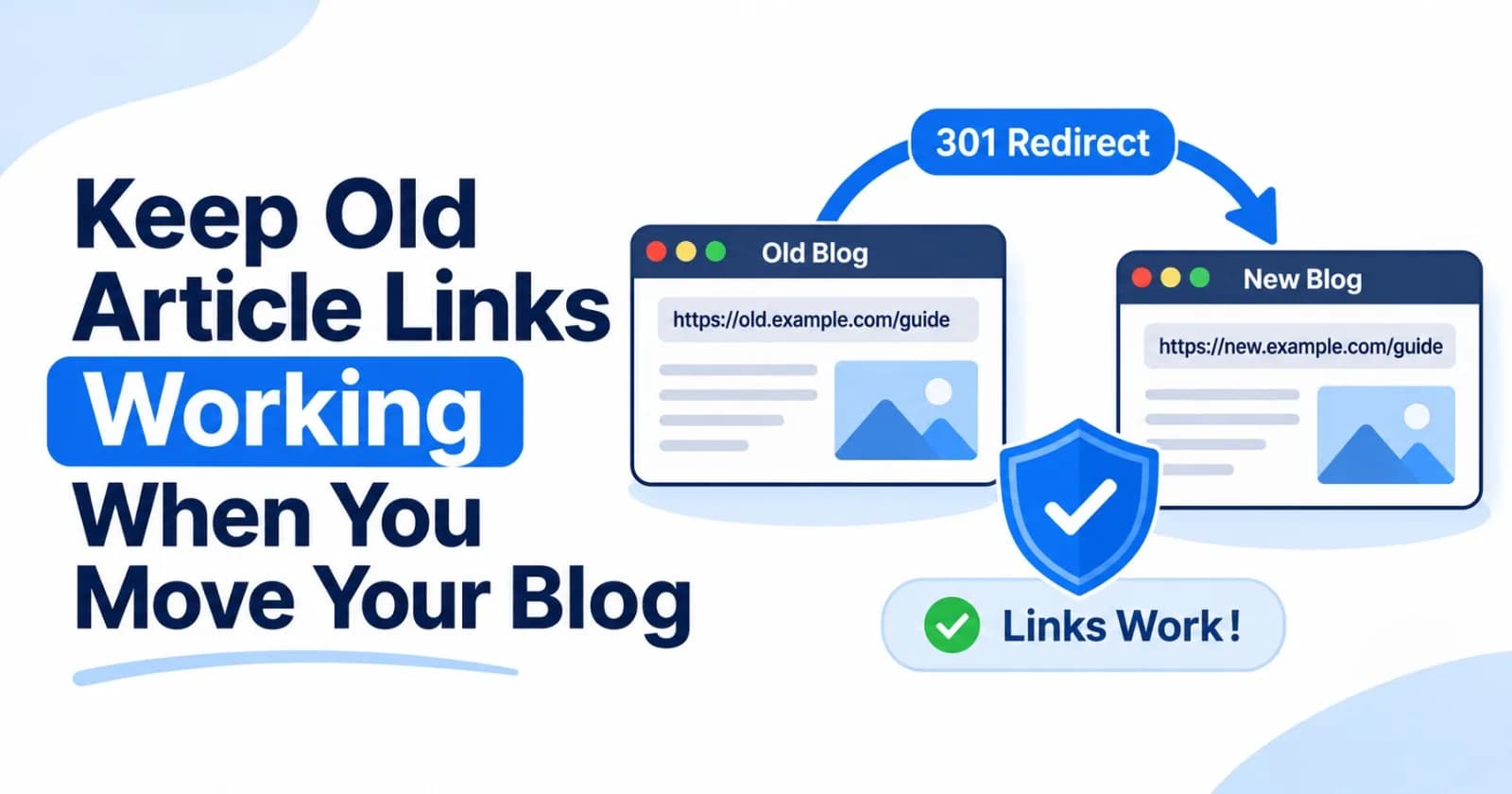
When you move a blog, the articles may arrive safely while their old links stop working. Readers still have bookmarks, newsletters, social posts, and links from other sites that point to the previous URLs. A redirect gives those links a route to the article’s new home.
The work starts before launch: decide which old URL corresponds to which new page, then make sure the redirect runs on the hostname that receives the old request. Here’s a practical way to plan that move with ZyVOP or another publishing setup.
Make a map before changing URLs
Export or collect the old article URLs while the old site is still available. Include the URL path, title, and the destination you plan to use. Add traffic or backlink information if you have it, so you can prioritize pages readers still visit.
Old path | New destination | Plan |
|---|---|---|
|
| Redirect to the imported article |
|
| Redirect to the renamed article |
|
| Redirect only if the new page serves the same intent |
Prefer a direct, relevant destination for each article. Avoid sending every old URL to the new homepage: a reader who clicked a database guide expects that guide, not a generic landing page. Google’s site-move guidance also recommends mapping old URLs to their corresponding new URLs and avoiding irrelevant redirects. Google Search Central: Site moves with URL changes
If an old article has no equivalent and you are not keeping it, leave it unavailable or show a clear retired page instead of inventing an unrelated destination. Google recommends returning 404 or 410 for content that is not moving to the new site.
Decide where the redirect must run
A redirect can only answer a request that reaches the server or platform handling that hostname. This makes the domain decision important:
Keeping the same hostname: If
blog.example.comwill now point to the new publication, its path redirects can be handled there.Changing hostnames: If you move from
old.example.comtonew.example.com, keep the old hostname active and configure it to redirect requests to the matching pages on the new hostname. A redirect rule configured only onnew.example.comcannot receive a request sent toold.example.com.
In ZyVOP, Publication URL redirects run on requests that reach an active custom publication domain. Custom-domain hosting and redirects require Founding Pro. ZyVOP’s separate article migration setting controls how ZyVOP network URLs behave; it does not automatically translate paths from an older CMS. If you change hostnames, arrange the old-host redirect with the service that still receives traffic for the old domain, such as the previous host or a domain proxy.
Choose exact rules or a safe pattern
Use an exact rule when an individual article’s new slug differs:
/engineering/queue-retries → /distributed-retriesA wildcard can save time when a whole section keeps the same path pattern:
/old-guides/* → /guides/:splatOnly use a pattern when it maps every matching path correctly. If old slugs were renamed inconsistently, create exact rules for those articles instead. ZyVOP supports exact paths, one wildcard, optional query matching, relative or HTTP(S) destinations, and status codes 301, 302, 307, and 308. A path-only rule preserves an incoming query string when its destination does not specify one. See ZyVOP Domains & Routing for the current behavior and limits.
Select a status that matches the move
For an article that has permanently moved, use a permanent server-side redirect. ZyVOP defaults custom path redirects to 301; it also supports 308. Use a temporary status such as 302 or 307 only when the change is genuinely temporary. Google Search Central recommends permanent HTTP redirects such as 301 and 308 for permanent URL changes, while noting that search visibility can fluctuate as a move is processed. Google Search Central: Redirects and Google Search
Avoid chains such as:
/old-article → /renamed-article → /new-section/renamed-articlePoint the old path straight to the final destination. This reduces extra requests and makes the redirect map easier to maintain.
Configure and test the rules
Once the new publication is live on its custom domain, open Publication → Domain & Routing → Redirects and add the rules from your map. ZyVOP checks relative-path rules for circular chains, blocks reserved system paths, and lets you edit, disable, or remove rules later.
Test representative URLs before sharing the new site:
Open each important old link and confirm it reaches the intended article.
Check the HTTP status and
Locationheader, not just the final page in a browser.Test wildcard examples at the beginning, middle, and end of the pattern’s expected range.
Try links with query parameters if campaigns or readers depend on them.
Confirm the destination loads directly and does not redirect again.
You can inspect a response with curl, replacing the example with an old URL you control:
curl -sS -D - -o /dev/null "https://blog.example.com/2022/09/cache-guide"The response should show the intended permanent status and destination. Also update internal links in navigation, series pages, and recent articles so your own site points directly to the new URLs. Update links you control elsewhere too, such as author profiles, newsletters, and social bios.
Keep redirects and canonical signals consistent
Redirects and canonical URLs do different jobs. A redirect sends a visitor from one URL to another; a canonical declaration identifies the preferred URL when content is available at multiple locations. During a move, update the new article’s canonical URL, internal links, and sitemap so they agree with the destination you want readers to use. ZyVOP’s canonical links guide explains how those signals work and their limits.
After launch, check traffic and crawl errors for both the old and new URLs in your analytics and Search Console properties. If you moved to a different domain or subdomain, submit a Change of Address in Search Console for the old site. Keep the old hostname and its redirects working for as long as you can. Google recommends keeping redirects for at least a year during a site move; from a reader’s perspective, leaving them in place indefinitely is helpful when practical. Redirects can preserve a route to moved content, but they do not guarantee rankings or prevent temporary search changes.
A clean move starts with a useful destination
Import and review the articles first, choose a stable URL for each one, and build the redirect map before switching traffic. Then configure redirects where the old requests actually arrive, test the important paths, and update links you control.
The result is a move readers can follow: old bookmarks still lead to relevant work, and new links point directly to the publication’s current URLs.
Comments(0)
Join the discussion by logging into your account.
No comments yet. Be the first to comment!